VIVOTEK
98 - User's Manual
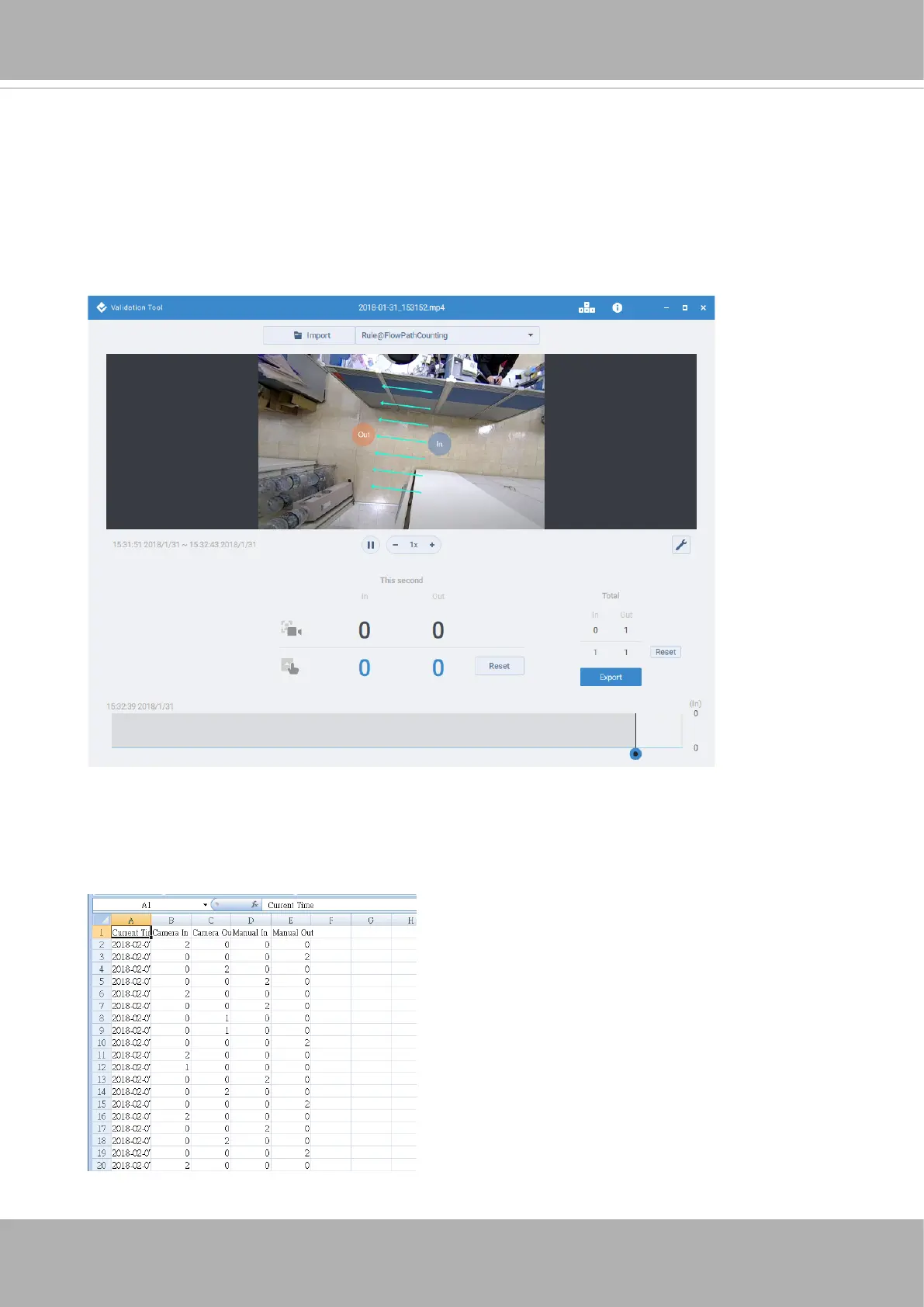
To start validate your stereo count recordings,
1. Import a validation recording.
2. Select a counting rule.
3. Click Manual validate.
4. Use the hot keys listed above to validate the count results.
5. When done with validating the recording, click Export to generate a report le.
The csv report should look like this.
Note that you can click on the the timeline (or activity bar) to move to a specic point in
time.













 To Next Page