2-102 Conference
Features and Operation
STARPLUS STSe - Programming & Operations Manual August 2005
3. Press HOLD to save the entry. A confirmation tone sounds and the display updates.
Flexible button #19 is lit. The display updates to reflect current programming for Page A:
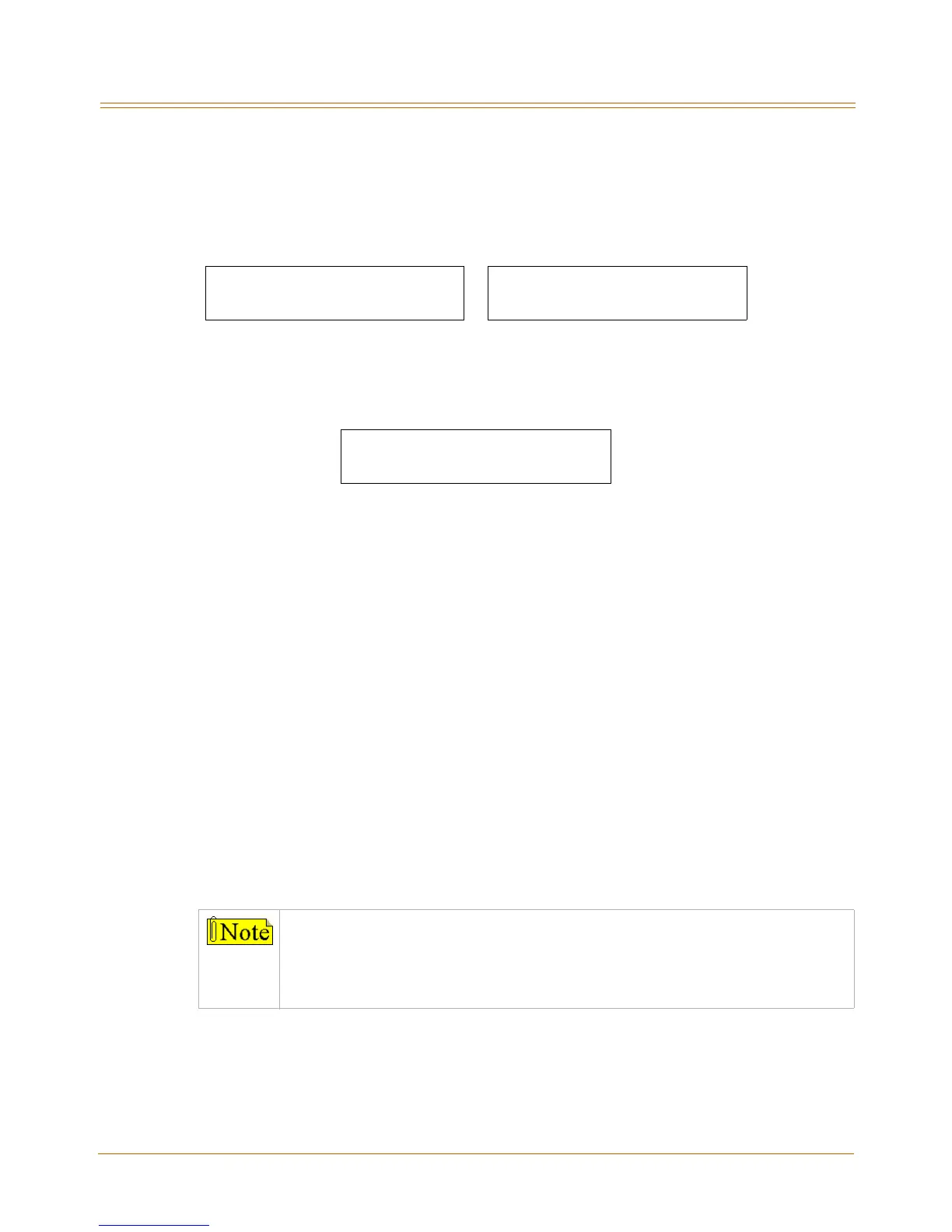
4. Press the CONFERENCE flexible button (Button #3). The following message displays:
5. Enter a 0 or 1 on the dial pad to enable/disable this feature.
[0] = Disabled
[1] = Enabled
6. Press HOLD to save the entry. A confirmation tone sounds.
DEFAULT … Conference is enabled.
Conditions
» Only one station at a time can be programmed when using a flexible station number.
» When in Flash 51 programming, if you press HOLD without specifying a flexible number
to be programmed, you will get the station that is in port/station 100.
Conference / DISA Timer
Description
The Conference/DISA Timer determines the time an unsupervised conference can continue
after the initiator of the conference has exited.
The Conference/DISA Timer setting is variable from 01-99 minutes. A 00 entry disables the
timer and no automatic disconnect occurs.
Flash 50 - Fixed Numbers Flash 51 - Flexible Numbers
XXX - XXX PAGE A
ENTER BUTTON NUMBER
SXXX PAGE A
ENTER BUTTON NUMBER
XXX-XXX = fixed station range XXX = 3- or 4-digit flexible number
CONFERENCE 0-1
ENABLED
The Conference Timer also allows the system administrator to control the time a
DISA caller is allowed after establishing a Trunk-to-Trunk call. At the expiration of
the Conference Timer, a tone is presented to both DISA parties, then one minute
later the system automatically releases both trunks.
The Conference Timer does not affect or control a DISA-to-Station call.


 To Next Page