2-120 Direct Inward Dialing
Features and Operation
STARPLUS STSe - Programming & Operations Manual August 2005
Preset Forward Timer (Incoming Call to a Destination)
Description
The Preset Forward Timer will begin when a call is routed via the route table. If the timer
expires before a ringing destination answers, the call will forward to the appropriate
destination as programmed in Flash 43, Buttons #2-4.
Programming Steps
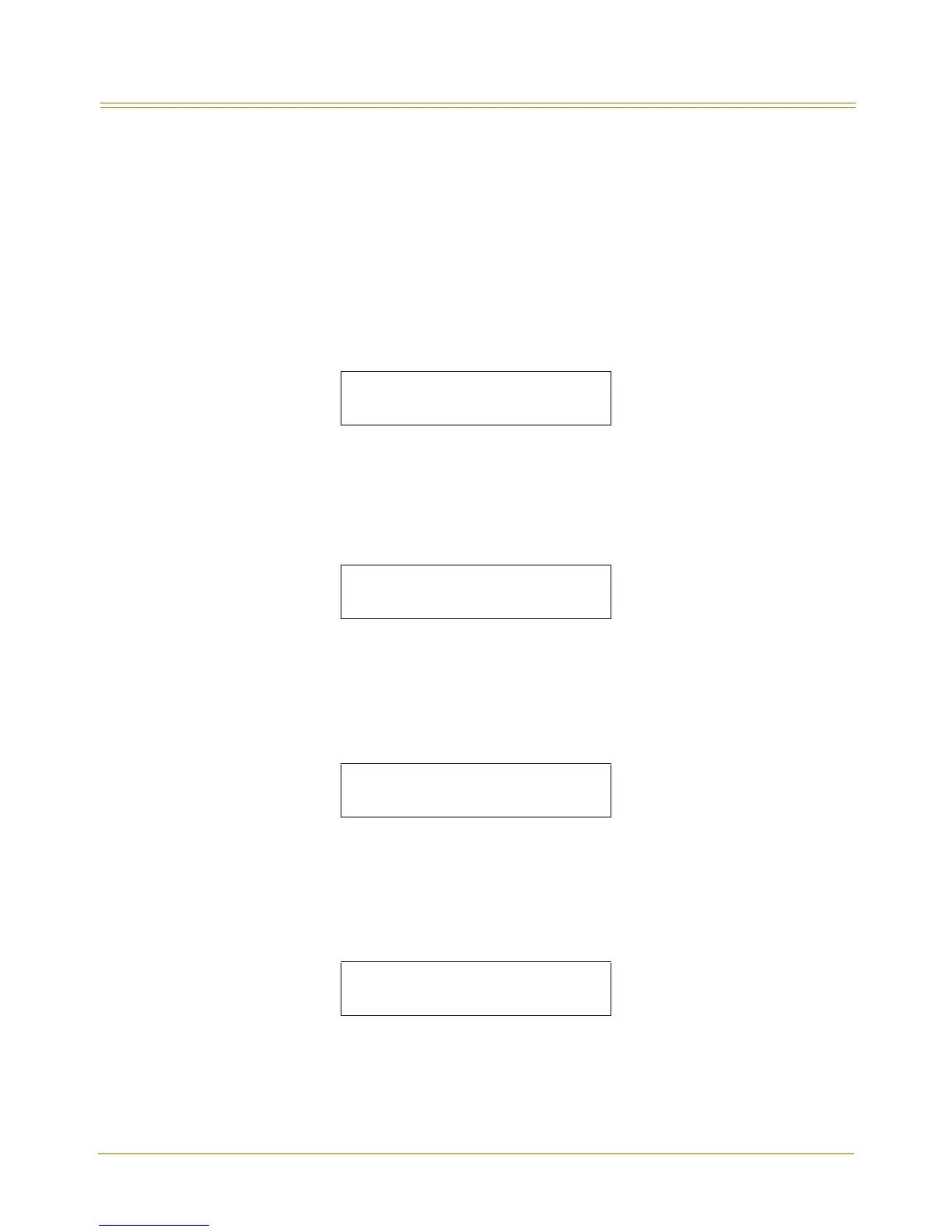
1. Press FLASH and dial [43]. The Button #1 LED is illuminated and the following message
displays:
000 = Route Number ( 000-251)
DDDD = 3- or 4-Digit Ringing Destination Number
R = Ringing Type
2. Enter a valid number for the route to be programmed.
3. Press the PRESET FWD DAY TMR flexible button (Button #6). The following message
displays:
4. Enter valid number on dial pad which corresponds to 00–99 seconds.
5. Press HOLD to save the entry. A confirmation tone sounds and the display updates.
DEFAULT … Preset Forward Day Timer is set at 10 seconds.
6. Press the PRESET FWD NGT TMR flexible button (Button #11). The following message
displays:
7. Enter valid number on dial pad which corresponds to 00–99 seconds.
8. Press HOLD to save the entry. A confirmation tone sounds and the display updates.
DEFAULT … Preset Forward Night Timer is set at 10 seconds.
9. Press the PRESET FWD SPL TMR flexible button (Button #12). The following message
displays:
10. Enter valid number on dial pad which corresponds to 00–99 seconds.
11. Press HOLD to save the entry. A confirmation tone sounds and the display updates.
DEFAULT … Preset Forward Special Timer is set at 10 seconds.
ROUTE 000 DDDDRR
PRESET FWD DAY TMR 00-99
10
PRESET FWD NGT TMR 00-99
10
PRESET FWD SPL TMR 00-99
10


 To Next Page