Direct Inward Dialing 2-127
Features and Operation
STARPLUS STSe - Programming & Operations Manual August 2005
Initialize DID-TIE Parameters
Description
The DID-TIE Parameters and Timers may be initialized, setting all data fields to their original
default values.
Programming Steps
1. Press the DID-TIE PARAMETERS flexible button (FLASH 80, Button #13). The following
message displays:
2. Press the HOLD button. A confirmation tone sounds.
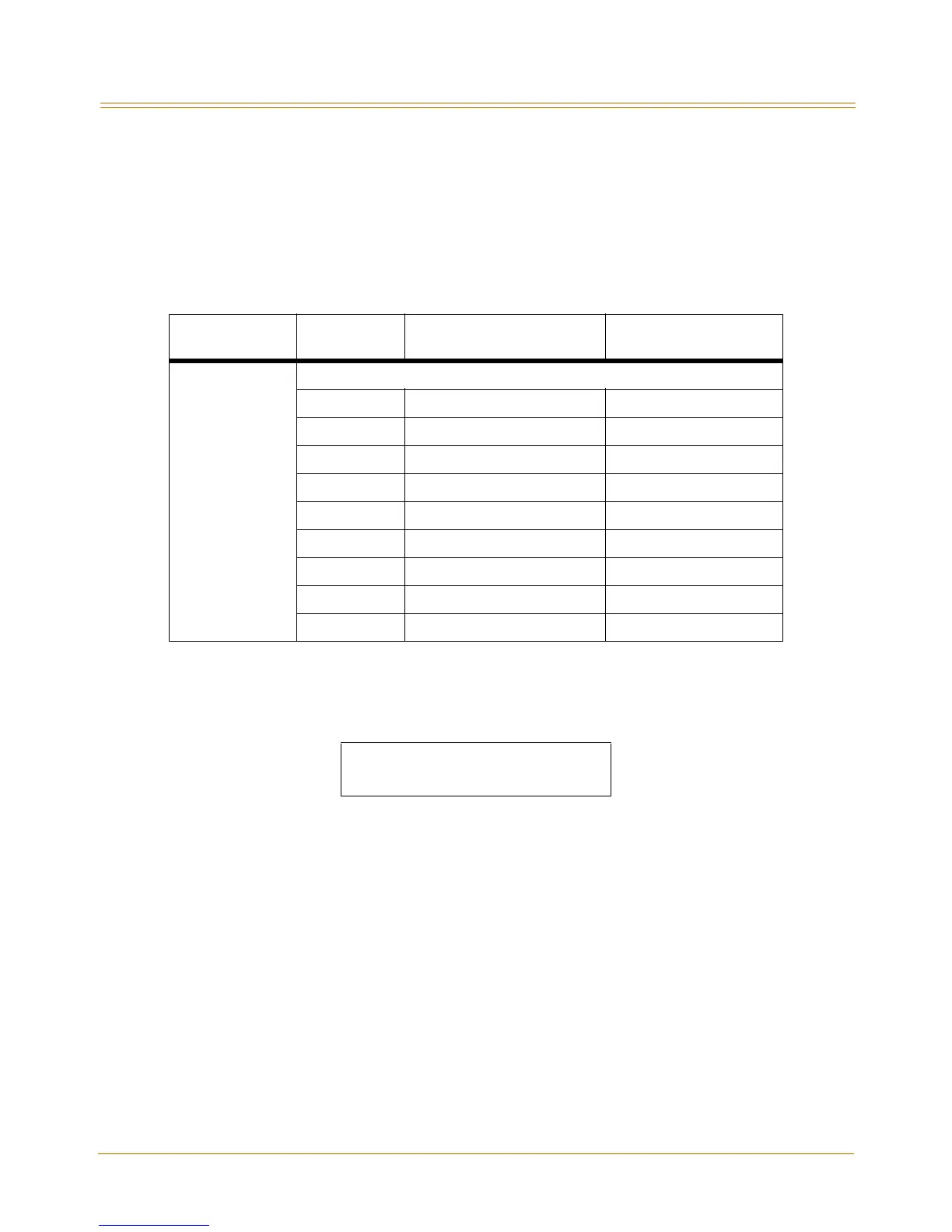
Table 2-8: DID-TIE Parameter Defaults
Program Code
Flexible
Button
Features
Default Value
(after initialization)
FLASH 41 MISCELLANEOUS CO PARAMETERS
1 Dial Pulse Parameters 60/40 10 pps
3DID Digits 3
5DID Incoming Signal DTMF
6T-1 Incoming Signal DTMF
7 T-1 Framing Type D4SF-AMI
8 LCOB Loop Length 1=Long
9 Display PRI Name 0=Disabled
11 CO Tolerance Enabled
12 Shared Tenants CO Disabled
INITIALIZE DID-TIE TMRS
PRESS HOLD



 To Next Page