2-136 Directory Dial
Features and Operation
STARPLUS STSe - Programming & Operations Manual August 2005
To clear an entry:
1. Press the CLEAR flexible button (Button #3).
2. Press HOLD to save the entry. A confirmation tone sounds and the display updates. The
entry is erased (both the BIN/ICM assignment and the programmed name).
Clear – Entries in the table may be erased and cleared which allows placement of another
entry into the list. When a system speed dial bin is deleted or changed, the name
associated to the bin must also be erased. When a multiple table listing is associated to
one system speed dial bin it may be necessary to clear more than one entry.
Operation
To view the Directory List:
1. Dial the Directory List dial code [680] on the dial pad,
-or-
Press flexible button programmed as a directory dialing button.
-or-
Use the Soft Key’s DIR-DIAL option when in an idle condition.
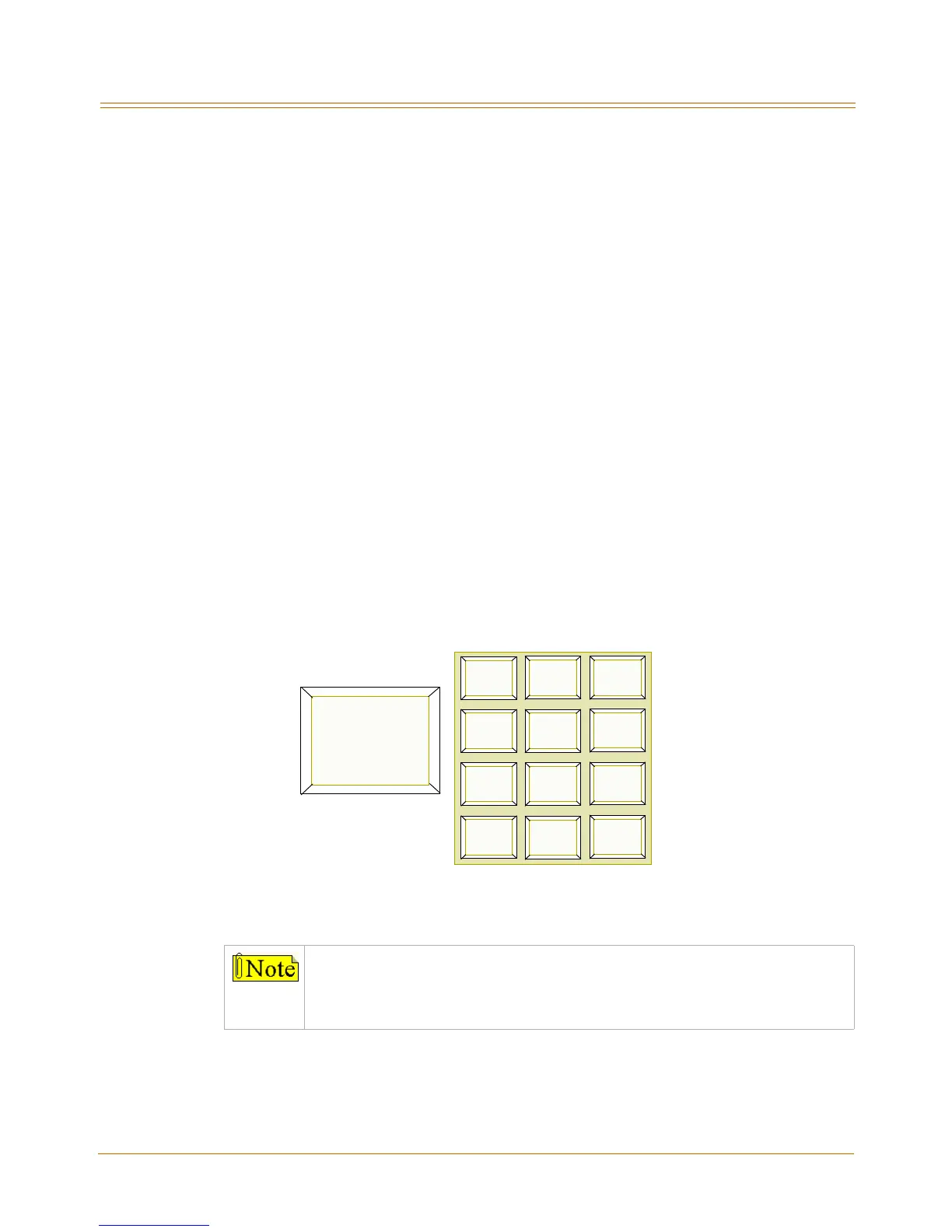
2. Press a button on the keypad, once, twice or three times, that represents the letter of the
alphabet to begin viewing the list of names (e.g., when 2 is first pressed, it produces
names starting with A. When 2 is pressed a second time, names that start with B display.
Pressing 2 a third time displays names that start with C). The alphabet is represented on
the keypad as shown below.
Figure 2-8: Directory Dialing Keypad Map
Names beginning with the letter chosen display on the LCD display.
If there are no names in the Directory List beginning with the desired letter, a
name with the next higher letter displays on the LCD display.
The letters “Q” and “Z” are not marked on many telephone keypads; however,
the illustration above shows the correct keys used to access these letters.
1
A B C D E F
G H I J K L M N O
T U V
*
#
0
23
456
789
W X Y ZP Q R S
O P E R
A = 2
B = 22
C = 222



 To Next Page