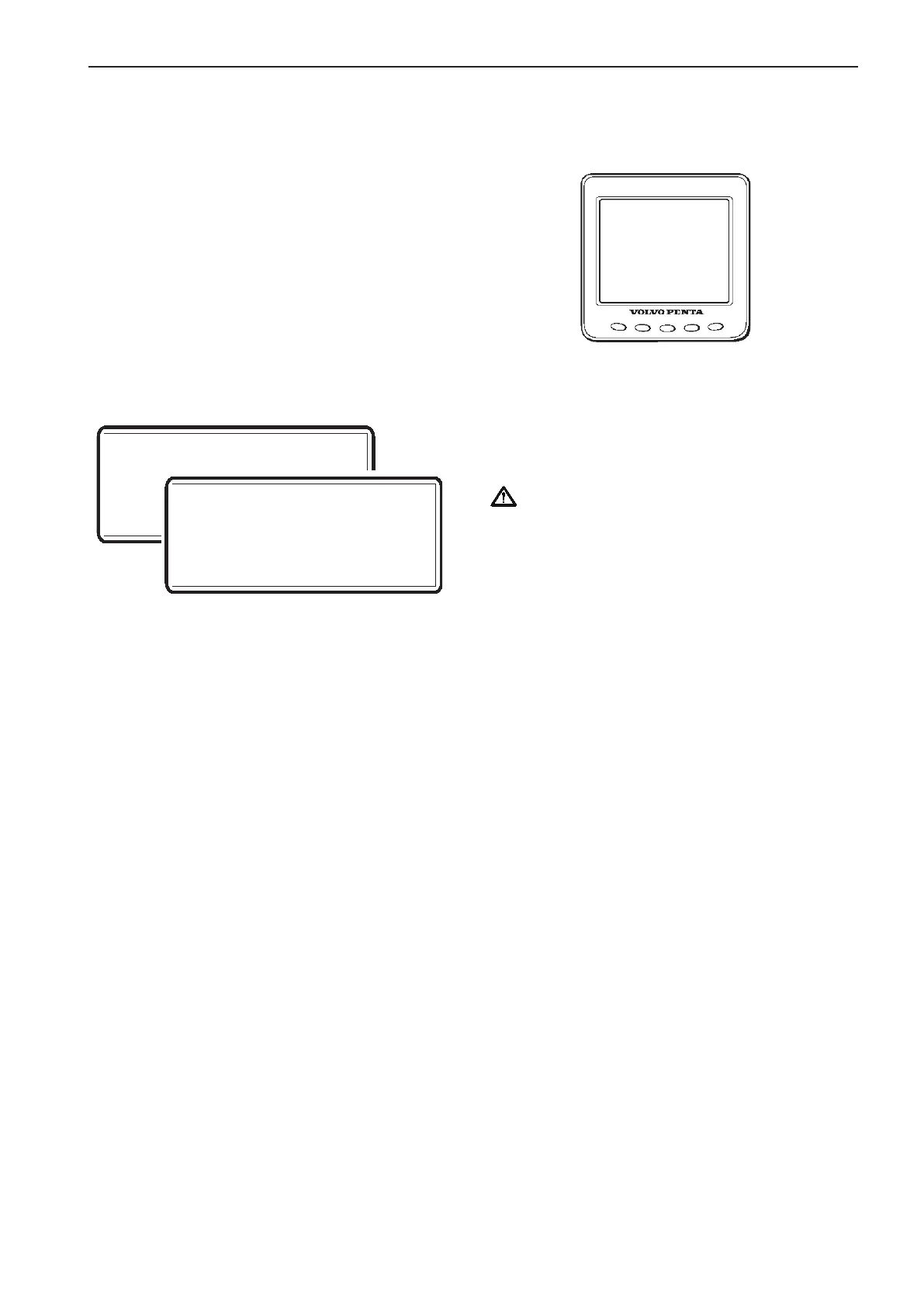
PT?
SB?
Tachometer configuration
Perform step 5–7 for single installation alt. step 8–10
for twin installation.
Single installation (step 5–7)
5. The tachometer display will read “PT?”.
Confirm by pushing NAVIGATION WHEEL.
6. Wait until “PTIS” disappears from tachometer
display and MAIN MENU appears.
7. Auto configuration is finished.
Twin installation (step 8–10)
8. One of the tachometer displays will read “PT?”
(port engine).
If this tachometer is connected to port en-
gine: Confirm by pushing NAVIGATION WHEEL.
If not: Use BACK BUTTON to move “PT?” to the
corresponding tachometer display. Confirm by
pushing NAVIGATION WHEEL.
“PTIS” is shown in display.
9. The other tachometer display will read “SB?”
(starboard engine) Confirm by pushing NAVIGA-
TION WHEEL.
“SBIS” is shown in display.
10. Wait until “PTIS”/”SBIS” disappers from tachom-
eter display and MAIN MENU appears..
NOTE! Additional helm station
Repeat step 5–7 or 8–10 for each additional helm
station.
11. Auto configuration for port engine is finished.
Turn starter key to position 0 (ignition off).
Starboard engine
Repeat step 1–4 for the starboard engine (port en-
gine - ignition off)
NOTE! No information will be presented in the ta-
chometer display window during auto configuration.
The procedure may take several minutes. When
the auto configuration is finished, the system returns
to MAIN MENU (indicated by NEUTRAL BUTTON
LED).
Auto configuration
EVC system display
Auto configuration is the EVC system self-identifica-
tion. Auto configuration should be performed when
the system is started for the first time or after system
updates.
NOTE! A twin installation requires one auto configu-
ration to each engine. Start with port engine.
IMPORTANT! In a twin installation, when using
one combined EVC system display, the display
must be configured as “TWIN” before auto con-
figuration is performed.
In a twin installation. when using two EVC sys-
tem displays, the displays must be configured as
“PORT” resp. “STARBOARD” before auto con-
figuration is performed.
1. Turn starter key to position I (ignition on).
Twin installation: Start with port engine (star-
board engine - ignition off).
2. Enter calibration mode.
3. Push and hold BACK BUTTON and MULTI-
FUNCTION BUTTON until buzzer signal and
LEDs light up.
Release buttons.
4. Self identification and software download starts.
The procedure may take several minutes de-
pending on software download to the EVC sys-
tem display.
NOTE! The EVC system starts to download software
to all tachometers followed by the EVC system dis-
plays. When downloading software no information
will be presented in the displays and all LEDs are off.
If the displays have never been used the text “UP-
LOADING DATABASE” will appear on the displays.
5. When the auto configuration is finished, the sys-
tem returns to MAIN MENU (indicated by NEU-
TRAL BUTTON LED).
Twin installation
Repeat step 1–5 for the starboard engine (port en-
gine - ignition off). When the auto configuration is
finished, the system returns to MAIN MENU (indi-
cated by NEUTRAL BUTTON LED).
85
EVC-C Calibration and settings



 To Next Page