Powertrim calibration
D4, D6
IMPORTANT! Powertrim calibration must be per-
formed. If not, the Powertrim function will not be
activated and the engine(s) can not be started.
NOTE! Side mounted controls with Powertrim
buttons: Lever calibration must be carried out before
the Powertrim calibration is performed. If not, the
Powertrim function will not be activated.
NOTE! It is enough just to calibrate the Powertrim for
one of the helm stations. The EVC system stores the
trim positions.
NOTE! Do not run the engine during Powertrim cali-
bration.
NOTE! Twin installation: The Powertrim for both
drives should be calibrated at the same time.
1. Activate helm station by pushing the ACTIVE
STATION BUTTON.
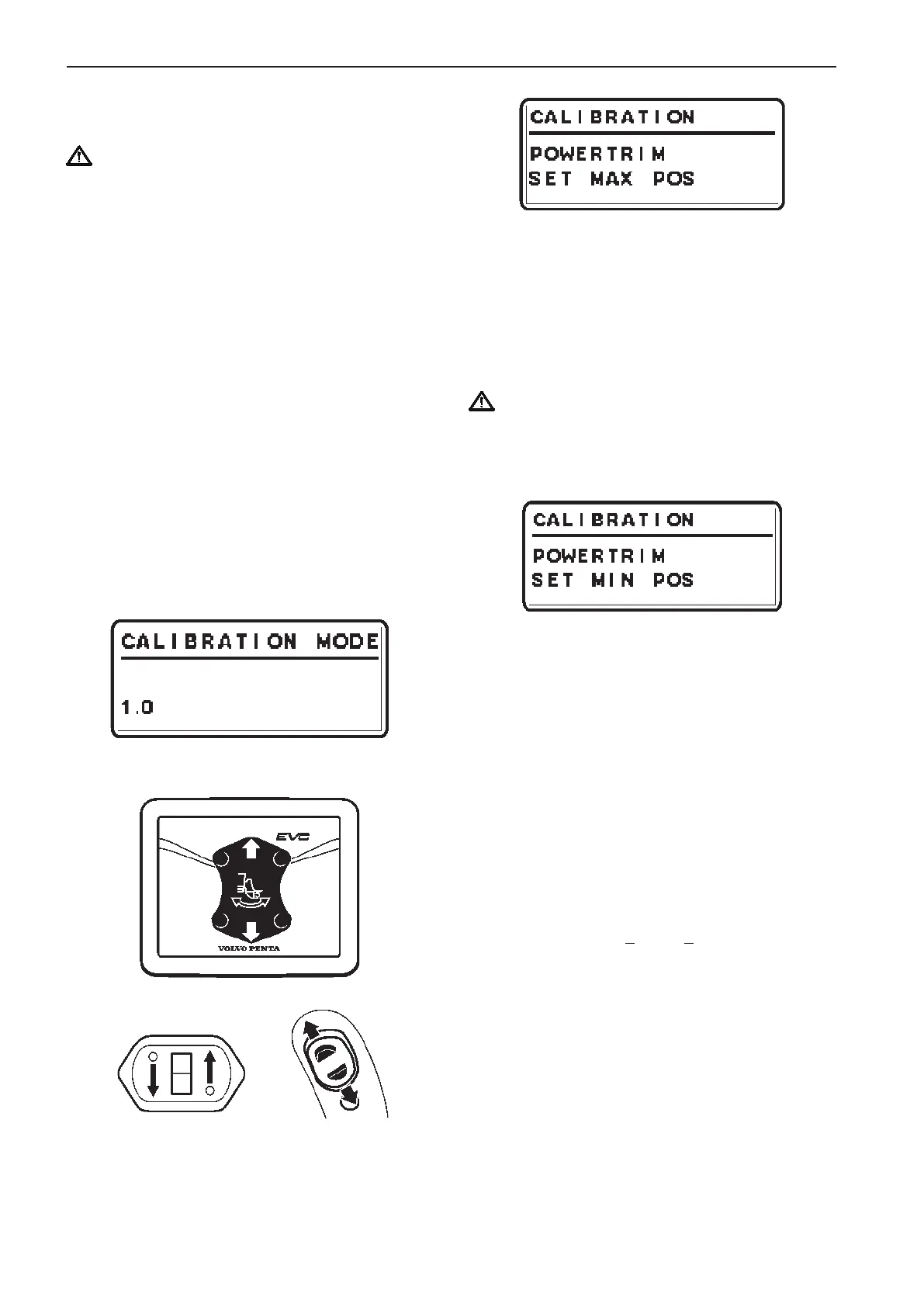
2. Enter calibration mode
Up
Down
Up
Down
3. Push the Powertrim UP button. Pop-up in display
indicates POWERTRIM SET MAX POS.
4. Trim the drive to the desired maximum tilt posi-
tion.
Confirm the position by pushing NEUTRAL BUT-
TON.
IMPORTANT! POWERTRIM MAX POS should
be approx. 100 mm (4") from the physical stop
(bathing platform etc.).
5. Pop-up in display indicates POWERTRIM SET
MIN POS.
6. Push the Powertrim DOWN button and lower the
drive to its lowest position (physical stop).
Confirm the position by pushing NEUTRAL BUT-
TON.
7. Calibration is completed. The system automati-
cally returns to MAIN MENU after a few seconds.
Check transom angle
The factory setting is for a transom angle of 13°.
If the transom angle is > 15° or < 11°, the transom
angle setting must be adjusted. The reason is that the
built-in limits for drive positions will result in undesir-
able offset positions.
NOTE! The adjustment is handled only by the VODIA
tool.
92
Calibration and settings EVC-C



 To Next Page