Operation 4–7
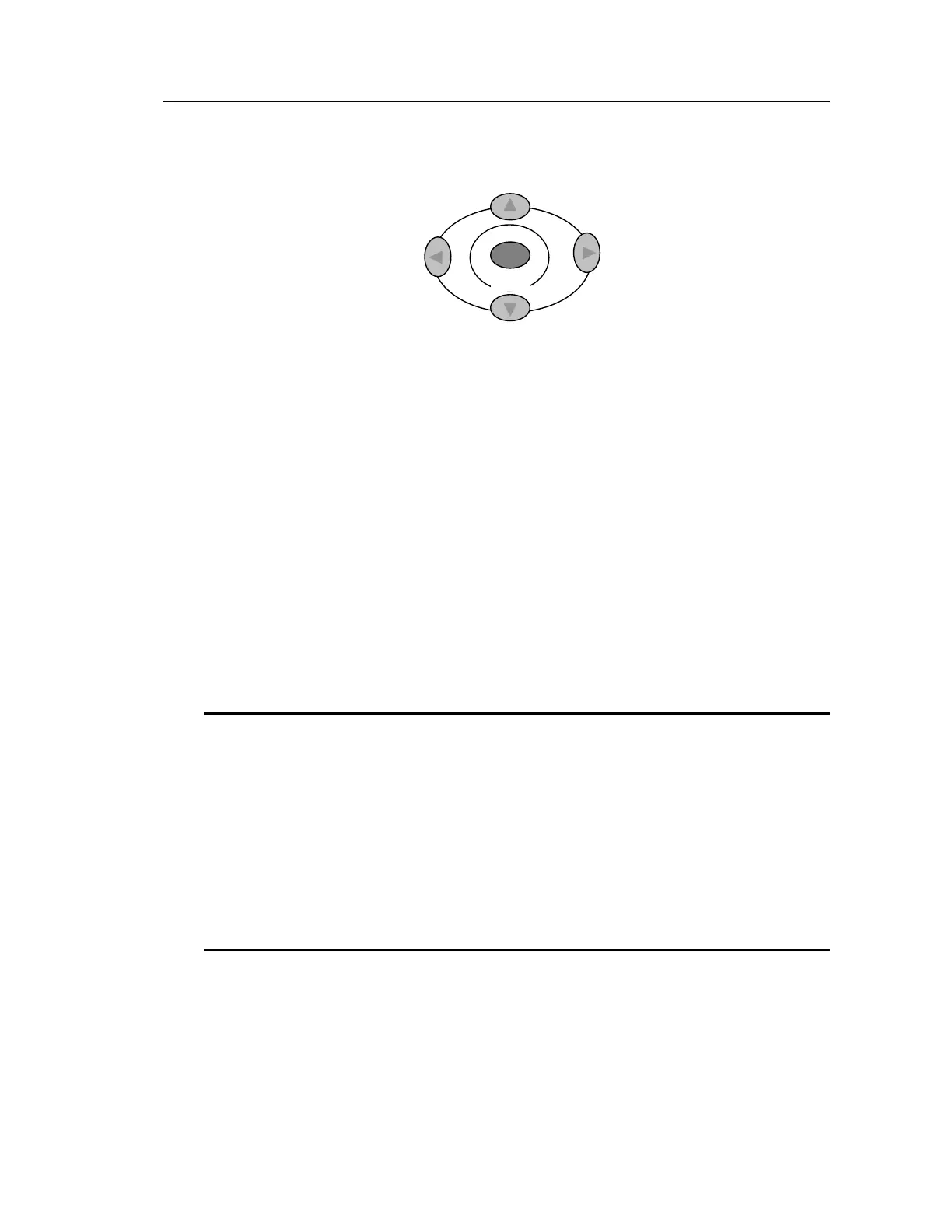
4.2.5 The Navigation Keys
Figure 4-4 The Navigation Keys
When the set up details are showing on the screen, the navigation keys allow each parameter to
be selected in turn. Enter is used to confirm the selected parameter.
4.2.6 The Control Keys
The following keys, all on the front panel, are used as Control Keys.
Bias
Trigger
Sngl/Rep
Bias toggles the DC bias voltage ON and OFF. The associated LED lights when Bias is ON.
Bias is selectable between Internal and External.
WARNING!
Take care to observe the correct polarity when connecting the DUT to the Kelvin clips or
fixture when bias voltage is applied:
For internal bias the DUT +ve must be connected to the fixture Bias terminal or the RED
Kelvin clip.
For external bias, +ve or –ve bias may be applied. The bias polarity at the fixture Bias
terminal or the RED Kelvin clip will correspond to the bias polarity applied to the rear
panel Bias terminals.
Internal bias is available for charging capacitors. Internal Bias supplies a preset 2V DC level
via a rapid charge circuit. When Bias is switched ON, a Charging… message is shown on the
screen. When the message disappears, the bias level has stabilized. When Bias is switched OFF,
a Discharging… message is shown on the screen. When the message disappears, the bias level
has stabilized at 0V.
Enter



 To Next Page