Operation 4–17
4.4.8 Function 2
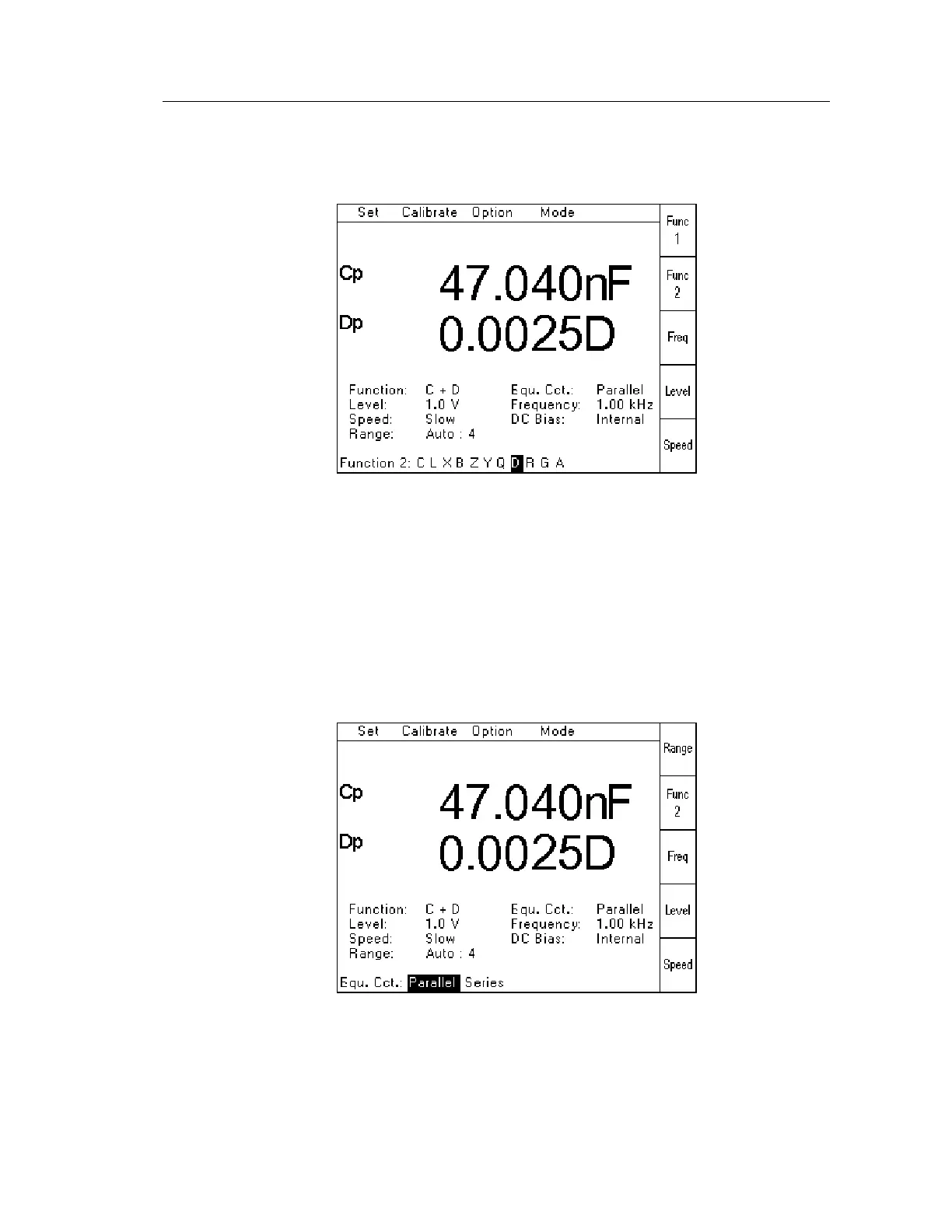
When Function 2 has been selected from the Set Pull Down Menu (or using the Func 2 Soft
Key), the following page will be displayed:
Figure 4-19 Function 2 Selection Page
The required measurement parameter should be selected by using the Navigation Keys to
highlight the appropriate letter, and then press Enter.
The selected parameter will then be displayed using the appropriate letter, followed by either p
or s depending on whether the Equivalent Circuit has been set to Parallel or Series.
4.4.9 Equivalent Circuit
When Equ. Cct. has been selected from the Set Pull Down Menu, the following page will be
displayed:
Figure 4-20 Equivalent Circuit Selection Page
The required Equivalent Circuit should be selected by using the Navigation Keys to highlight
the appropriate setting, and then press Enter.



 To Next Page