Operation 4–25
4.4.18 External Control
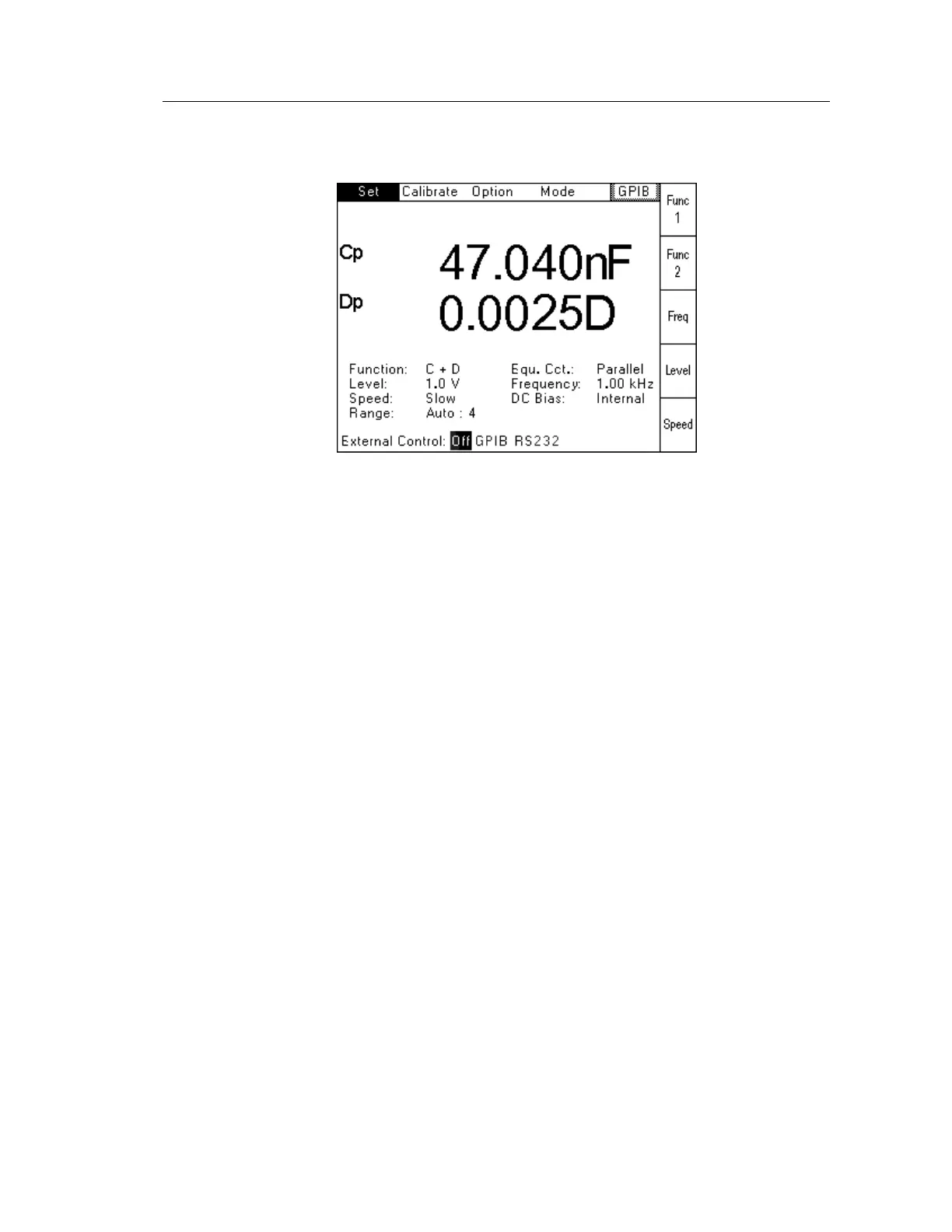
When External Control is selected, the following screen will be displayed:
Figure 4-33 External Control Selection Screen
Off will disable any remote control and return the unit to Local Mode.
GPIB will allow the unit to be controlled using GPIB.
RS232 will allow the instrument to be controlled using RS232.
The active mode (GPIB in this example) will also be displayed in the top right corner of the
screen.
Repeat Trigger cannot be used when External Control is set to GPIB or RS232.
4.4.19 Buzzer
When Buzzer is selected, the internal buzzer will be enabled and sound for every keystroke.
When Buzzer is selected again, this feature will be disabled.



 To Next Page