Operation 4–18
When Parallel has been selected, the Function 1 and Function 2 letters will be followed by
the letter p. When Series has been selected, the letters will be followed by the letter s.
4.4.10 Frequency
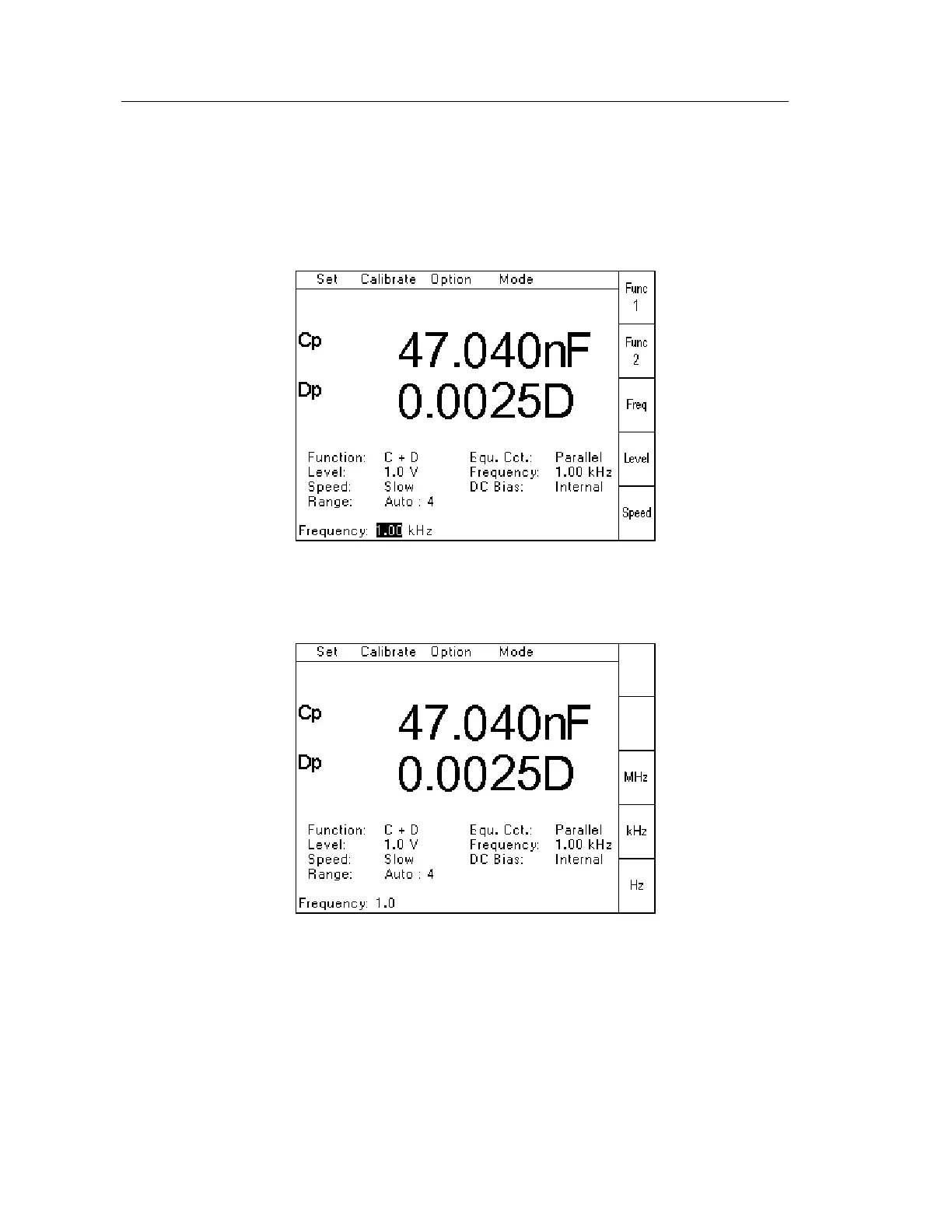
When Frequency has been selected from the Set Pull Down Menu (or using the Freq Soft
Key), the following page will be displayed:
Figure 4-21Frequency Setting Page 1
st
stage
When the first digit of the required frequency has been keyed in, the soft keys will change, as
shown below, to allow the required frequency units to be selected with a single keystroke.
Figure 4-22 Frequency Setting Page 2
nd
stage
Pressing the soft key will also terminate the data entry and return the instrument to the
measurement screen.



 To Next Page