Operation 4–12
4.4.1 Main Menu
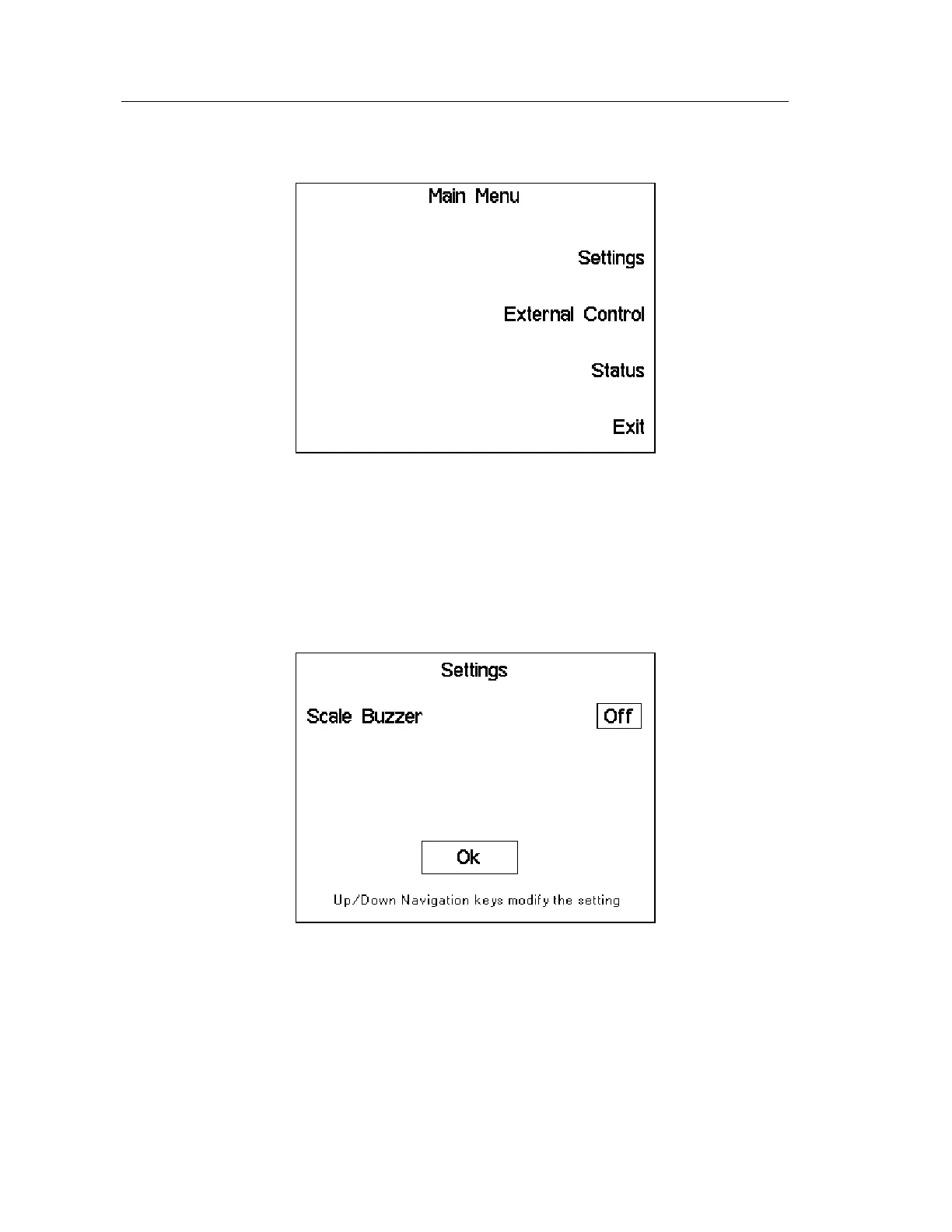
To select the Main Menu page, press the Menu key. The following screen will be displayed:
Figure 4-12 Main Menu Page
The Settings, External Control and Status Pages can be selected by pressing the appropriate
Soft Key. Press Exit to return the display to the Measurement Screen.
4.4.2 Settings Page
The following screen will be displayed when Settings has been selected in the Main Menu
page:
Figure 4-13 Main Menu Page
The Scale Buzzer is used to provide an audio indication when a measurement falls outside one
of the limits set when using the bar graphs – see 4.4.17 Scale. The instrument will beep three
times when a fail condition occurs.
The Scale Buzzer can be toggled from Off to On using the Up Navigation Keys, and from On
to Off using the Down Navigation Key.
Press Enter to return to the Main Menu page.



 To Next Page