Operation 4–23
4.4.16 Option Pull Down Menu
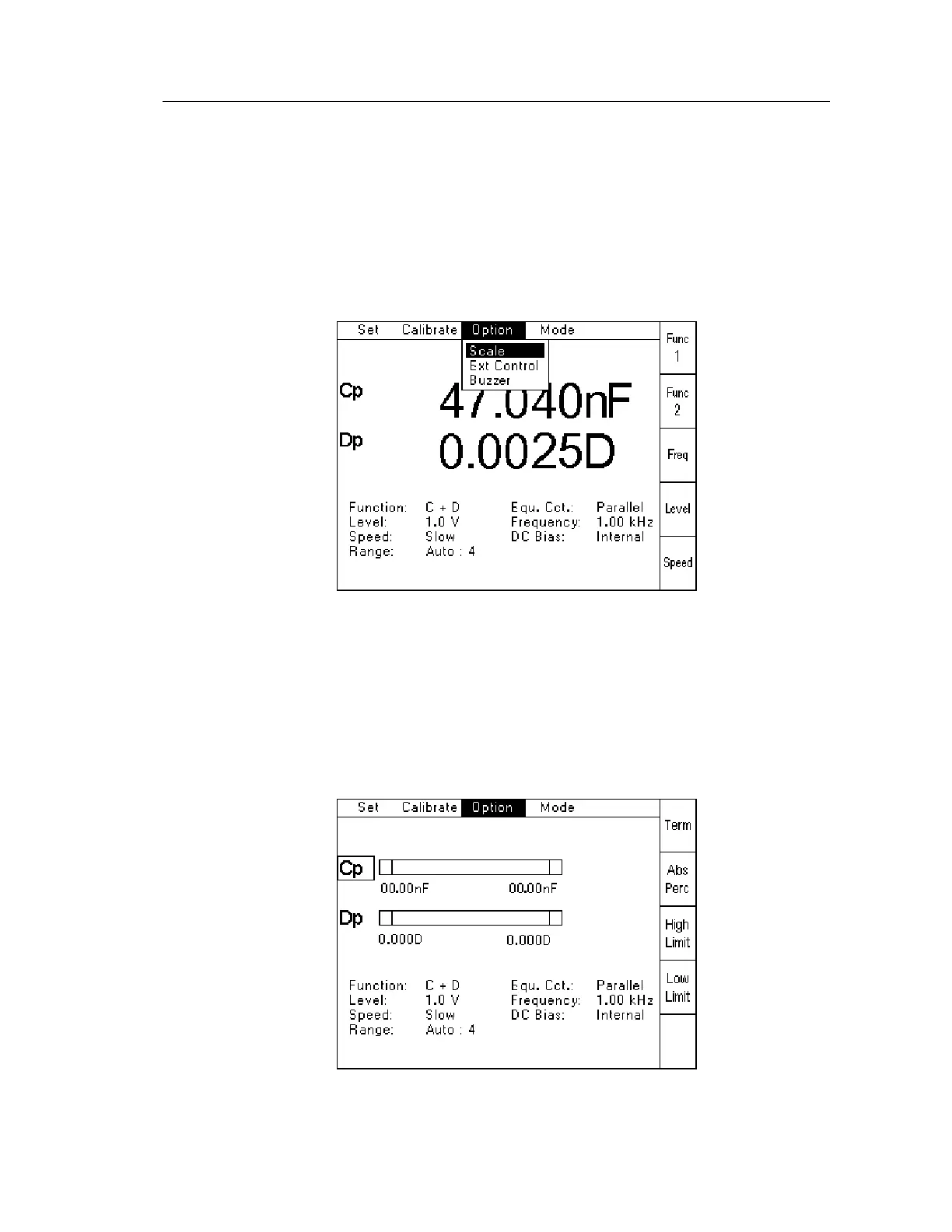
The Option Pull Down Menu allows the following features to be configured:
Scale
External Control (RS-232 or GPIB)
Buzzer
To select the Option Pull Down Menu, use the Left or Right navigation keys to highlight
Option, and then press Enter. The following screen will be displayed
Figure 4-30 Option Pull Down Menu
Use the Up or Down navigation keys to highlight the required feature, and then press Enter.
4.4.17 Scale
Bar graphs for Functions 1 & 2 can be used to graphically show if a measurement is within
limits set by the user.
When Scale is selected, the following screen is shown:
Figure 4-31 Scale Initial Page



 To Next Page