Operation 4–31
The Abs/Perc soft key (Absolute/Percentage) is used to toggle between setting the limits as
either Absolute limits or Percentage limits.
The High Limit soft key is used to enter the HL1 limit. After pressing the High Limit soft key,
enter the required value using the numerical key pad. After entering the first digit for Absolute
Limits, the soft keys will change and offer a variety of multiplier units (as a short cut) for the
parameter being set. For example, when Term1 is C(apacitance), the soft keys will display pF,
nF, uF and mF. Alternative the full numerical value can be entered and then confirmed by
pressing the Enter key.
For example, a limit of 1µF can be entered as either 1 uF or 0 . 0 0 0 0 0 1 Enter.
The Low Limit soft key is used to enter the LL1 limit. This are set in the same way as the High
Limits described above.
The Nom (Nominal) soft key is only displayed when the Abs/Perc soft key is toggled to Perc.
It is used to enter the nominal value which the percentage limits are calculated from. After
pressing the Nom soft key, the nominal value can be entered in the same way as High Limits
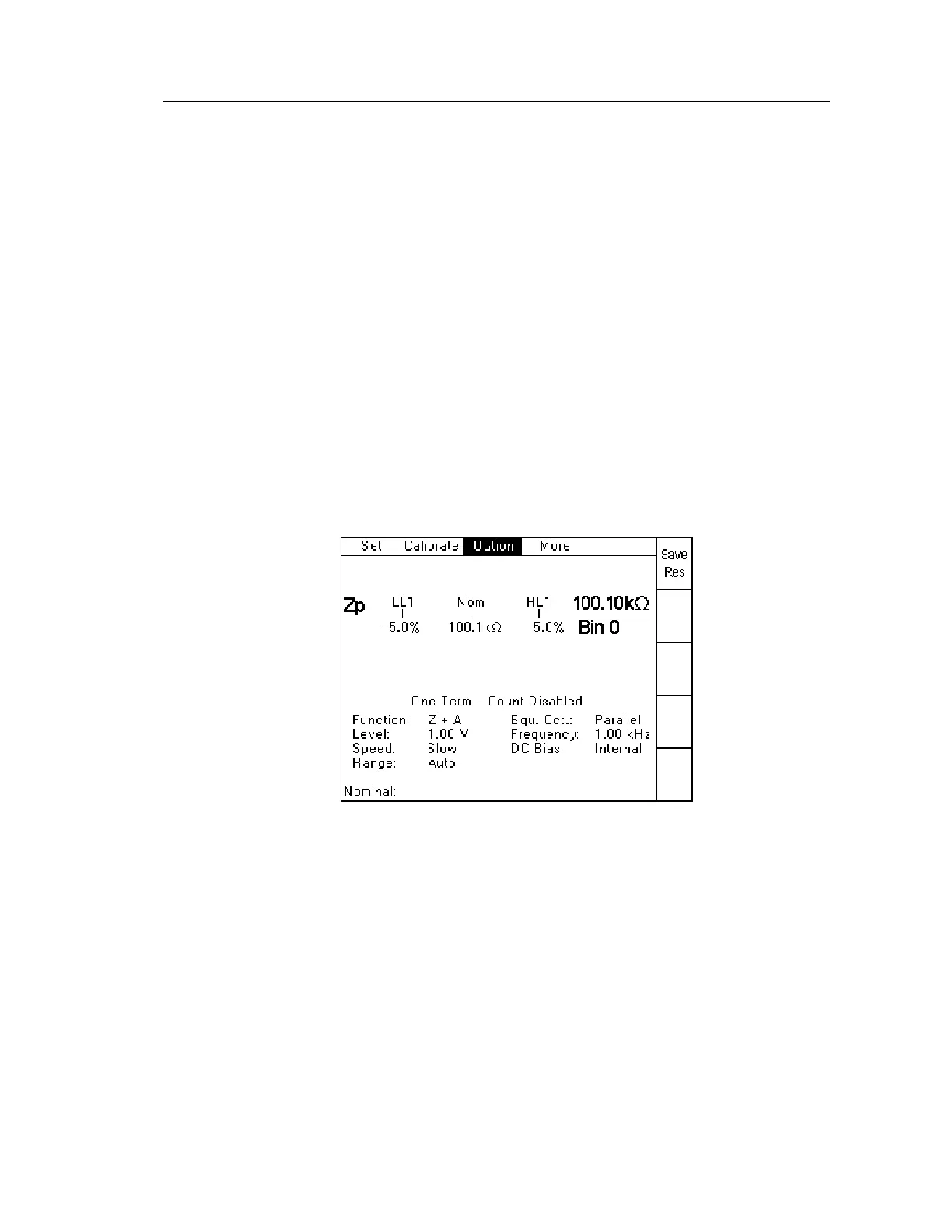
and Low Limits. It is also possible to save the last measurement as the Nominal Value. This
can be done by pressing the Save Res(ult) soft key which appears after pressing the Nom soft
key. When absolute limits are selected, the word “Nom” is still shown on the screen, but is not
used.
Figure 4-44 One Term Save Result screen
When the limits have been set, measurements and binning can be started from either the Sort or
Count screens.



 To Next Page