Operation 4–14
4.4.5 Measurement Screen
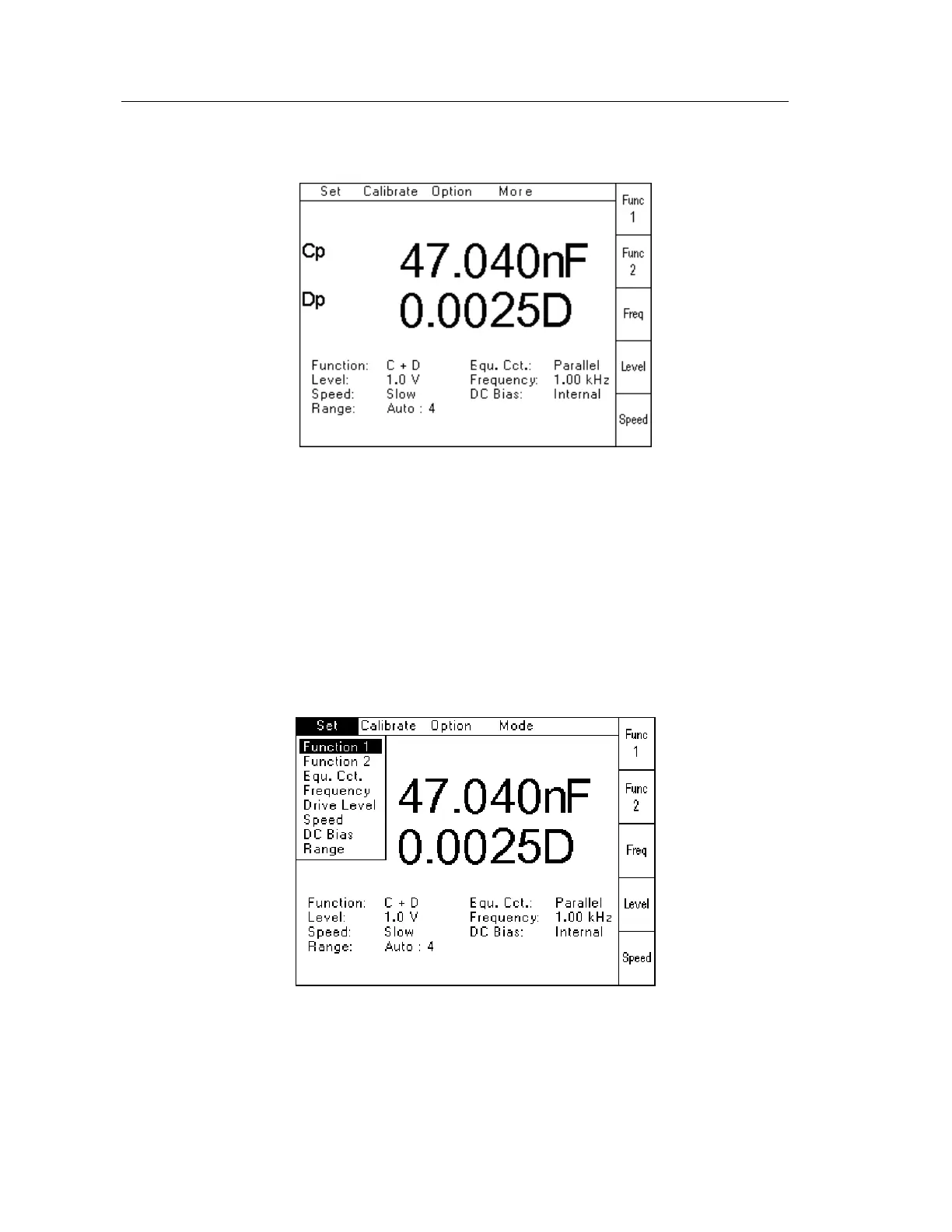
A typical measurement screen is shown below:
Figure 4-16 Typical Measurement Screen
The features described below are all available from this Measurement Screen.
4.4.6 Set Pull Down Menu
The Set Pull Down Menu allows all measurement parameters to be selected and configured. In
addition, Function1, Function 2, Frequency, AC Level and Speed can also be selected in a
single keystroke using the soft keys.
To select the Set Pull Down Menu, use the Left or Right navigation keys to highlight Set, and
then press Enter. If necessary, press the Menu key to activate the top row. The following
screen will be displayed:
Figure 4-17 Set Pull Down Menu and Soft Keys



 To Next Page