Operation 4–20
4.4.12 Measurement Speed
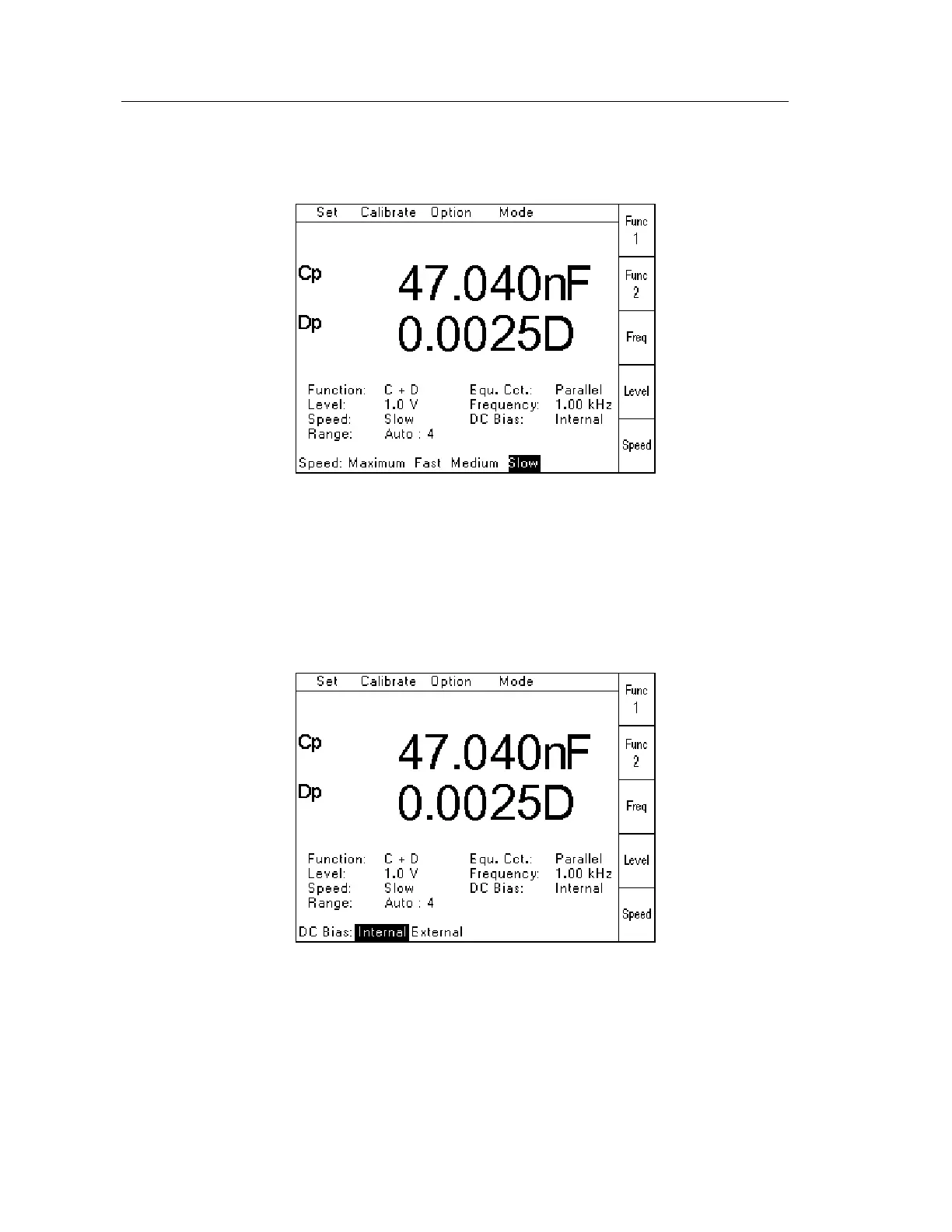
When Speed has been selected from the Set Pull Down Menu (or using the Speed Soft Key),
the following page will be displayed:
Figure 4-25 Measurement Speed Selection Page
The required measurement speed should be selected by using the Navigation Keys to highlight
the appropriate setting, and then press Enter.
4.4.13 DC Bias Voltage
When DC Bias has been selected from the Set Pull Down Menu, the following page will be
displayed:
Figure 4-26 DC Bias Voltage Selection Page
If the Internal DC Bias Voltage of 2V is required, select Internal, and then press Enter.
If the External DC Bias Voltage supplied via the rear panel is required, select External and
then press Enter.
The Bias Voltage is then applied by pressing the Bias button – see section 4.2.6.



 To Next Page