Operation 4–27
Use the Up and Down arrows to scroll through the memory location numbers. Only memory
locations which have setups stored in them will be displayed. When the desired memory
location is shown, use the Left and Right arrows to highlight OK and then press Enter to
recall the setup.
A message reading “Instrument Setup: x”, where x is the memory location number, will be
displayed at the bottom of the screen. This will disappear when the measurement setup is
altered in any way.
4.4.22 Save
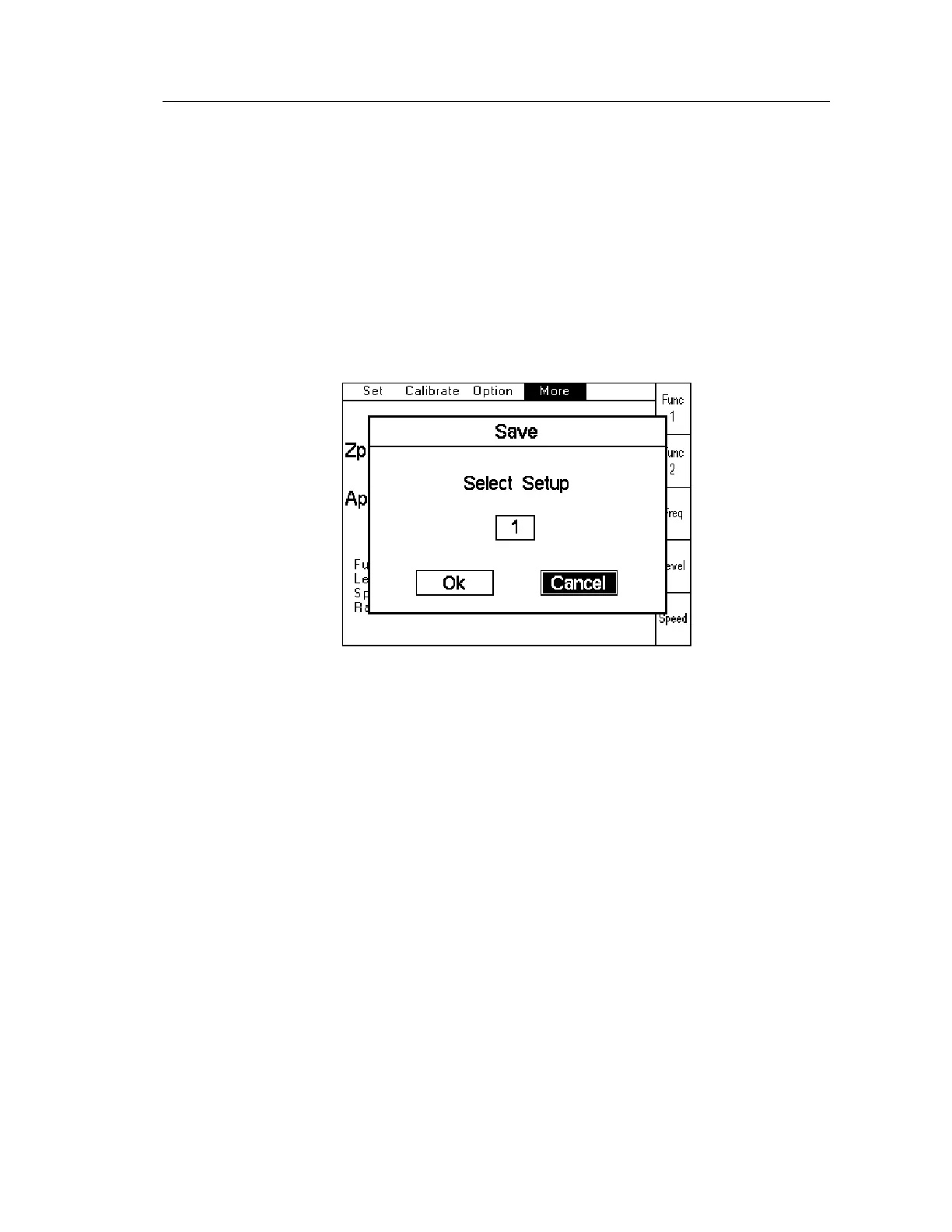
Save allows the current measurement setup to be saved to one of 20 memory locations within
the 4300. When Save is selected, the following screen will be displayed:
Figure 4-36 Save Screen
Use the Up and Down arrows to scroll through all the memory location numbers, including
ones which already have setups stored in them. When the desired memory location is displayed,
use the Left and Right arrow to highlight OK and then press Enter. The instrument will save
the setup to memory.
A message reading “Instrument Setup: x”, where x is the memory location number, will be
displayed at the bottom of the screen. This will disappear when the measurement setup is
altered in any way.
4.4.23 Binning (option)
There are 3 different elements to the 4300 Binning function: Set, Sort and Count.
Set is used to define the Bin Type and set the limits. This must be done before any binning can
be performed.
Sort is used to make the measurements after which the instrument selects the appropriate bin
based on the results.
Count is used to show the total number of items allocated to each bin since the counters were
last reset to 0.
Chapter 6 contains a full explanation of the Binning function and examples.



 To Next Page