Operation 4–28
Bins 0 – 2 (One Term) and Bins 0 – 4 (One Term Dual Limits and Two Term) are used when
valid measurements are made. When measurement produces an O/R (Out of Range) result, the
component will be sorted to Bin 9 (for all three Bin Types). Setting the Range to Auto (see
4.4.14) will minimise the possibility of this happening.
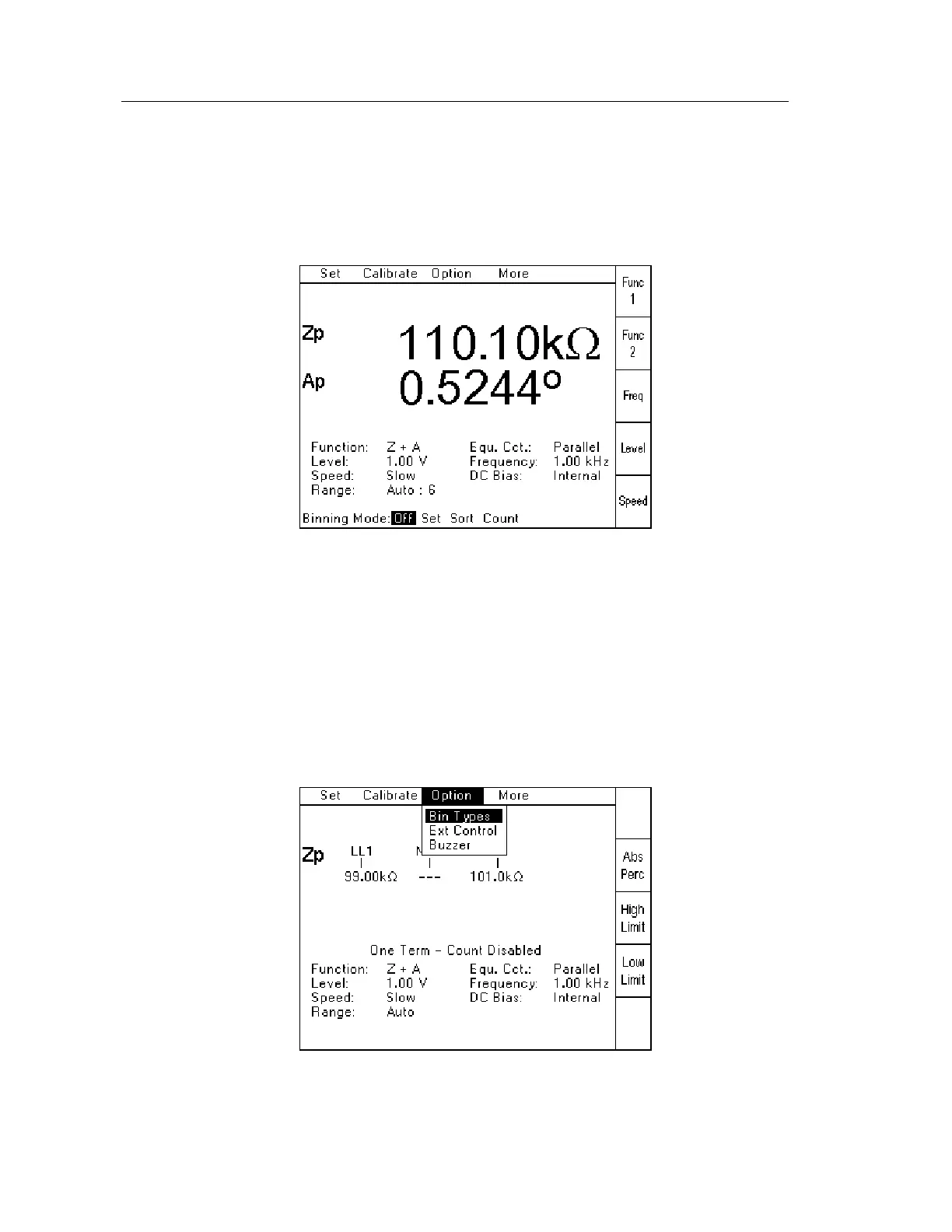
To access Set, Sort, Count and (Binning) Off, select Binning from the More Pull Down
Menu. The following screen will be displayed:
Figure 4-37 Binning Mode screen
Off, Set, Sort and Count can be selected by using the Left and Right arrows until the required
section is highlighted. Press Enter to confirm the selection.
4.4.24 Binning – Set
This section is used to define the Binning Type and limits used to sort. It is accessed in two
steps:
1. Set the Bin Mode to Set as detailed in section 4.4.23 (Binning Overview).
2. Select Bin Types from the Option pull-down menu, as shown below:
Figure 4-38 Bin Types screen
Press Enter to confirm. This will cause the last used Binning Type and limits to be displayed.



 To Next Page