Operation 4–16
Speed
This allows the measu
rement speed to be selected from the following
choices:
Maximum
Fast
Medium
Slow
Speed can also be selected using the Soft Key labeled Speed.
DC Bias
This allows a DC Bias Voltage to be applied to the Device Under Test.
The DC Bias can be either 2V (i
nternal) or ±40V when supplied from an
external DC power supply.
Range
This allows the measurement hardware range used by the instrument to be
set to either Auto or a fixed range.
4.4.7 Function 1
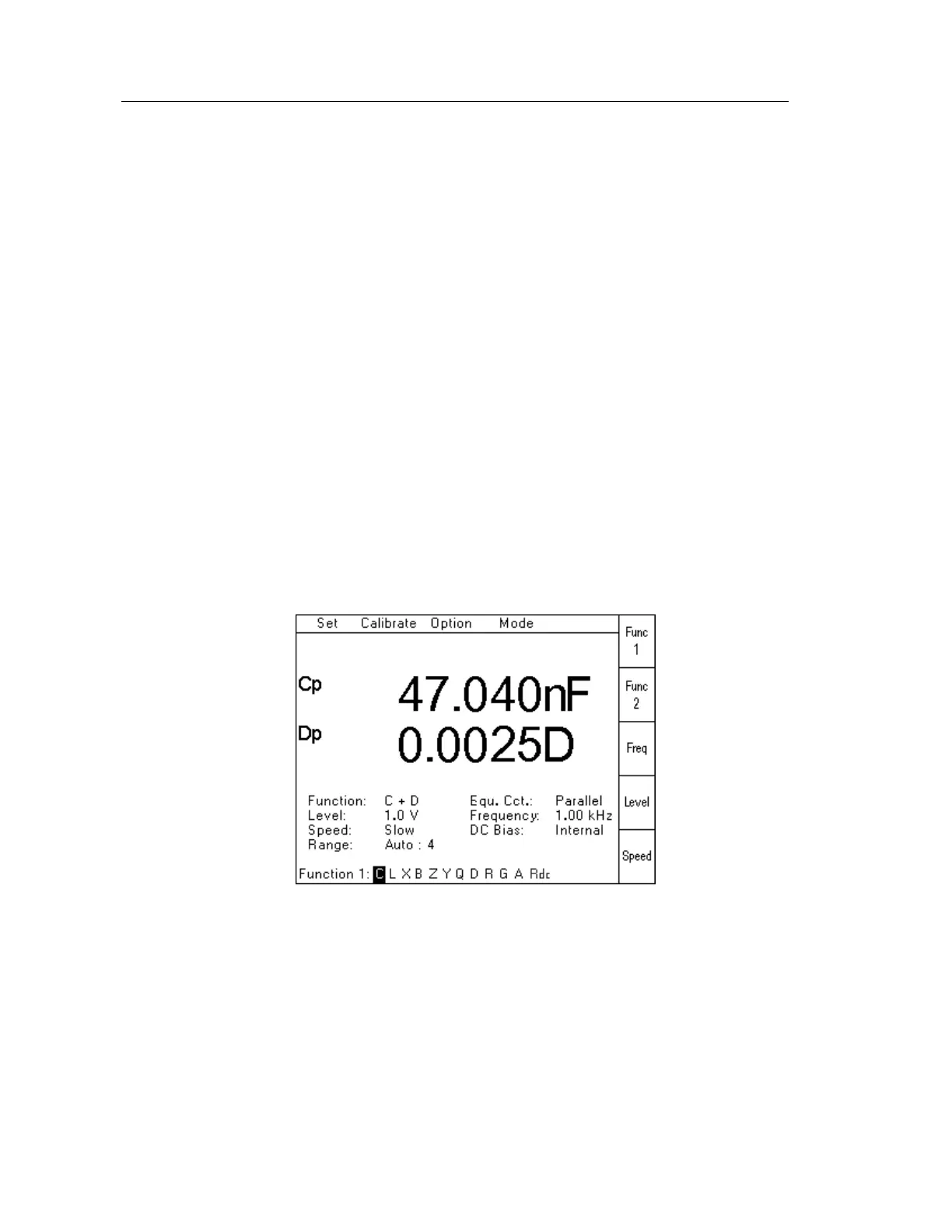
When Function 1 has been selected from the Set Pull Down Menu (or using the Func 1 Soft
Key), the following page will be displayed:
Figure 4-18 Function 1 Selection Page
The required measurement parameter should be selected by using the Navigation Keys to
highlight the appropriate letter, and then press Enter.
The selected parameter will then be displayed using the appropriate letter, followed by either p
or s depending on whether the Equivalent Circuit has been set to Parallel or Series.
Rdc will only be displayed when this option has been fitted to the instrument.



 To Next Page