Operation 40075165 Markoprint integra PP108
Page 64 of 104 GB
Load print image with a USB-Stick
Needed tools
USB-Stick
Requirements
The used USB stick was connected for an initialization to the Markoprint integra
PP108 print system.
The print image, created with the iDesign Software, is transferred to the USB
stick.
Instruction
Please load the print image from the USB-Stick to the memory of the Markoprint integra
PP108 print system:
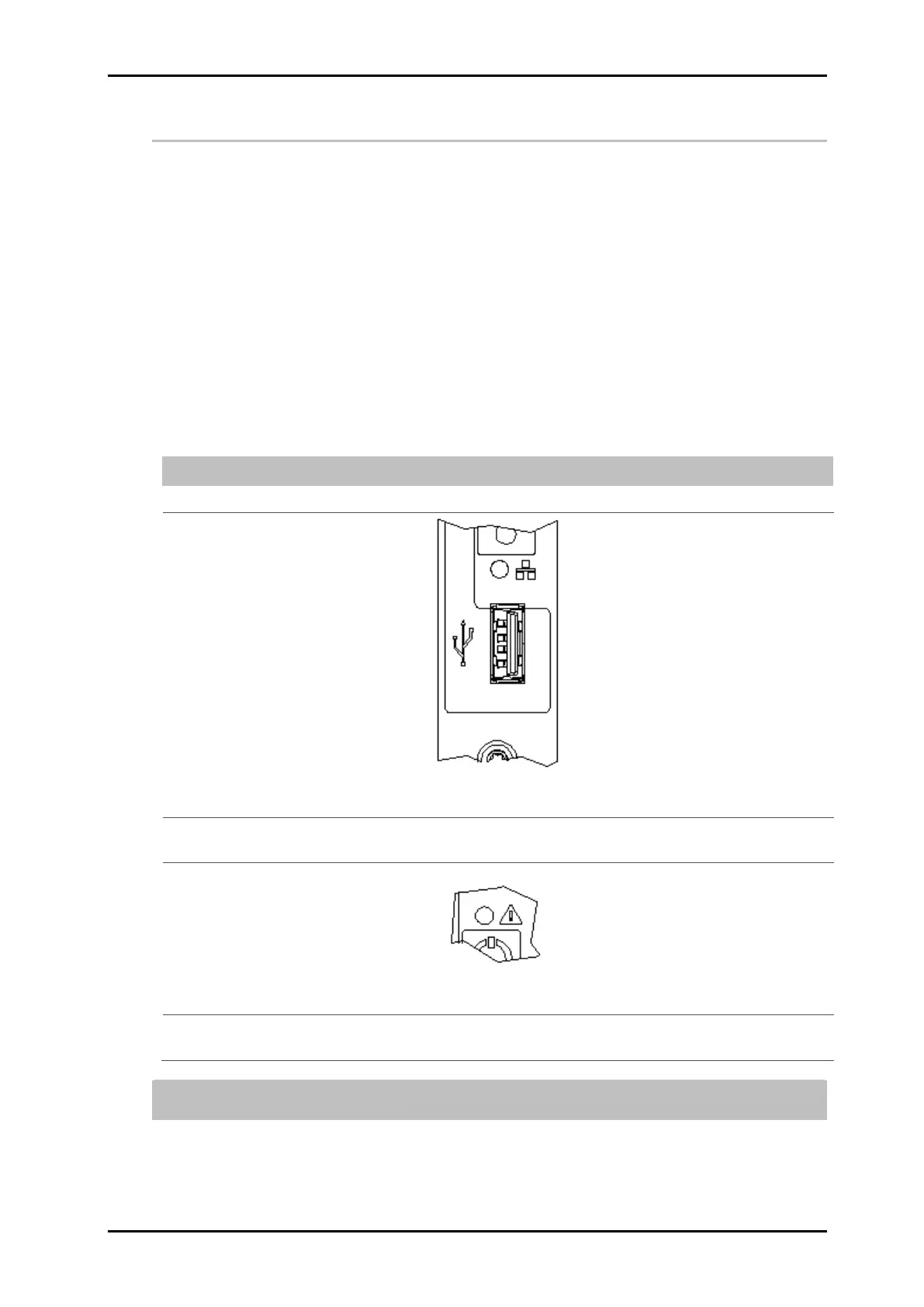
Connect the USB-Stick to the USB-socket on the top of the print system.
Fig. 28: USB-A socket on the top side of the system
Wait until the data exchange is completed. The STATUS LED flashes during
the data exchange and lights constant after finishing.
Fig. 29: STATUS-LED on the top of the system
Remove the USB-Stick from the print system (2 seconds after the LED
flashes constantly).
If the USB-stick is removed early or during data transfer, it can happen a data loss
or the USB-stick can damaged.



 To Next Page