Disassembly 40075165 Markoprint integra PP108
Page 82 of 104 GB
Disassembly of print head
Sachschäden durch unsachgemäße Demontage!
Auslaufende Tinte, die mit der Elektronik in Berührung
kommt, kann zu Sachschäden führen.
Instruction
Please disassemble the Markoprint integra PP108:
Shut down and switch off the system.
Remove power cable and all other connections
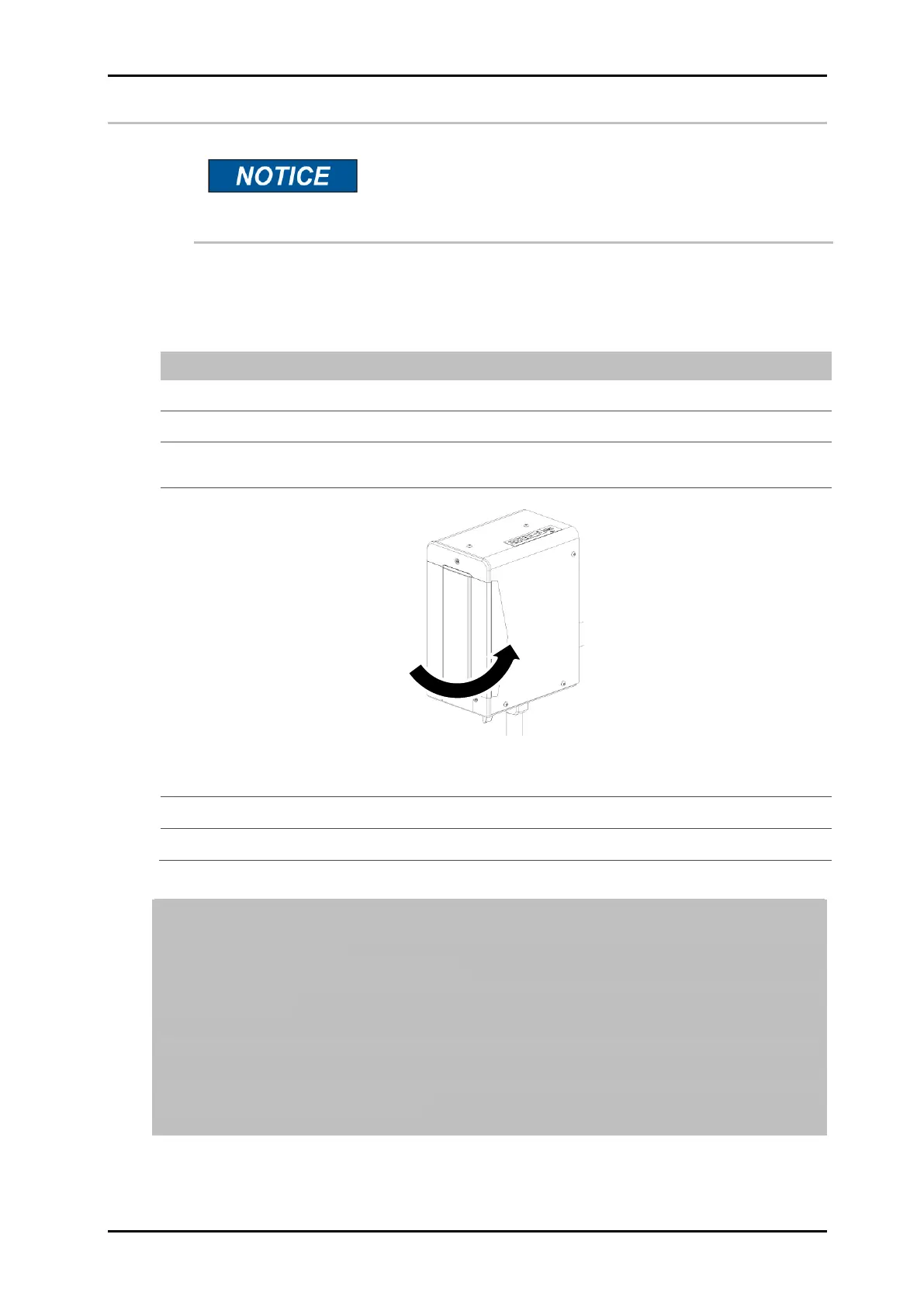
Clean the nozzle plate and close the nozzle plate with the previously cleaned
locking clamp.
Fig. 37: Put on the locking clamp
Disassemble the system and pack it carefully.
To prevent damage during transportation, choose a box with adequate padding.
Leave a gap of at least 5cm between unit and box for filling with absorbent and
impact-absorbing filling.
Please do not pack unit in plastic bag.
Because any escaped ink cannot be soaked up, it spreads over the whole unit
causing damage.
The resulting damage and cleaning overhead unnecessarily increase repair costs.
For best possible transportation, original packaging is available from Weber
Marking Systems for this system.



 To Next Page