EasyManua.ls Logo

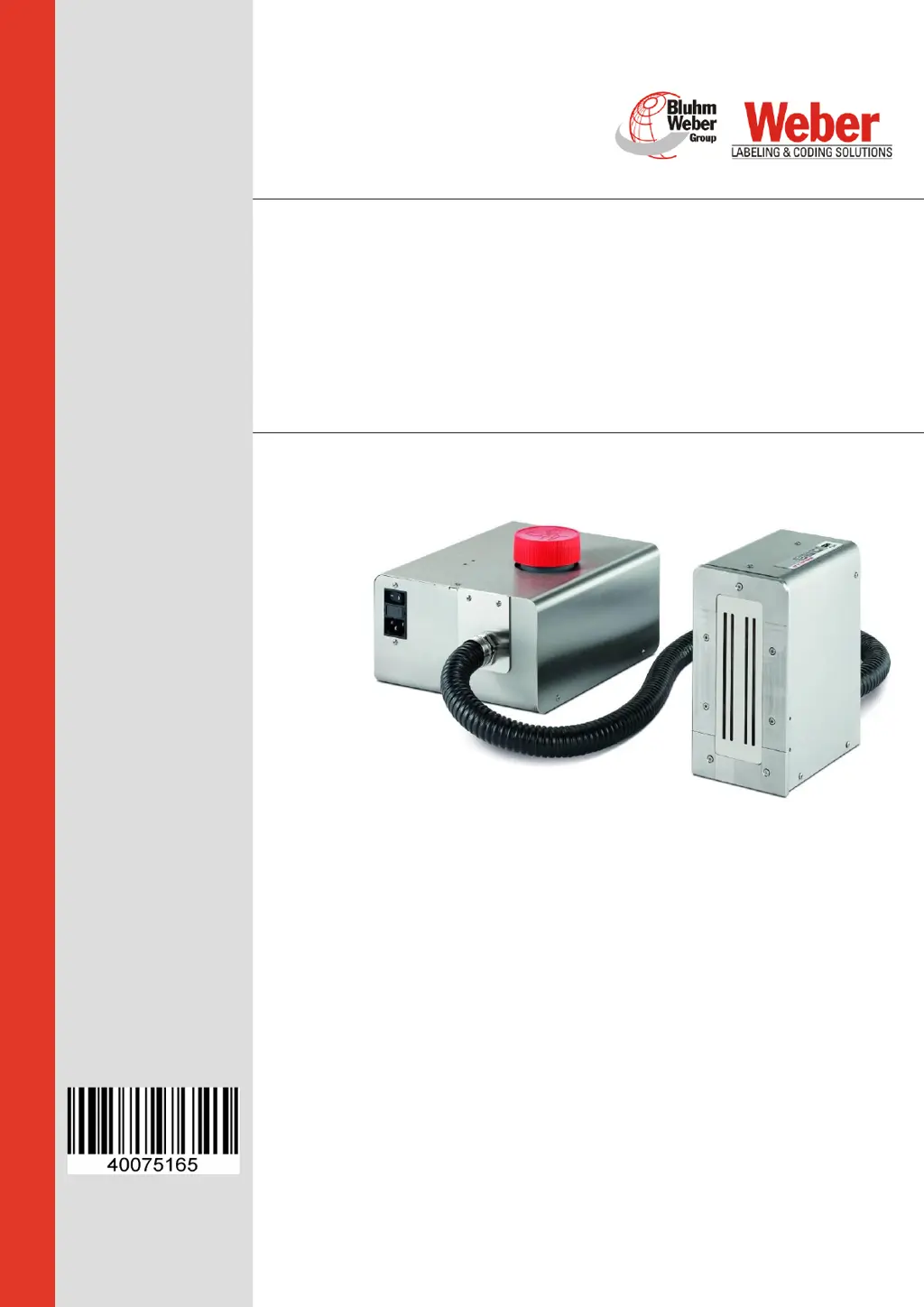
Weber Markoprint integra PP108 - User Manual

Weber Markoprint integra PP108
104 pages
Print Icon
To Next Page IconTo Next Page
Loading...
Copyright ©, Weber Marking Systems GmbH
Translation of the original operating manual
Markoprint integra PP108
Part number of documentation 40075165
(GB) English
Version: 02.01.2019/HJE
Weber Marking Systems GmbH
Maarweg 33
D-53619 Rheinbreitbach
E-Mail: info@webermarking.de
http://www.webermarking.de

Table of Contents

Questions and Answers

  • D
    Diana DicksonAug 4, 2025
    What to do if the Weber Markoprint integra PP108 print head does not print at all?
    • N
      nicholscharlesAug 4, 2025
      If the Weber Printer's print head isn't printing at all, first, ensure the device is receiving power by checking the voltage input and the power switch. Then, verify the photo sensor connection for an LED pulse, which indicates a start pulse. Confirm that a print image has been assigned and the printing process has been initiated. Check the shaft encoder and its connections, noting if the sensor LED is red. Ensure the system configuration in the menu settings is correct. Adjust the print parameters if the start signal is too early or late relative to the print object. If none of these steps resolve the issue, the electronics of the system or print head may have failed, requiring the print head to be sent in for repair.
  • S
    stacygarciaAug 10, 2025
    Why does my Weber Printer produce shadow prints?
    • S
      Shannon BraunAug 10, 2025
      Shadow prints on your Weber Printer can often be corrected by verifying that the speed setting is correct. Specifically, check the intensity setting for the rotary encoder.
  • G
    Gregory FranklinAug 16, 2025
    How to fix weak and blurred print on Weber Printer?
    • M
      Michael WalkerAug 16, 2025
      Weak and blurred prints from your Weber Printer can occur if the distance between the print head and the object is too large. To fix this, reduce the distance to between 1 and 3 mm.
  • D
    David HallAug 22, 2025
    What to do if Weber Printer has fine gaps in print image?
    • W
      Willie JohnsonAug 22, 2025
      Fine gaps in the print image followed by satellite drops on your Weber Printer may be due to paper dust, other dust, or fibers in the nozzle openings. Try running a purging cycle and carefully cleaning the print head. If the problem persists, the print head may need to be sent in for repair.
  • C
    ckennedyAug 28, 2025
    Why does Weber Printer print with false character height?
    • M
      Mallory AveryAug 29, 2025
      To resolve the issue of false or too small character height on your Weber Printer, ensure that all fonts used in the text are loaded in the system using the IDESIGN Font Manager.

Summary

General Information

General Survey

Introduction to the print system and recommendation for installation.

Liability and Warranty

Covers limitation of liability and warranty clause conditions.

Maintenance and Documentation

Details cleaning, maintenance, copyright, and manual usage guidelines.

Technical Terms and Support

Explains technical terms and provides guidance for customer service.

Safety Regulations

Emergency Procedures and General Safety

Guidelines for emergencies, general safety, and hazard symbols.

Intended Use and Misuse

Defines proper usage and warns against foreseeable misuse and modifications.

System Modifications and Warning Labels

Prohibits unauthorized retrofitting and explains warning notices.

Specific Hazards and Risks

Details risks from electric shock, batteries, edges, stumbling, and remaining risks.

Personnel and PPE

Covers authorized persons, disposal, and required personal protective equipment.

Technical Specifications

General and Electrical Data

Covers physical dimensions, environmental conditions, and electrical power requirements.

Interfaces and Connections

Details available data interfaces and physical connector types.

Performance and Ink Details

Outlines performance metrics, print capabilities, and available ink types.

Transport, Packaging, and Storage

Receiving and Contents

Instructions for checking delivery and scope of basic delivery.

Handling and Storage Guidelines

Covers packaging symbols, unpacking safety, handling materials, and storage of controller, heads, and ink.

Construction and Function

System Overview and Components

Introduces the system, describes the system unit, print head technology, and ink system.

System Versions and Print Head Module

Details system versions, a complete component overview, and the Seiko print head module.

Nameplate Information

Describes the details provided on the system's nameplate.

Installation and Initial Operation

Site Requirements and Placement

Criteria for selecting an installation location and positioning the print system.

System Connections

Covers electrical connections, grounding, network setup, and optional sensors/encoders.

Initial Startup Procedures

Details system startup, print head cleaning, nozzle wiping, and filling an unfilled system.

Operation

System Interface and Basic Operations

Explains the user interface, LEDs, and how to switch the system on and off.

Print Image Management

Covers stopping, starting, selecting, loading print images, and setting print start delay via system and iDesign.

Advanced Operation and Configuration

Details using the web interface, configurable I/Os, and software settings.

iDesign Software Operations

Creating Print Images

Guide to creating print images using the iDesign software.

Network Configuration

Steps to establish an Ethernet connection with the print system.

Faults and Troubleshooting

Safety for Fault Remediation

Safety precautions for staff and general warnings about improper remediation.

Troubleshooting Guide

A table listing common issues, causes, and solutions.

Disassembly and Disposal

Safety and Print Head Disassembly

Safety warnings for disassembly and the procedure for the print head.

Environmental Disposal

Guidance on environmentally responsible disposal of the system.

Accessories and Spare Parts

Spare Parts Safety and HMI Display

Safety warnings for spare parts and a detailed description of the HMI display.

Component Listing

Catalog of accessories and spare parts with figures, assembly, descriptions, and order numbers.

Appendix

Software Updates and USB Files

Instructions for software updates and details about USB stick contents.

System Connections and Specifications

Explains boot-LED messages, plug connections, option sockets, splitter cables, sensors, encoders, and I/O examples.

System Configuration and Documentation

Covers hose system, MAC address lookup, technical drawings, instruction sheet, and parameter list.

Weber Markoprint integra PP108 Specifications

General IconGeneral
BrandWeber
ModelMarkoprint integra PP108
CategoryPrinter
LanguageEnglish

Related product manuals