Tech. Dok. / L23 880 02 / 01.00.02 © MICHAEL WEINIG AG
Basic setting
4-15Profimat 23 E
Tilting, change of position
Tilting:
• Remove table plates and dust hood if
applicable.
• Release clamp on console.
• Release clamp for tilt movement and set
required spindle position with crank handle as
indicated on angle indicator.
• Reverse direction of rotation on control panel.
• Fit dust hood (1) according to figure p. 4-14.
Changing position from right to left:
• To change position, first move spindle vertically
to the right (used as right-hand spindle).
• Then move spindle through working area from
right to left.
• Proceed accordingly when changing from left to
right.
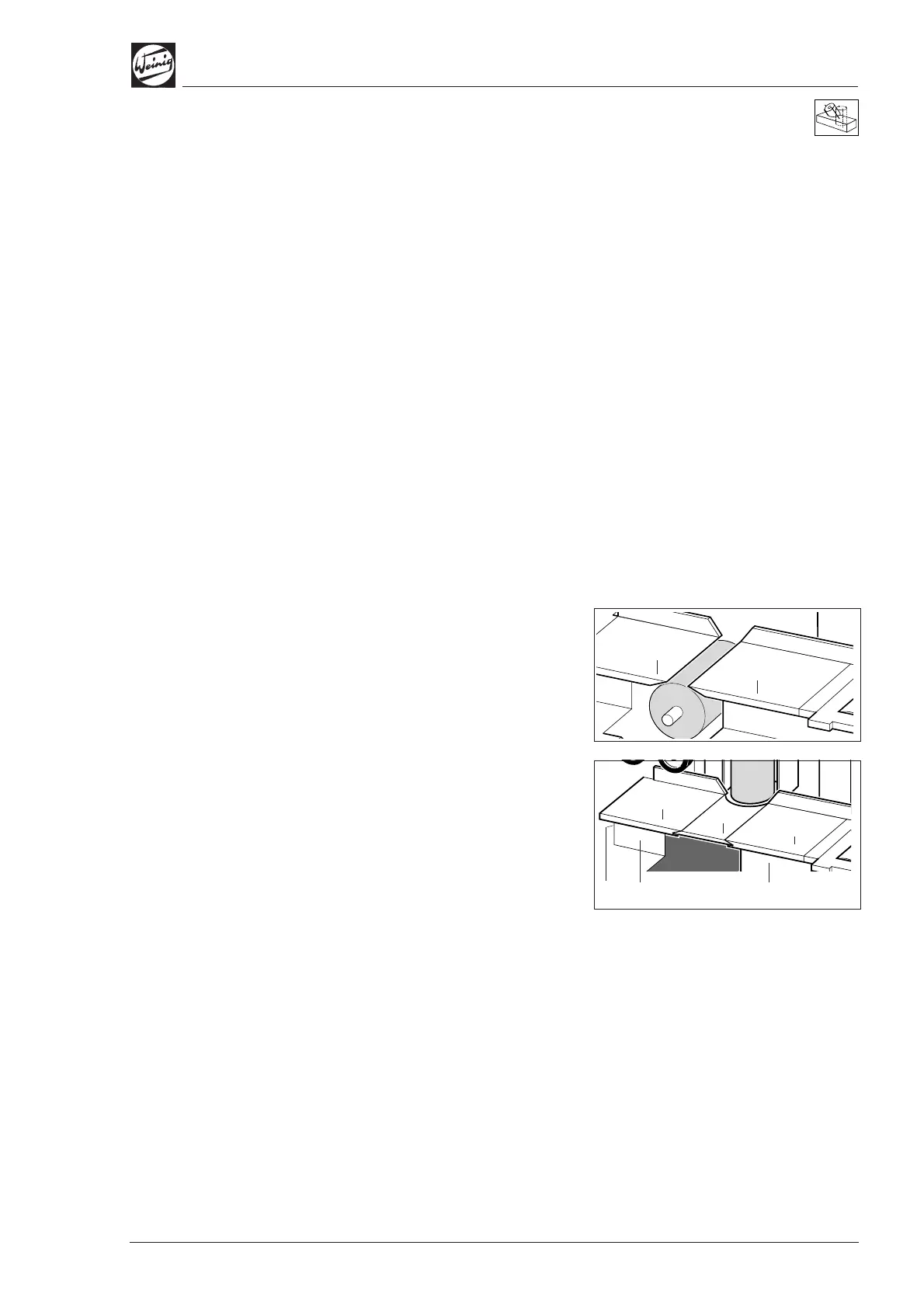
Table plates
When used as bottom spindle:
• Fit table plates (1).
When used as top, left-hand or right-hand spindle:
• Release clamping screws (2) on front of table
plates (1) and turn table plates (1) through 180°.
• Slide continuous table plate (4) into guide
grooves and tighten clamping screws (2).
• Clamping screw (3) at end of table must
additionally be tightened when using table
plate (4).
(1)
(1)
(4)
(1)
(1)
(2)
(2)
(3)


 To Next Page