Switching on for the first Time
PEGASUS WING User Manual
14
3.4. Connections/Control Units at the Front
3.4.1. Headphones
The Headphone socket is situated on the left near the keyboard.
Standard stereo headphones can be connected. Stereo jack: 6,3 mm
Recommended impedance:100 ohm approx.
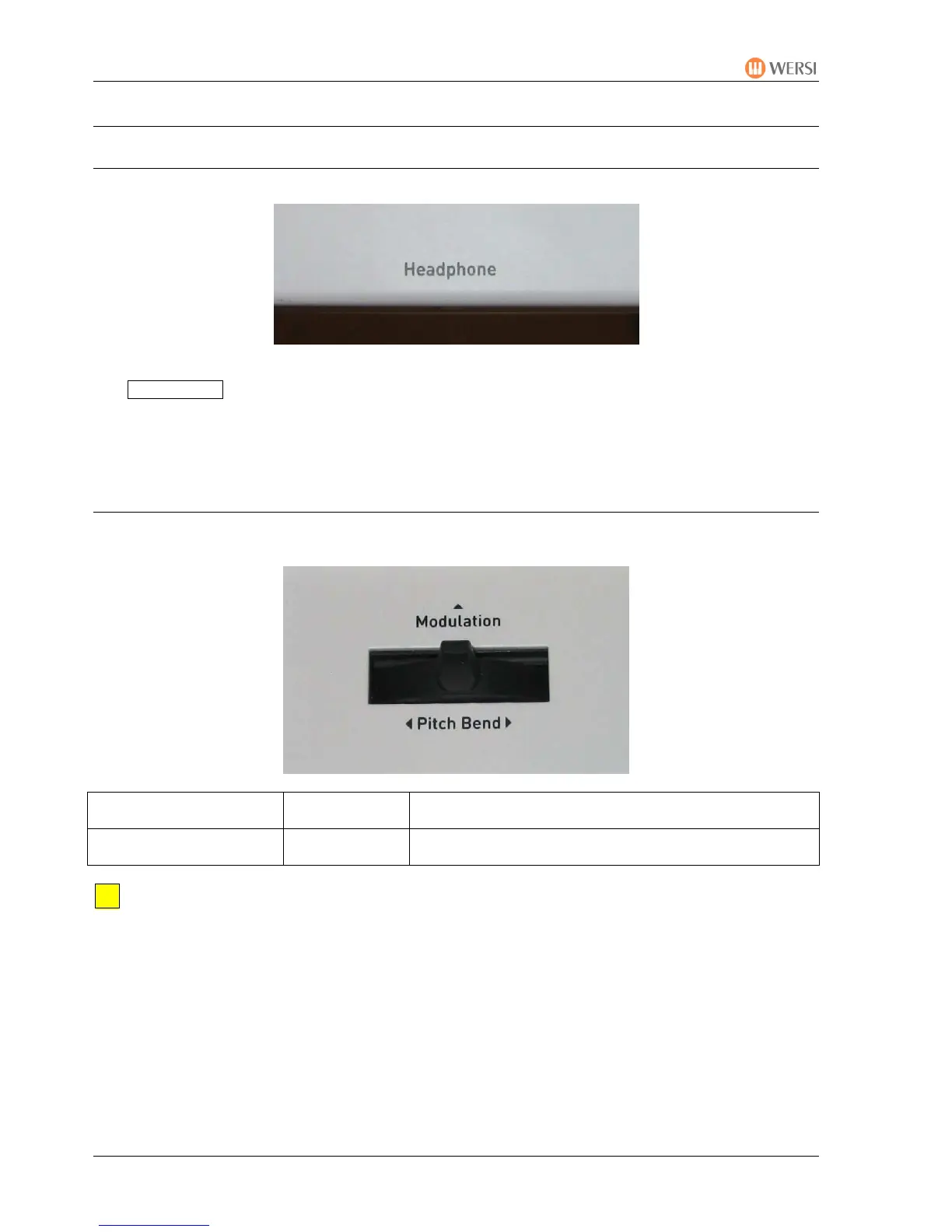
3.4.2. Pitch Bend und Modulation Joystick
The joystick for pitch bend and modulation is situated near the keyboard on the left.
Push Left/Right
Pitch Bend Change pitch down (left) or up (right)
Push Forwards Modulation Modulates according to the sound, e.g. by changing
vibrato, filter or by fading in a new sound
The joystick always returns to the central position after being used for either function.
The changes apply only to sounds from Upper 1 and Upper 2.


 To Next Page
 Loading...