PEGASUS WING
1st Edition – March 2011 – Software Version: V1.0 R01
15
3.4.3. USB Connections
[USB = Universal Serial Bus = connectiion from a computer to external equipment]
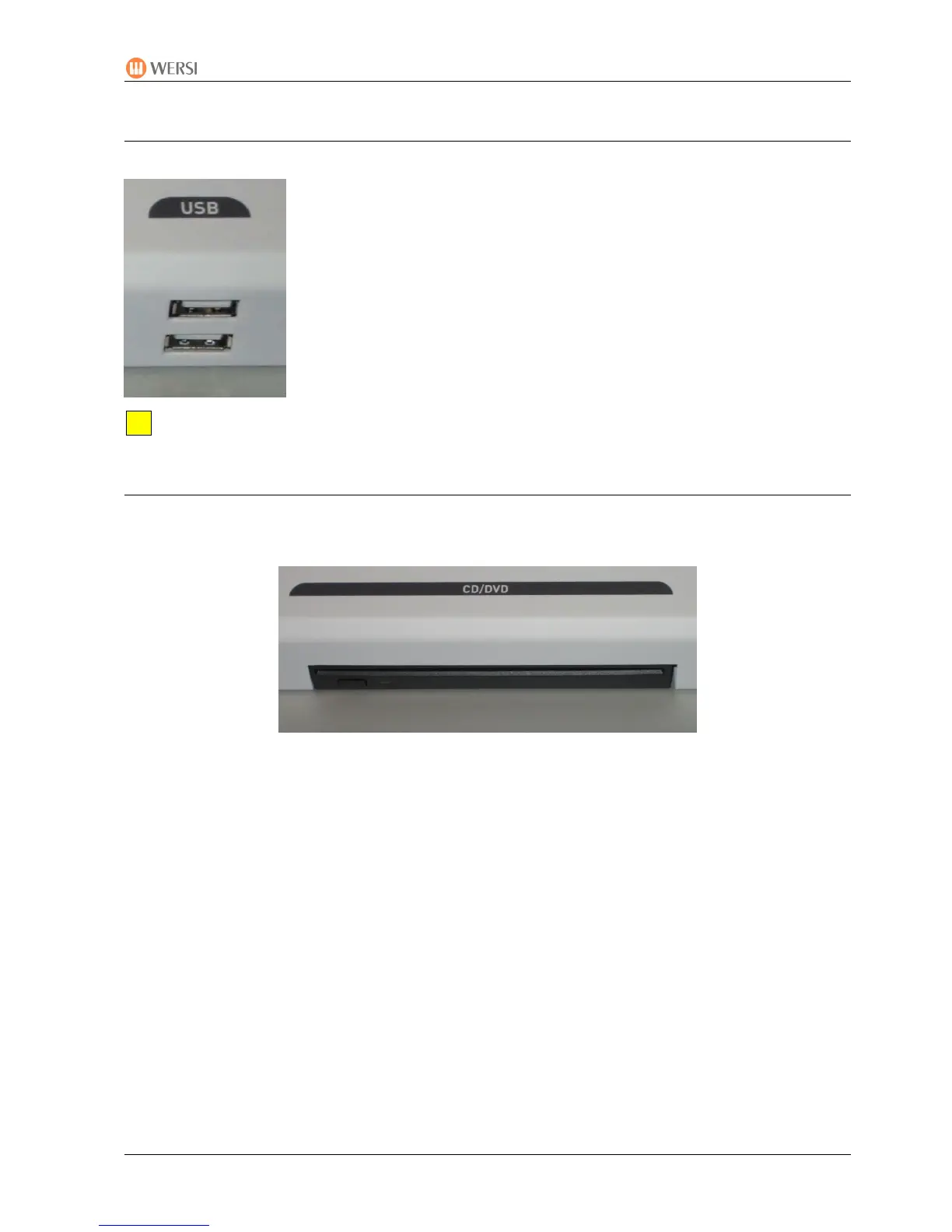
Below the right control panel are 2 USB connections for your USB
memory stick (for loading/importing and saving/exporting). You can also
connect a USB mouse here.
You do not have to eject your USB stick from the Windows system before removing the
stick.
3.4.4. DVD/CD Drive with Burner
The drive for playing audio CDs (and for loading updates from DVD) is situated on the front
edge of the right control panel. This is a slot-in drive, which automatically pulls in CDs or DVDs.
Push the CD/DVD about two thirds into the drive. The CD/DVD is then automatically pulled in.
A CD or DVD already inserted is automatically ejected when you press the button below the
drive.


 To Next Page
 Loading...