PEGASUS WING
1st Edition – March 2011 – Software Version: V1.0 R01
35
6.5.2. D
rawbar Settings
You can select special settings for your drawbars with various control panel buttons
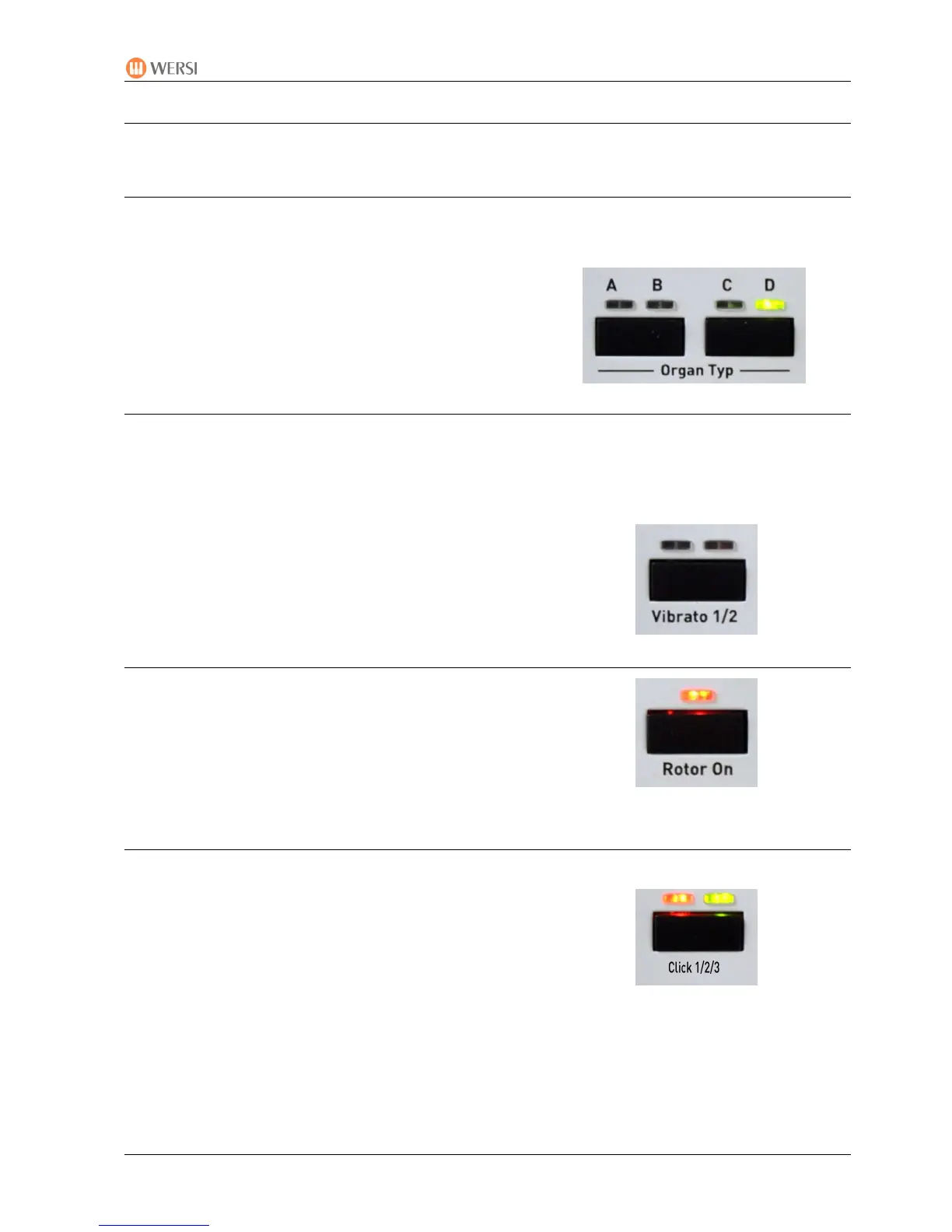
6.5.2.1. Organ Type
You can change the drawbar sound with these buttons:
A: Drawbar Standard 1, Rotor Horn enhanced
B: Drawbar Standard 1, Rotor
C: Drawbar Bright, Digital Limited Repetition
D: Drawbar Bright, Analogue Without Repetition
6.5.2.2. Vibrato 1/2/3
With this button you can select the desired vibrato effect.
The original signal is mixed with a signal modulated within the phase, which results in acoustic
delay effects and frequency band effacements (phase vibrato).
• LEDs off: no vibrato
• LED left: vibrato 1
• LED right: vibrato 2
• Both LEDs: vibrato 3
6.5.2.3. Rotor Slow/Fast
The rotor effect is switched on or off with this button.
6.5.2.4. Click
• LEDs off: no KeyKlick
• LED left: KeyKlick soft
• LED right: KeyKlick medium
• Both LEDs: KeyKlick loud


 To Next Page
 Loading...