Main
PEGASUS WING User Manual
32
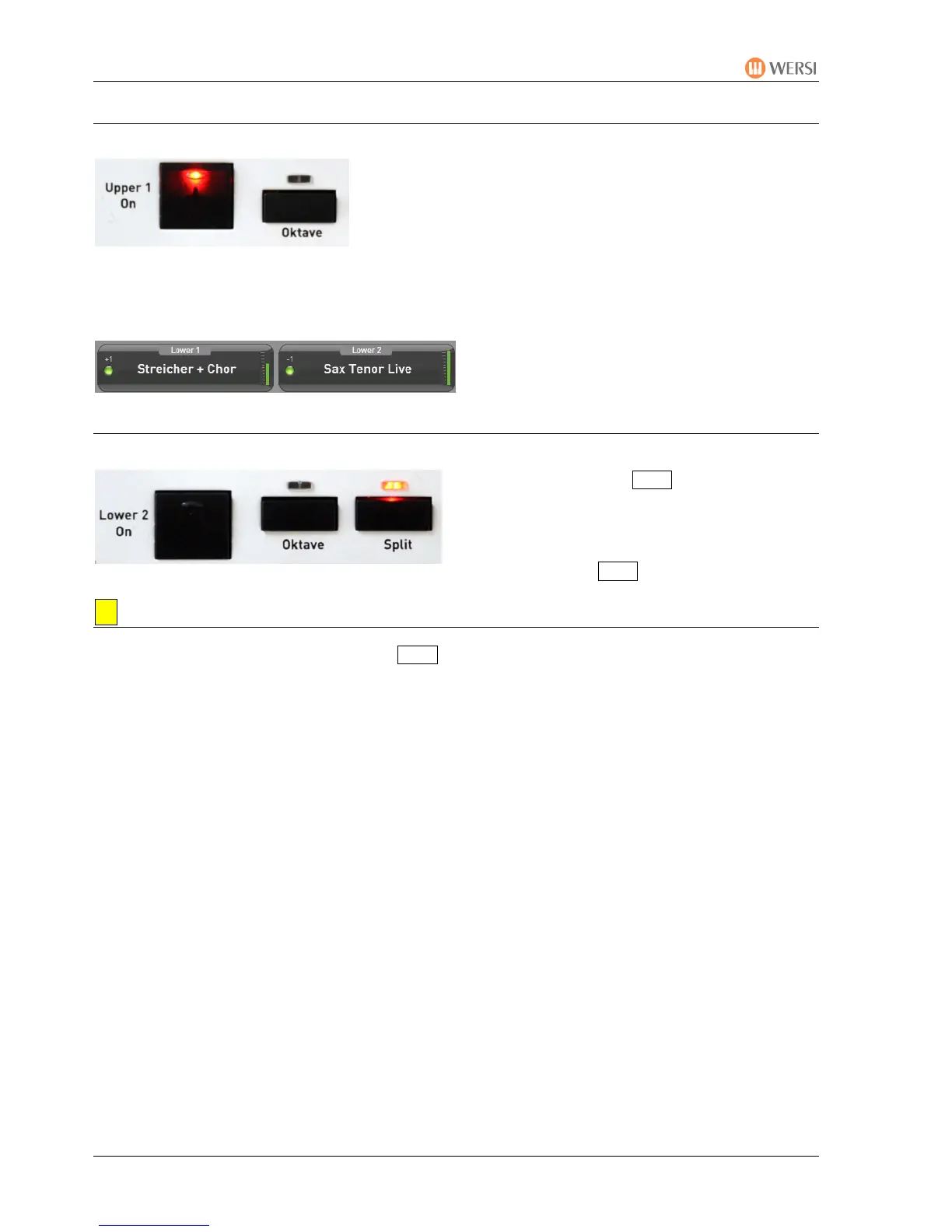
6.2.5. Octave Position
The sound for each playing area can be raised or lowered
by one octave
e.g. from C 2 C3 C1 C 2
• Button not pressed = original octave position(=norm
al state) = LED off
• Button pressed once = 1 octave higher (+1) = LED on
• Button pressed twice = 1 Octave lower (-1) = LED on
• Button pressed 3 times = back to original octave position = LED off
The corresponding values are shown in the
display in the corresponding playing areas
above the LED (nothing shown = 0).
6.2.6. Keyboad Split
Using the control panel Split button you can
split the manual at any point (= dividing the
manual into a left and right parts).
The keyboard split is switched on or off by
simply tapping the Split button.
Setting a Split Point:
By pressing the control panel button Split for long
er (about 2 seconds)
The control panel button and the button in the display begin to flash.
by pressing the required manual key
the indication in the display changes to the selected sound (e.g.: C2) and the control
panel button stops flashing
The manual is divided into 2 separate playing areas.
The split point is automatically stored in a total preset.


 To Next Page
 Loading...