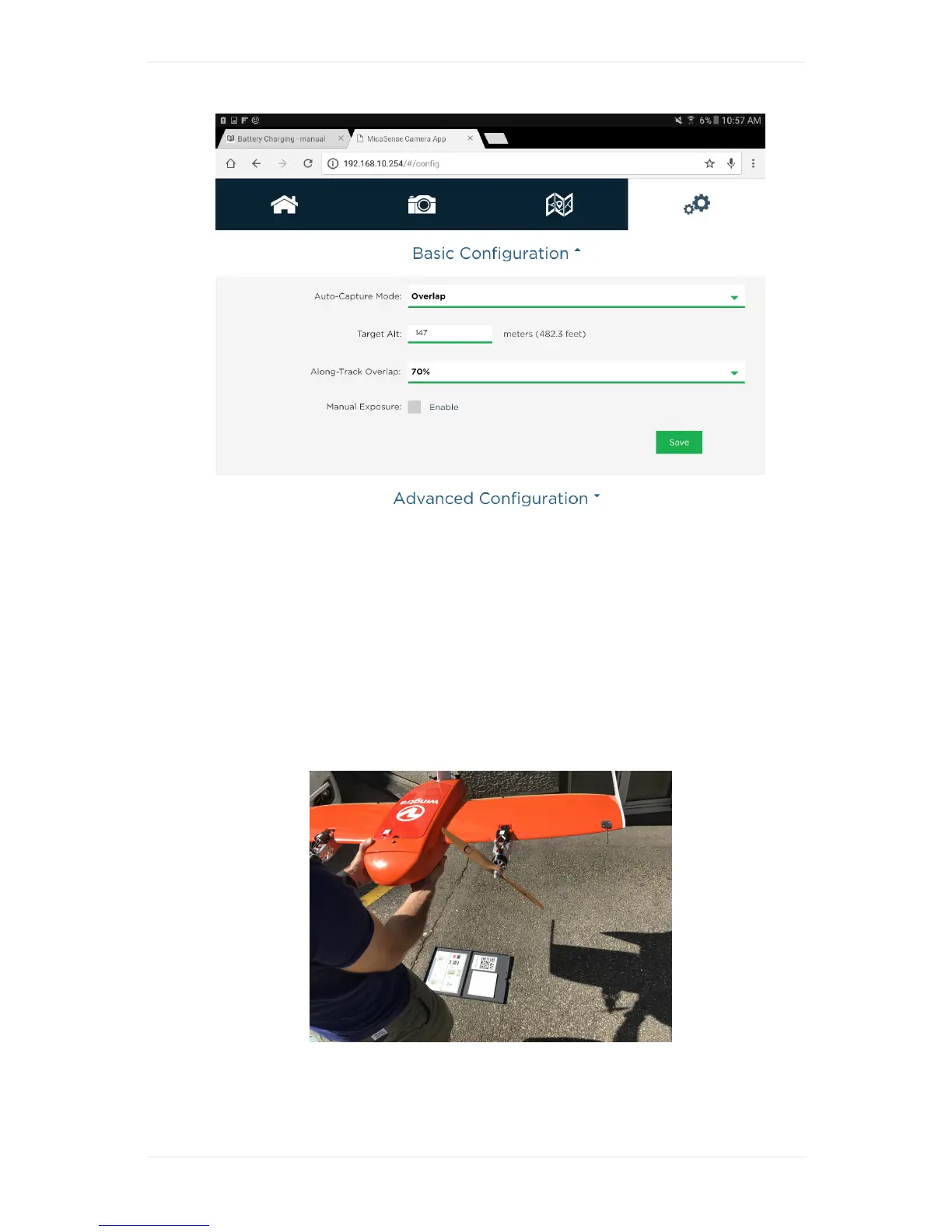
CalibrateRedEdgeCamera
BeforeandaftereachflighttheRedEdgecameraneedstobecalibratedwiththeprovidedreflectance
tag.Onlyatimelycalibrationguarrantiesreliablespectralinformationofyourcoveredflightarea
TocalibrateRedEdgecamera:
1. MakesureaSD-cardisinsertedintheRedEdgecamera
2. Placethereflactancetagleveledontotheground
3. PoweronWingtraOne,liftitup,andholditwithcamerafacingdownwards~1moverthe
reflactancetab.MakesuretoholdWingtraOneleveledanddonotcoverthereflectancetagwith
ashadowfromyouortheWingtraOne.
4. Triggeratleastoneimageofthereflectancetagbypressingthebuttononthefrontofthecamera
(seepictureontopofarticle.PlaceWingtraOnebackonground



 To Next Page