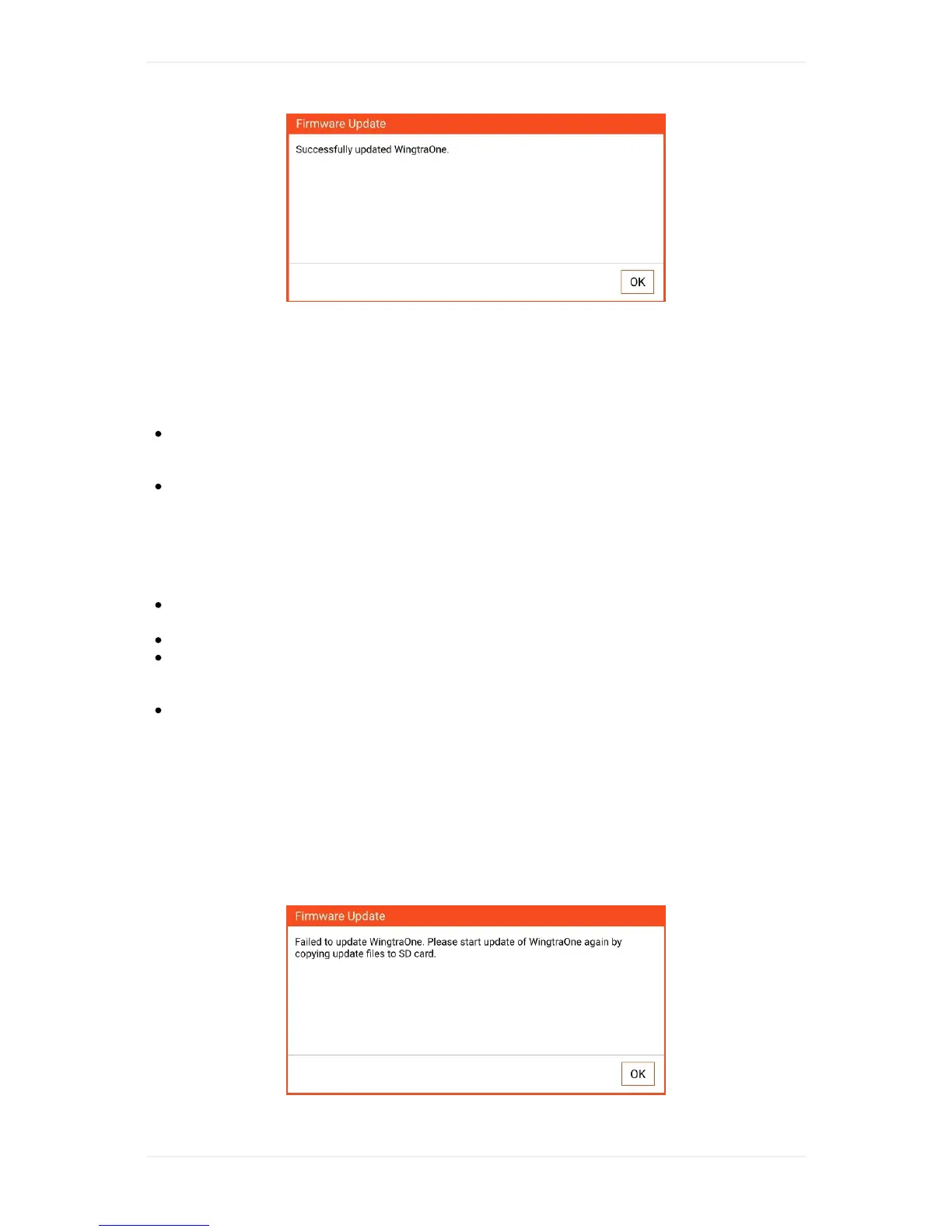
IfupdateofWingtraOnefails,pleaserepowerWingtraOneandseeifitsucceeds.Ifitstillfails,
unpowerWingtraOne,restarttheWingtraPilotappandtrytheupdateprocessagain.Incaseitfails
again,submitasupportrequest.
Step4:OpentheManual
GotoMyFilesappandopentheManual_vX.Y.Z.pdflocatedin/device
storage/WingtraPilot/Releases/vX.Y.Z/makesureyouuseAdobeAcrobatReaderApptoopen
themanual.
ToaddadirectlinktothemanualfromthehomescreengototheMyFilesappandmarkthe
manualfile(holdonthefilenamefor1s),clickonMOREinthetoprightcornerandselect"Add
shortcutonHomescreen"
Step5:Verification
OpenWingtraPilotfreshly(clickontabletsmenubuttonleftofhomebuttonandclosetheapp,
restarttheapp).
OntheWelcomemenu:CheckifversionnumberisX.Y.Z
PoweronWingtraOne,connecttelemetrytothetablet,gototheSettingstab,thenGeneraland
checkifthereis“WingtraOneFirmwareVersion:vX.Y.Z”.Submitasupportrequestincasethe
versionnumberisnotcorrectoryouareindoubtifitiscorrect.
OpentheManualfromthehomescreen.
Troubleshooting
Messageshowsupthatupdatefailed
IfWingtraPilotshowsthefollowingfailuredialog,WingtraOnewasnotabletoupdate.Youneedto
retryupdatingWingtraOnebyagaincopyingupdatefilestotheSDcardviaWingtraPilotandfollow
theprocedureasdescribedabove.



 To Next Page