ChargingAccessories
OperatingWingtraOnesafelyrequiresfullychargedaccessories.Inparticularthetabletrunning
WingtraPilotandRemoteControlneedtobesufficientlychargedtoallowformonitoringWingtraOne
duringflightandtotriggertheappropriatefailsafeactionsifnecessary.
ChargingWingtraPilotTablet
ThetabletcanbechargedatanystandardUSBportviathesuppliedUSB-AtomicroUSBcable.The
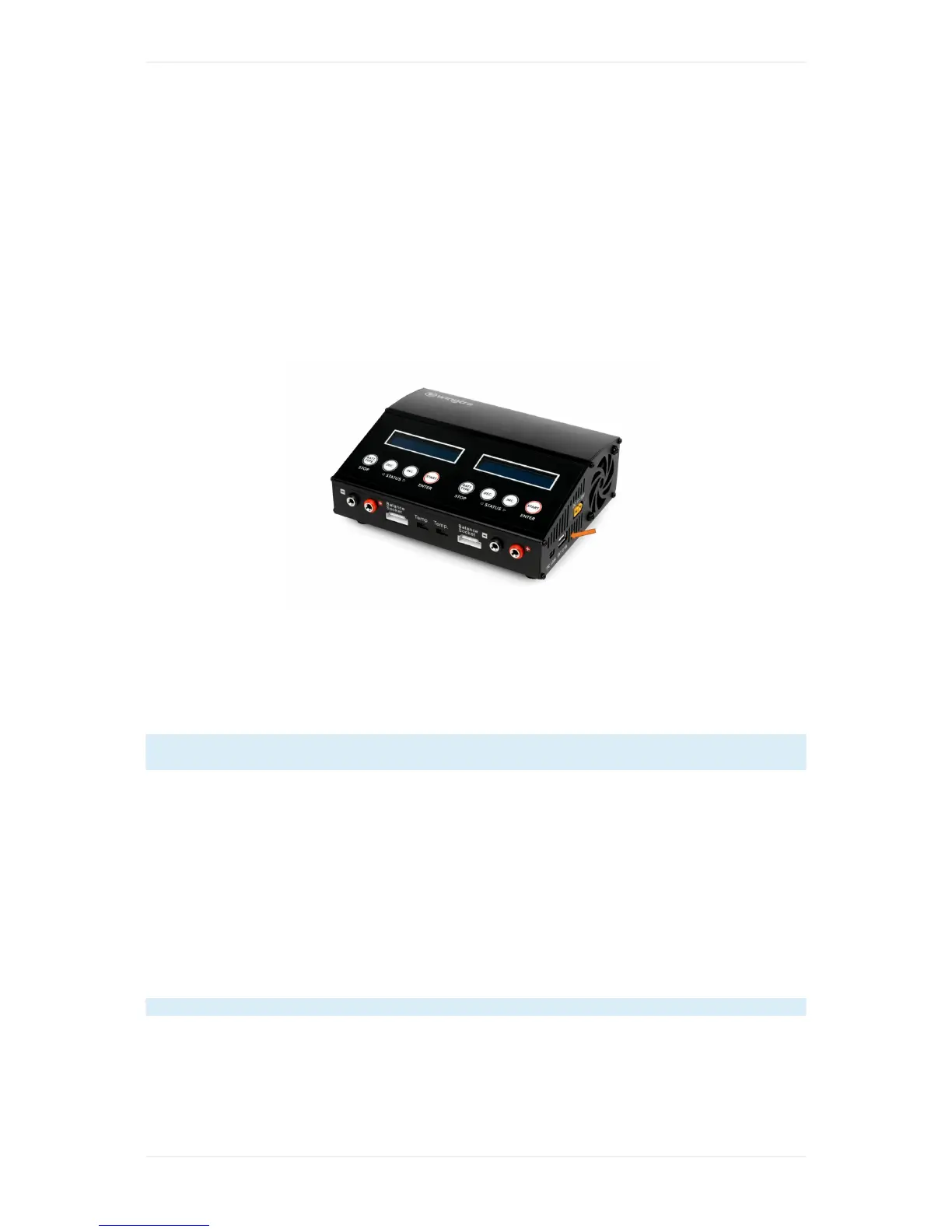
shippedflightbatterychargerhasaUSB-Aportonitsrightside.
PlugintheUSBcableintothetabletandconnectittothecharger.Makesurethatthechargeris
connectedtoapowersupply.UsingtheflightbatterychargeryoucanchargeWingtraPilottabletas
wellonthegowitha12Vpowersupply.Forfurtherinformationhowtoconnecttheflightbattery
chargerpleasechecktheChargingWingtraOneFlightBatteries.IfyouuseanyotherUSBcharging
equipmentmakesurethattheusedchargercansupplyatleast2Atoachievesatisfyingcharging
speeds.
FullychargedthetabletrunningWingtraPilotapplastsupto4hourscontinuousWingtraOne
operation.
ChargingExternalCameraBattery
TochargetheexternalRX1camerabattery,theUSB-AtomicroUSBcable(sameasforthetablet)
andthechargingdevicelocatedinthePilotBoxcanbeused.
ChargingRemoteControl(RC)
Theremotecontrolischargedwiththeincluded12Vpoweradapter.Pluginthepoweradapterand
connectittotheRC.MakesuretheRCisturnedoff.AsmallgreenLEDonthebacksideshouldbe
on.IftheLEDturnsoffandthepoweradapterisstillconnectedthebatteryoftheRCisfullycharged.
Fullycharged,theRClastsupto8hourscontinuousWingtraOneoperation.
BatteryReplacementofAnemometer



 To Next Page