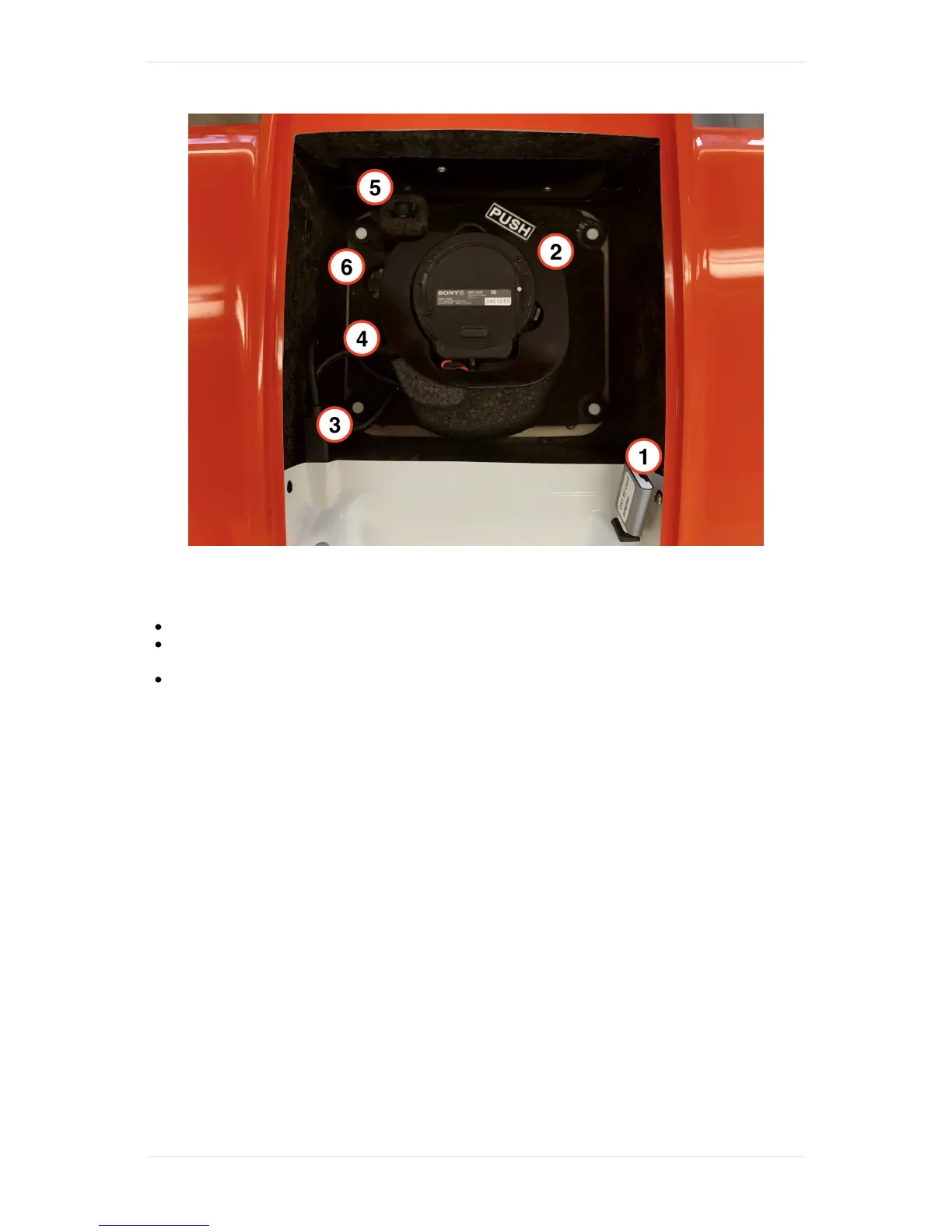
Q:Camera:Myimagesareblurry
Checkifthereisdust/wateronthelens.
QX1+15mmlens:The15mmlenshasacalibratedmechanicalfocus.Tocheckifitsettoinfinity,
takecameraoutofmountandcheckifthefocusringisturnedtotheinfinitysign.
QX1+20mmlens:The20mmlenshasacalibratedfocussettings.Ifyouhavehadaflightwith
blurryimagesandthereisnodustorwateronthelens,performafocuscalibrationasdescribed
below.
Q:Camera:Myimagesareblurry,howcanIadjustthefocus?
Forthe15mmlens,thefocusismechanicallycalibratedandcanbeadjustedonthelens.Makesure
thatthefocusringonthelensisturnedtoinfinity.FortheQX120mmlens,thefocusiscalibratedfor
everycameraindividuallybeforedelivery.Intheunlikelycasethatthelensgetsoutoffocusandyou
gotblurryimagesafteraflight,WingtraPilotoffersafocuscalibrationfeature.Tocalibratefocus,
performthefollowingsteps:
1. Gotoanopenspaceoutdoors.Makesuretobringtablet,telemetry,WingtraOne,middlestand,
installedQX1with20mmlens,andtheQX1SDcard(whichispluggedintoWingtraOnedirectly).
2. Insertmiddlestand,placeWingtraOneongroundandpointthecameratoobjectswithgood
contoursthatlieatleast70maway(thebuildinginthesampleimagebelowisinfact~200m
away).
3. PowerWingtraOne,connecttelemetrytotablet,startWingtraPilotandopensettings-->camera
focus.Ifyoudonotseethemenu,checkthatyouconnectedaQX120mmpayloadtoyour
WingtraOne.
4. Readtheinstructionsandstartthecalibration.Waitfor3minutesuntilthe7calibrationpictures
aretaken.
5. Oncethecalibrationfinished,unpowerWingtraOne,gettheQX1SDcardfromtheAdapterthatis
pluggedintoWingtraOneandinsertittoacomputer(youcangobacktoofficeforthefollowing
steps).Youwillfinda.tarfilecontainingtheimages(usee.g.7-Zip,WinZip,WinRartounzip).



 To Next Page