Step4:Tutorial&Activation
ProcessthesamplemaptofinalizethesetupandlearntoprocessWingtraOnePPKdata.Notethat
theprovidedimagesarethumbnailsonly.Thesampleprojectinfullresolutionisavailablehere
(4.5GB).
StartWingtraHubandselectthedownloadedWingtraPilotProjectsfolderwhichcontainsthe
tutorialproject.WingtraHubwilldisplayallprojectswithinyourWingtraPilotProjectsfolder.Select
thesampleprojectandclick"next"toreachtheprocessingpage.
Onthelower-leftcornerclickon"Selectlicensefile".BrowsetotheUSBstick(onlyoneUSBstick
willbevisible)andselectthefilewithintheLICENSEfolder.
RestartWingtraHub.SelecttheWingtraPilotProjectsfolderandgototheprocessingpageagain.
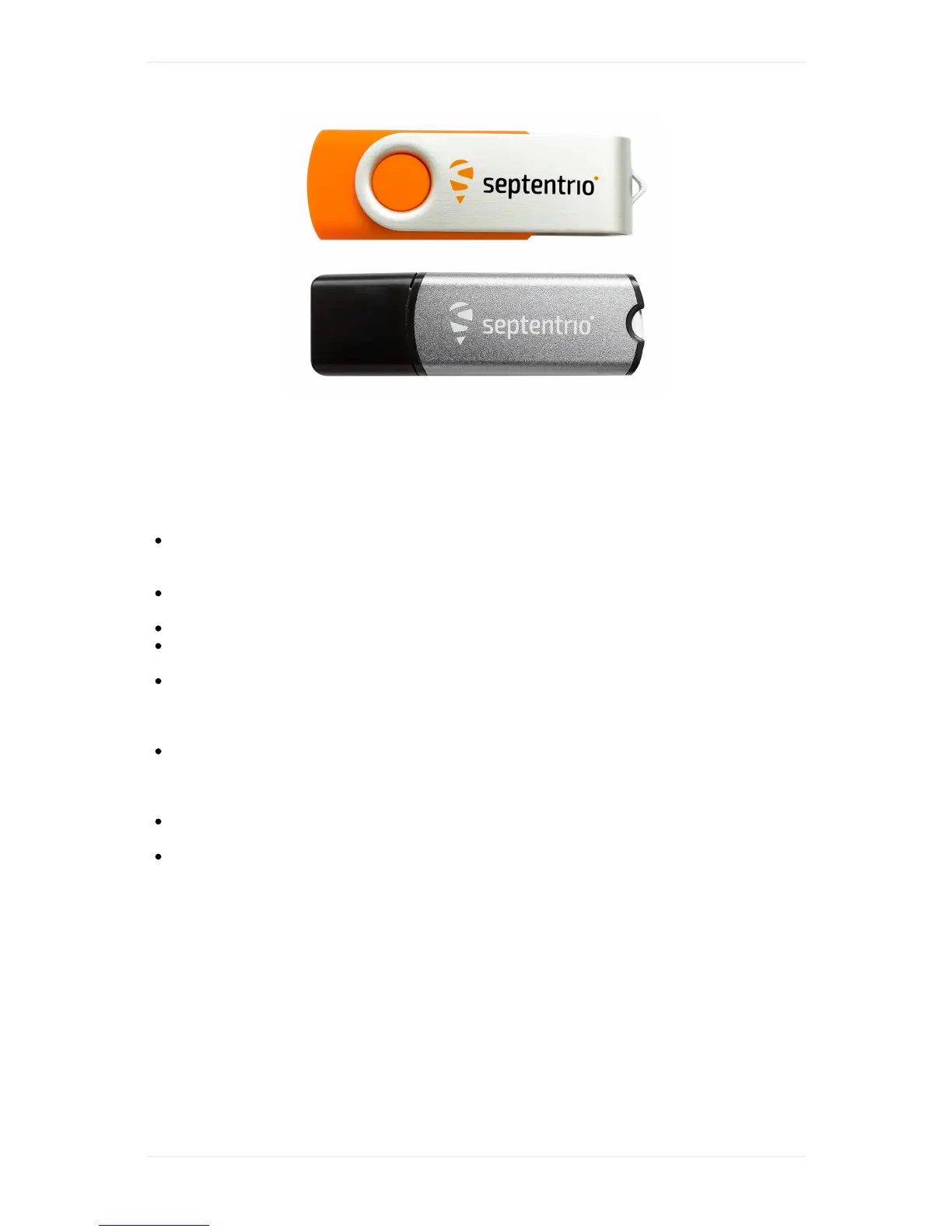
Youcannowunplugtheorangedongle-keepitatasafelocationincaseyouwanttoprocess
PPKdataonanothermachineinfuture.
Foryoursampleproject,makesuretheoption"PPKprocessing"isactivated.Selectthebase
files(RINEX).YoucanfindthemintheBasefolderbesidetheWingtraPilotProjectsfolder.
WingtraHubdisplaysthe3filesonlyonce-selectitandWingtraHubwilluseallthreefor
processing.
Definethebaselocation.ThebaselocationneedstobeprovidedinWGS84coordinateswith
ellipsoidalheightorinCartesiancoordinates.Forthesampleproject,youcanfindthecoordinates
inatextfilewithinthe/basefolder.Manuallyaddanewbasestationwiththecoordinatesand
giveitadescriptivename-WingtraHubwillrememberyourbasestations.
Startprocessingandobservetheprocessingsteps.Forbatchprocessingofseveralprojects,
WingtraHubwillautomaticallyprocessoneprojectaftertheother.
Havealookatyourresults.Navigateto/WingtraProjects/sample_project/OUTPUTandinspect
thegeotagpdfreport,thegeotags.csvfileandthegeotaggedimages.Usetheimagesandthe
csvforprocessinginPix4D,AgisoftPhotoscanoralike.
Finished!GoflyingandprocessyourfirstPPKprojects
NowthatyousuccessfullycompletedtheWingtraOnePPKtutorial,youarereadyforyourfirstreal
project.Takeyoursystemtoperformoneorseveralflight(s),insertthecameraSDcardtoyour
computer,selectthe/WingtraProjectsfolderontheSDcardandrungeotaggingaccordingly.For
differentoptionshowtoprovideyourbasefiles(RINEX)andbaselocationcheckoutthenextsection.
Yourbasestationoptions



 To Next Page