YoumakeWingtraOnereadytoflybypressingtheReady-to-Flybuttonfor2seconds.Therewillbea
confirmationsoundandtheReady-to-Flybuttonwillstarttoblinkwithdoubleblinks(--------).This
checkpointwillautomaticallyturngreenassoonastheReady-to-Flystateisreached.Bymaking
WingtraOnereadytofly,thestartuproutineoftheflapsstart.
IfWingtraOnedoesnotreactwhenpressingtheReady-to-Flybutton,tryagainandmakesurethat
youholdthebuttonfor2seconds.Ifitstilldoesnotwork,repowerWingtraOne.Formoreinformation
abouttheReady-to-Flystate,seethechapteronhowtohandleWingtraOne.
9.Checkstartupflapmovement
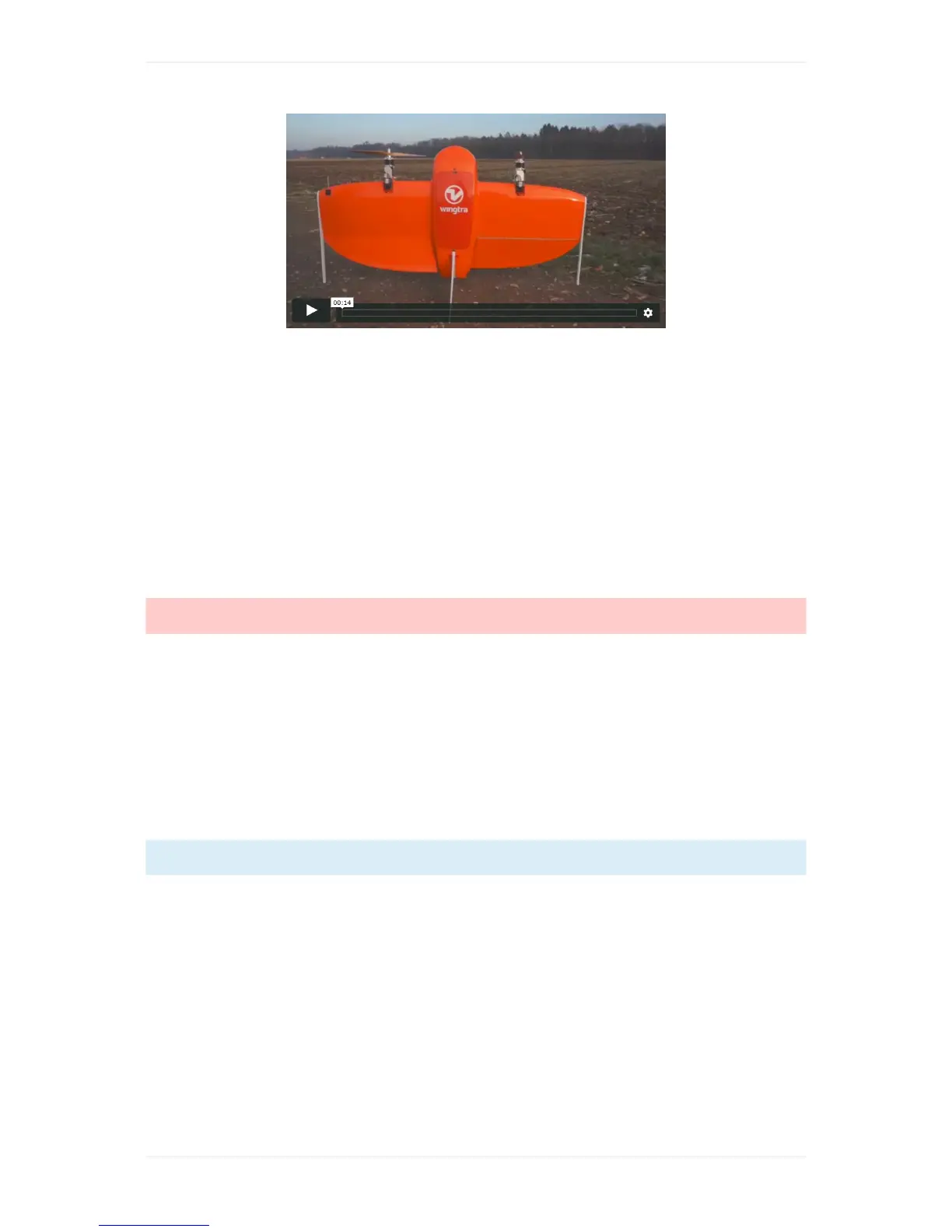
AftermakingWingtraOneReady-to-Fly,theflapsperformastartuproutine(seevideoabove).Checkif
itisruncorrectlyandconfirmbypressingthischeckpoint.Aftertheroutinetheflapswillstayina
steadydeflection.
Caution:DONOTFLYiftheroutinedoesnotrunproperly(e.g.oneflapisnotmovingatall)and
contacttheWingtraSupport.
10.Camerareadiness
ThischeckwilltestcameraconnectivityaswellasavailabilityofaSDcardtostoretheimageand
flightdataon.ClickthecheckitemandWingtraOnewilltrytowritedataintothecameraduringthe
testprocess.Thecheckpointwillturnorangewhichindicatesthecameratestprocessison-going,
waitforittobefinished.Oncethetestprocessisfinishedsuccessfully,thecheckpointwillturngreen.
Incasethecheckpointstaysorangeformorethan1minute,clickthecheckagainandtheprocessis
initializedfreshly.
IfyouownaWingtraOnewithID≤1135,pleaserefertopage47inthisWingtraOneManualforthis
check.
11.Calibrateairspeed



 To Next Page