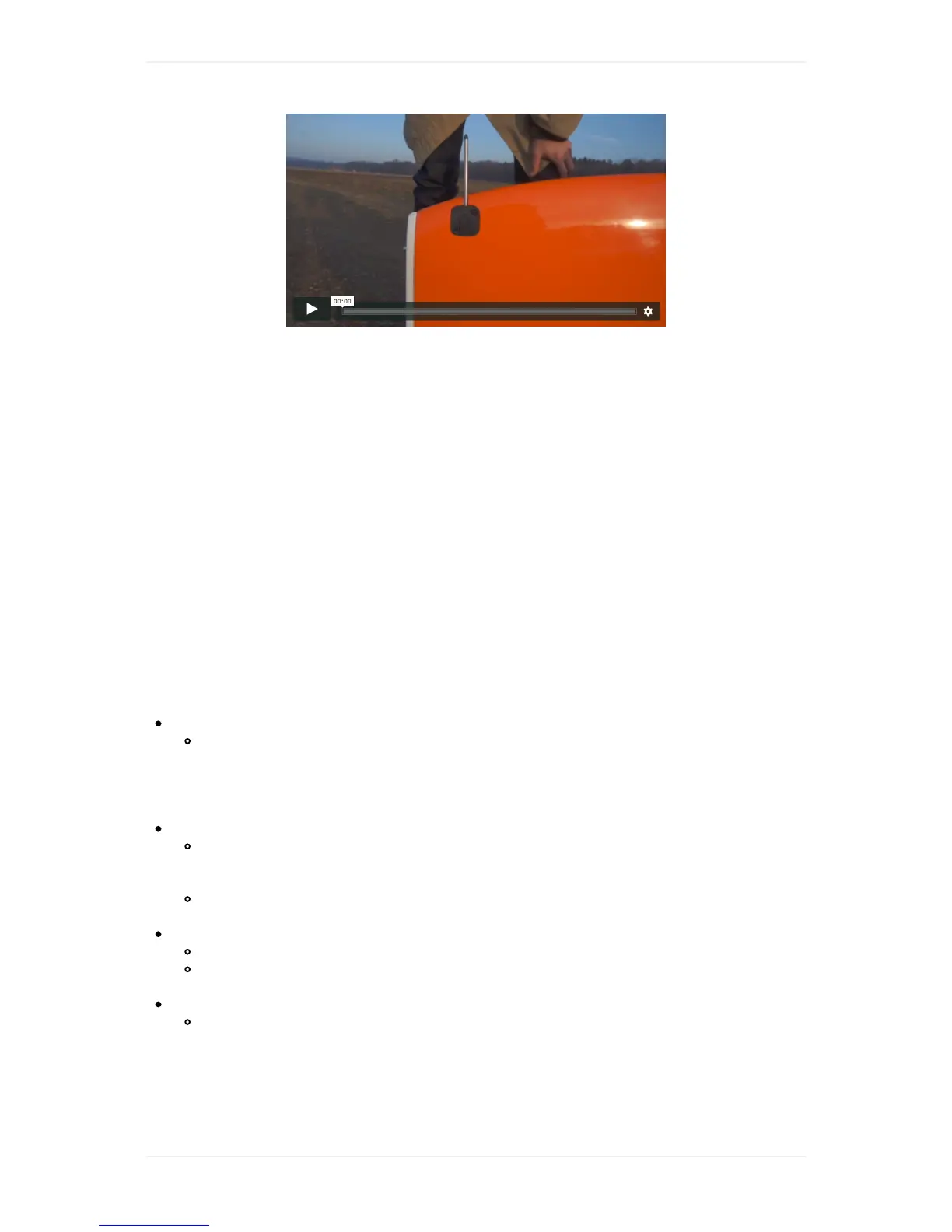
Takethepitotcoveroutofthepilotboxandcoverthepitottubewithit.Startairspeedcalibrationby
clickingonthecheckpointinthechecklist.Theautomatedcalibrationisfinishedwhenyouhearthe
beep.Removethepitotcoveraftersuccessfulcalibration!Ifairspeedcalibrationfails,youcanrestartit
byclickingontotherespectivecheckpointagain.
12.ReviewFlightPlananduploadtoWingtraOne
Afteryouhaveplannedyourflight,makesureyoualwaysreviewtheflightplan.Closethechecklist
andchecktheparametersandtheplannedflightpath.MakesureWingtraOnewillnotcollidewithany
obstacles.Thealtitudegraphallowsyoutoreviewflightaltitudesproperly.Note,thathavingterrain
dataenabled(seeCheck1)greatlyhelpstosetflightaltitudescorrectly.Beextracarefulwiththe
transitiondirectionandaltitudeaswellastheloitercirclealtitude.
ClickonthischeckpointinthepreflightchecklisttouploadtheflightplantoWingtraOne.WingtraPilot
savestheFlightPlanautomaticallywhenyouuploaditbyclickingonthecheckpoint.Incaseyou
makeanychangesafteruploadingtheflightplan,WingtraPilotwillaskyoutouploaditagain,which
canbedonebypressingthecheckpointagain.IfGPSpositiondriftsmorethan2mbetweenFlight
Planuploadandtakeoff,thecheckturnsbacktowhiteandyouhavetouploadagain.
Atthesametimefurtherflightplansanitychecksareperformedandawarningisissuediftheyarenot
fulfilled:
InfeasibleFlightPlan
IncasethefirstFlightPlanitemafterTakeofforthelastFlightPlanitembeforeLandinglies
lowerthanTransitionAltitude,yourFlightPlanisrejected.WingtraPilotwillgiveyouthe
optiontoautomaticallyinsertaloiterwaypointattherespectivelocation.Itisrecommended
toinsertthewaypointandmanuallyadjustit(moveittoasavelocationandadjustwaypoint
entry/exitaltitudetoasavevalue).
CameraSDcardstoragetoolow(OnlyavailableforWingtraOneID>1135)
WingtraOnechecksforenoughfreespaceontheSDcardtostorethecalculatednumberof
imagesfortheuploadedflightplanontotheSDcard.ClearmorespaceontheSDcardto
makesureallimagesaresaved.
Ifyouignorethewarningandcontinuethemissionupload,beawarethatyoumightmiss
someimagestowardstheendofthemission.
Safetransitionaltitude
Checksiftheminimumgroundclearancefortakeoffandlandissatisfied.
Incaseyouknowthatthetransitionaltitudeyousetissaveyoucancontinueasplanned.We
recommendtoacceptthesuggesttransitionaltitudebyclickingyes.
GeofenceViolation
Boththehorizontalgeofenceradiusandthegeofencealtitudearecheckedtobecompatible
withthedefinedmission.Ifrequiredincreasegeofenceparameterinthesafetyboxonthe
right.



 To Next Page