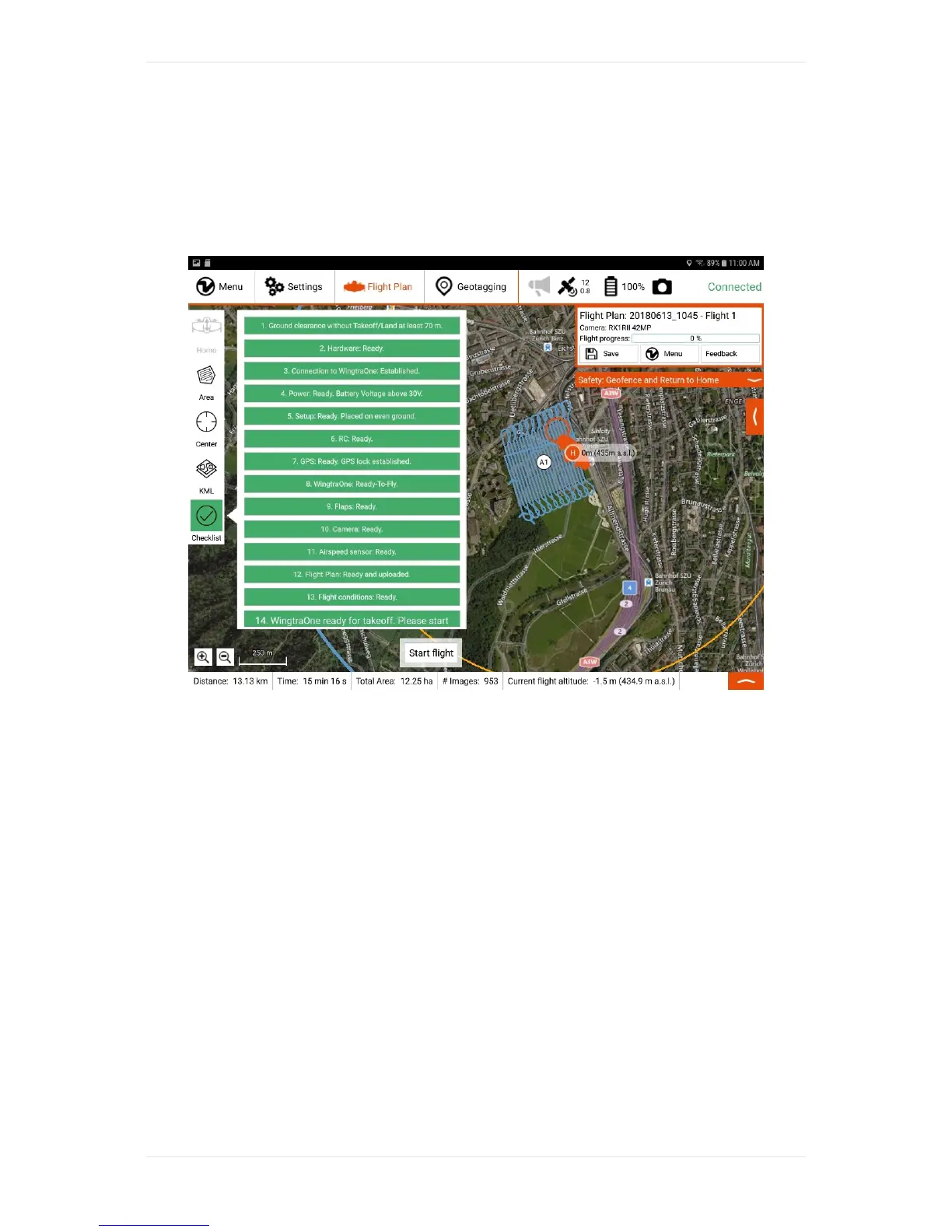
PreflightChecklist
YouareguidedthroughtheprocessofsettingupyourWingtraOnebythepreflightchecklistwithin
WingtraPilot.ThechecklistslightlydiffersdependingonthecameraandWingtraOneIDyouareflying
with.SeehereforRedEdgespecificpreflightchecks.
Astheoperator,youhavetogothroughthepreflightchecklistwithinWingtraPilotbeforeyoucanstart
theflight.Ifanyofthepreflightchecksfails(e.g.sensorfailure),therespectivepreflightcheckturns
redandstartingtheflightisnotpossible.Belowyoucanfindanexplanationforeverycheckpointin
thepreflightchecklistandtroubleshootingadviceifacheckfails.
1.GroundclearancewithoutTakeoff/landatleast40m?
Thispointinthechecklistisanautomatedtest.Itfacilitatesflightplanningwithsavealtitudesforyou.
Assoonasyouhaveaddedahomelocationandaddedaflightareatheflightaltitudeswillbe
automaticallycheckedtoguarantytheflightpathhasatleastthedefinedgroundclearancetothe
terrainelevationdata.Tomodifytheminimumgroundclearanceparameterchecksafetyparameters
boxontherightside.
Note:Thispreflightcheckisonlyavailableifelevationdataisenabled.CheckWingtraPilotsettingsto
activatetheusageofelevationdata.
2.Hardware:Distancesensorclean?Propellersnotdamagedand
wellattached?Cameralidremoved?
Checkifthedistancesensorisdustyoriscoveredbysomething(snow,tape,...).Thedistancesensor
islocatedatthetailofWingtraOne,nexttothemiddlestand.Ifitisnotcleanorifyouarenotsureifit
isclean,takethetimetocleanitwithacleanblanket.



 To Next Page