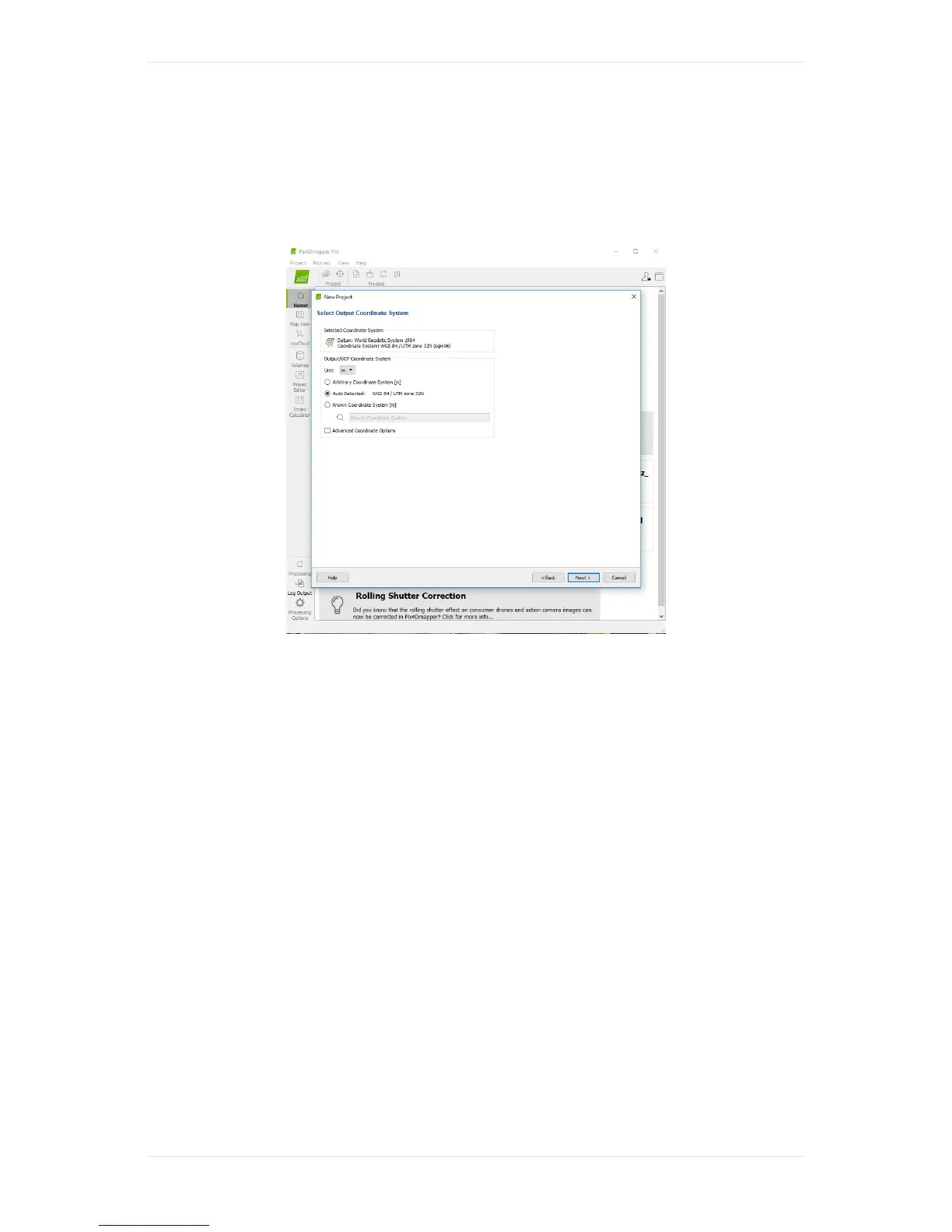
Step5-Defineoutputcoordinatesystem
Selectyourdesiredoutputcoordinatesystem.IncaseyouwanttoimportGCPsorcheckpoints,the
outputcoordinatesystemneedstobetheoneinwhichyoumeasuredyourgroundcontrolpoints.
Note,youcanchangeitlaterwhenimportingthepoints.
Step6-Selectprocessingtemplate
Selectyourdesiredprocessingtemplatewhichdefinestheresolutionandqualityoftheoutput,the
requiredcomputingresourcesaswellasthedesiredoutputsofprocessing.Asadefaultsettingthe
predefined"3DMaps"templateisagoodoption.Theprocessingoptionscanbechangedafteryou
pressed"Finish"andstoredasapersonaltemplatetobedirectlyaccessibleforfutureprojects.



 To Next Page