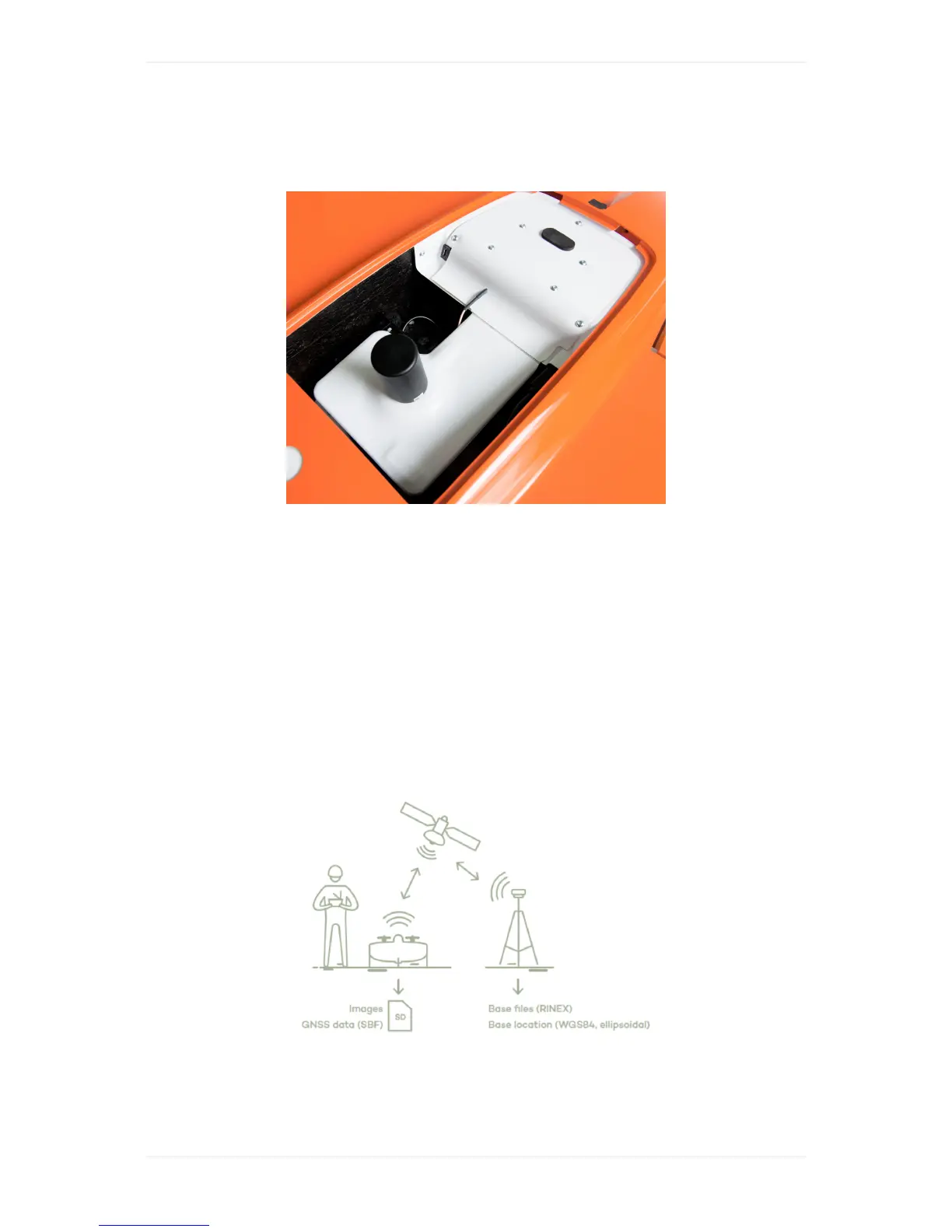
WingtraOnePPK
TheWingtraOnePPK(postprocessingkinematics)enableshigh-precisionmappingwithouttheneed
ofusingGCPs(groundcontrolpoints)tocorrectamapthatiscreatedbasedonimagescapturedby
theWingtraOne.Thesystemusescorrectiondatacollectedwithabasestationongroundtoassign
high-precisionpositioninformationtotheimagesafteryourflights.
GetStartedwithWingtraOnePPK
TogetherwithyourWingtraOnePPKunityouwillreceiveabrochure.Itguidesyouinhowtodeploy
thePPKmoduleandourPPKprocessingsoftwareWingtraHub.Furthermoreitgivesasummaryof
thePPKworkflow.Followthebrochureandperformthestepbystepsoftwaresetupbelowinorderto
setupyoursystemandlearntheworkflow.
PPKBrieflyExplained
Postprocessingkinematics(PPK)usescorrectiondataofabasestationongroundtocorrectthe
GNSSdataofWingtraOneafteryourflight.Itallowstoassigncentimeterprecisiongeotagstoyour
images.ThisgeotaggingprocesshappenswithintheWindowsWingtraHubapplicationafteryour
flight(s),typicallybackintheoffice.Youwillneedthefollowingdata:



 To Next Page