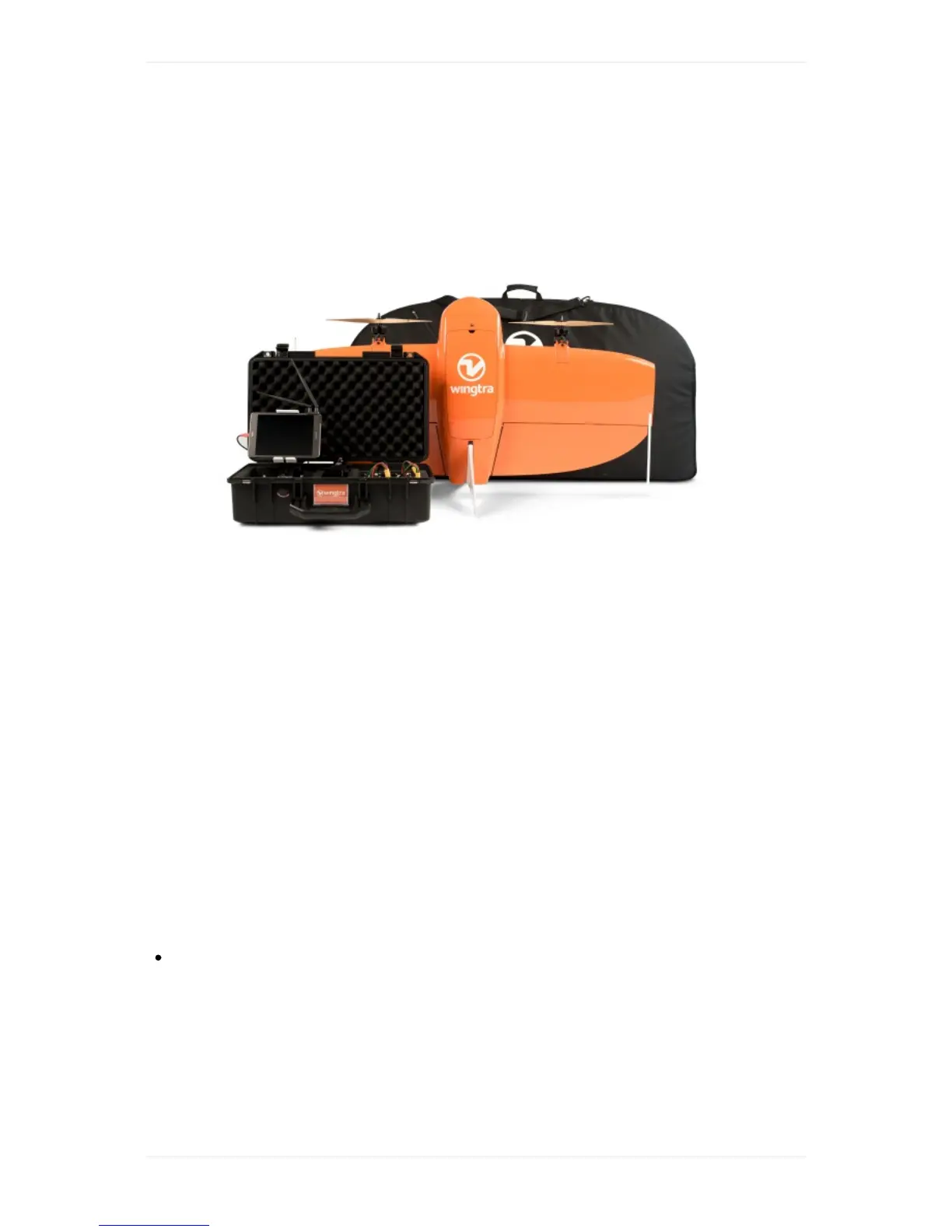
WingtraOneUserManual—Release1.8
Congratulationsandawarmthankyou!forbeingaWingtraCustomer.Wehopeyougetthebestout
ofyournewaerialdatacollectiontool!
Togetstarted,makeyourselffamiliarwiththesupportandfeedbacksetup,andhavealookatour
quickstartguide.
SupportandFeedbackSetup
Thisknowledgebaseshouldalwaysbeyourfirstpointofcontactwheremostquerieshavebeen
addressedalready.Wewantyoutoenjoythebestexperiencepossibleandwillbehappytosupport
youinthefollowingwaysaswell.
AdhocSupport
Ifyouareonthefieldandcannottake-offduetotechnicalreasons,pleasechecktheTipsandTricks
sectionbelow.Ifyourissuesarestillnotsolved,youcancallusunderthefollowingnumber,wherea
Wingtraemployeewillrespondimmediatelyduringworkinghours(8am-6pm,CET).
+41445051538(Adhocsupportonly)
GeneralSupportandFeedback
Forallquestionsthatarenottime-criticalandcannotbeansweredbythisknowledgebase,please
writeopenanewticket.Wearealsoveryhappytoreceiveemailsregardingyourfeedbackaboutour
product.
TipsandTricks



 To Next Page