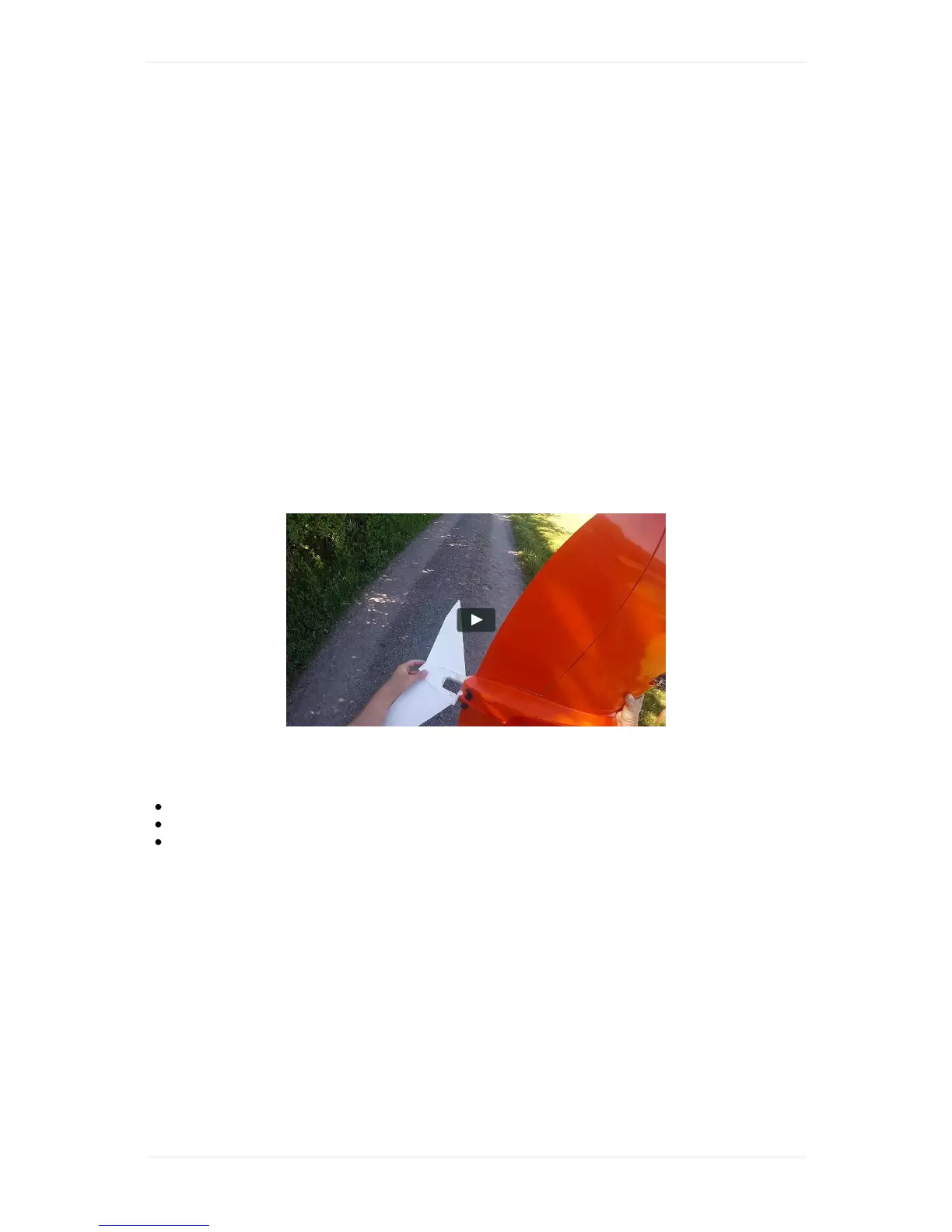
HandlingofWingtraOne
CarryWingtraOne
YoucancarrytheWingtraOneeasilyifyouholditatthewingareabetweenthepropellersandthe
batterycompartmentoratthemotormounts.
AttachanddetachMiddleStand
Themiddlestandisnotsymmetric.Makesurethattheshapeofthemidsectionofthemiddlestand
matchestheshapeoftheairframe.Themiddlestandcannotbeinsertedproperlyinthewrong
direction.
Toattachthemiddlestand,werecommendholdingWingtraOnewithonehandandturningit
vertically.Thensimplyattachthemiddlestandandsecureitwiththeelasticband.
Todetachthemiddlestand,liftWingtraOnebyholdingthetwomotormounts.TurnWingtraOne
verticallyandplaceonehandbetweentheuppermotormountandthebatterycompartment.Withthe
otherhand,removethesecurityelasticbandanddetachthemiddlestand.
PoweronWingtraOne
Openbatterycompartmentandinsertbatteries
Pluginthesmallblackmicro-USBsignalport
PoweronWingtraOnebyconnectingtheyellowports,thecablesneedafirmpush.
MakeWingtraOneReady-to-Fly
WingtraOneisequippedwithasingleLED-button—theReady-to-Flybutton—whichneedstobe
pressedinthepreflightprocedure.Beforepressingthebutton,nosignalsaresenttothemotorsand
flaps.
Afterpoweringon,WingtraOneentersaneutralstate(notready-to-fly),whichisindicatedbyaslowly
blinkingReady-to-Flybutton(------).Bypressingthebutton,youputWingtraOneintoReady-to-Fly
state,indicatedbyadoubleblinkingLED(--------).
WhenWingtraOneenterstheReady-to-Flystate,itrunsaroutinethatchecksthefunctionalityofboth
flapsbymovingthembackandforth,endinginasteadyflapdeflection.Itthenstartsaprocessto
checkthefunctionalityofthecamerabycapturingsometestpictures.Forfurtherdetails,seethe
preflightchecklistchapter.



 To Next Page