ProcessWingtraOneimageswithPix4D
ToprocessaprojectwithPix4dmapperpleasefollowthestepbystepinstructions.Youmayusethe
PPKtutorialdataforasampleproject
GeneralRecommendations
WingtraOnedatasetsinparticularfromWingtraOneRX1canbeverylarge.Pleasemakesureto
haveenoughcomputingresourcesavailable.
Werecommend>=32GBRAM,>6coreandenoughhighspeedSSDstorage.Forcomplete
specificationspleaserefertothepix4dsupportpage.
Speedyprocessingcanbedoneinthepix4dcloud.Pleasenotethatforprocessingwiththe
correctimagecoordinatesystemofWingtraOnePPKdataandcustomprojectsettingslikeGCPs
orspecialoutputformatsyoucannotusethePix4dclouddirectlybutyouhavetosetupthe
projectusingthedesktopversionanduploadtheprojectfromwithinPix4dmapperPro.
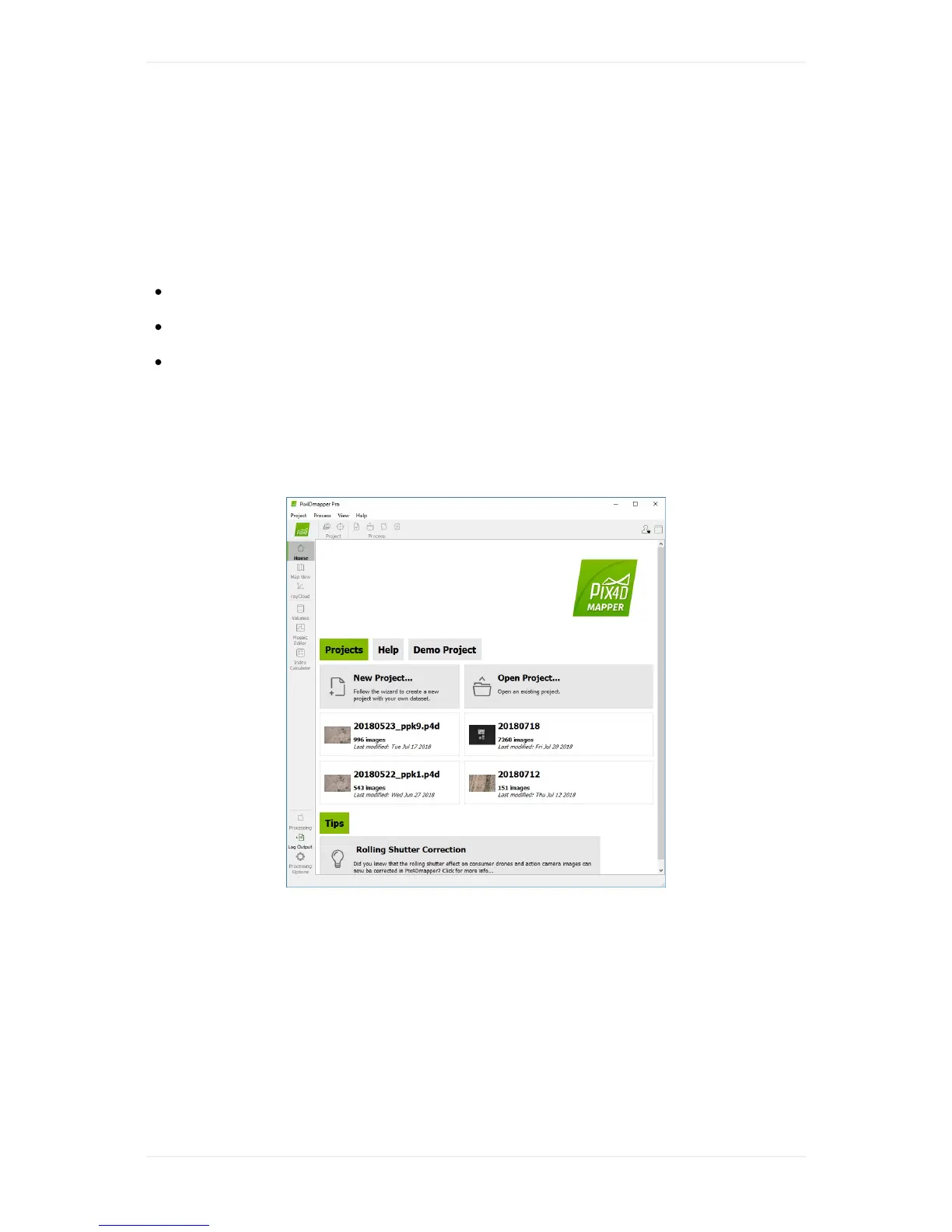
Step1-OpenPix4dmapperandcreateanewproject
Step2-Selectimages
Clickselectimagesorselectdirectoriestoaddeitherspecificimagesorallimagesinsideonefolder.
BrowsetotheOUTPUTfolderofyourWingtraPilotProject.Youmayaddimagesofmultipleprojects
byaddingthemsubsequently.



 To Next Page