Billing Meter/Print Report
379
Machine Status
12
1
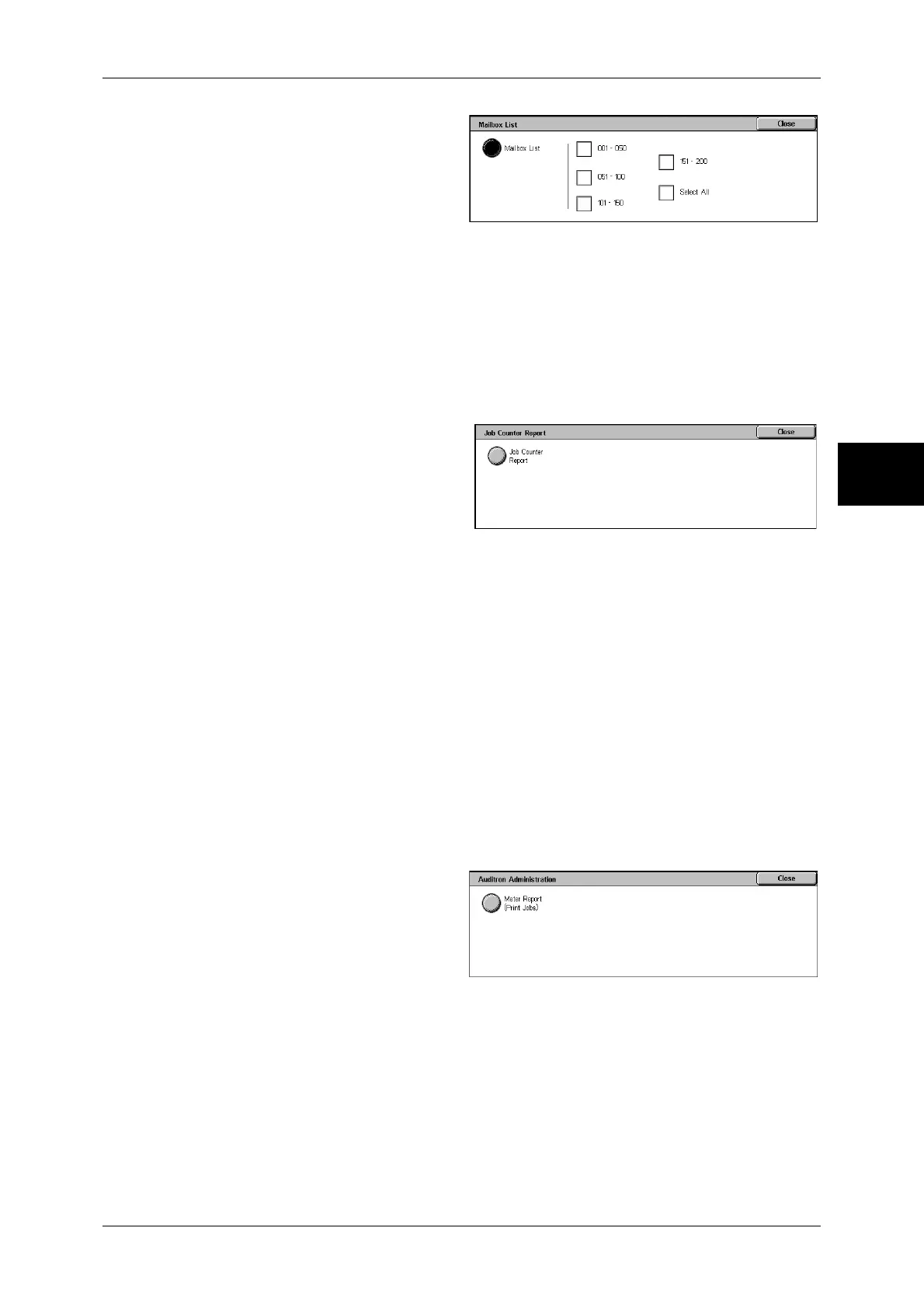
Select [Mailbox List].
Note • To display the [Mailbox List]
screen, select the <Machine
Status> button, and then
select [Billing Meter/Print
Report] > [Print Report/List] >
[Mailbox List].
2
Select a range of mailbox numbers to be printed.
3
Press the <Start> button.
Job Counter Report
Prints the counter report for each feature.
Note • [Job Counter Report] appears when [User Mode] is selected in the System Administration
mode.
1
Select [Job Counter Report].
Note • To display the [Job Counter
Report] screen, select the
<Machine Status> button, and
then select [Billing Meter/Print
Report] > [Print Report/List] >
[Job Counter Report].
2
Select [Job Counter Report].
3
Press the <Start> button.
Auditron Administration
You can print an auditron report by user. Note that the content on the screen differs
depending on whether the Auditron Administration feature is enabled.
Note • [Auditron Administration] appears when [User Mode] is selected in the System
Administration mode.
When the Auditron Administration feature of each service is set to [Off]
When the Auditron Administration feature of each service is set to [Off], the following
screen appears, allowing you to print a printer meter report.
For information on enabling the Auditron Administration feature for each service, refer to "Auditron
Mode" (P.347).
1
Select [Auditron Administration].
Note • To display the [Auditron
Administration] screen, select
the <Machine Status> button,
and then select [Billing Meter/
Print Report] > [Print Report/
List] > [Auditron
Administration].
2
Select [Meter Report (Print Jobs)].
3
Press the <Start> button.
Meter Report (Print Jobs)
You can check the total printed pages and the total sheets used for each client (job
owner). [Meter Report (Print Jobs)] counts pages from the time at which the data has
been initialized.


 To Next Page
 Loading...






