Specifying Print Settings18
Quality
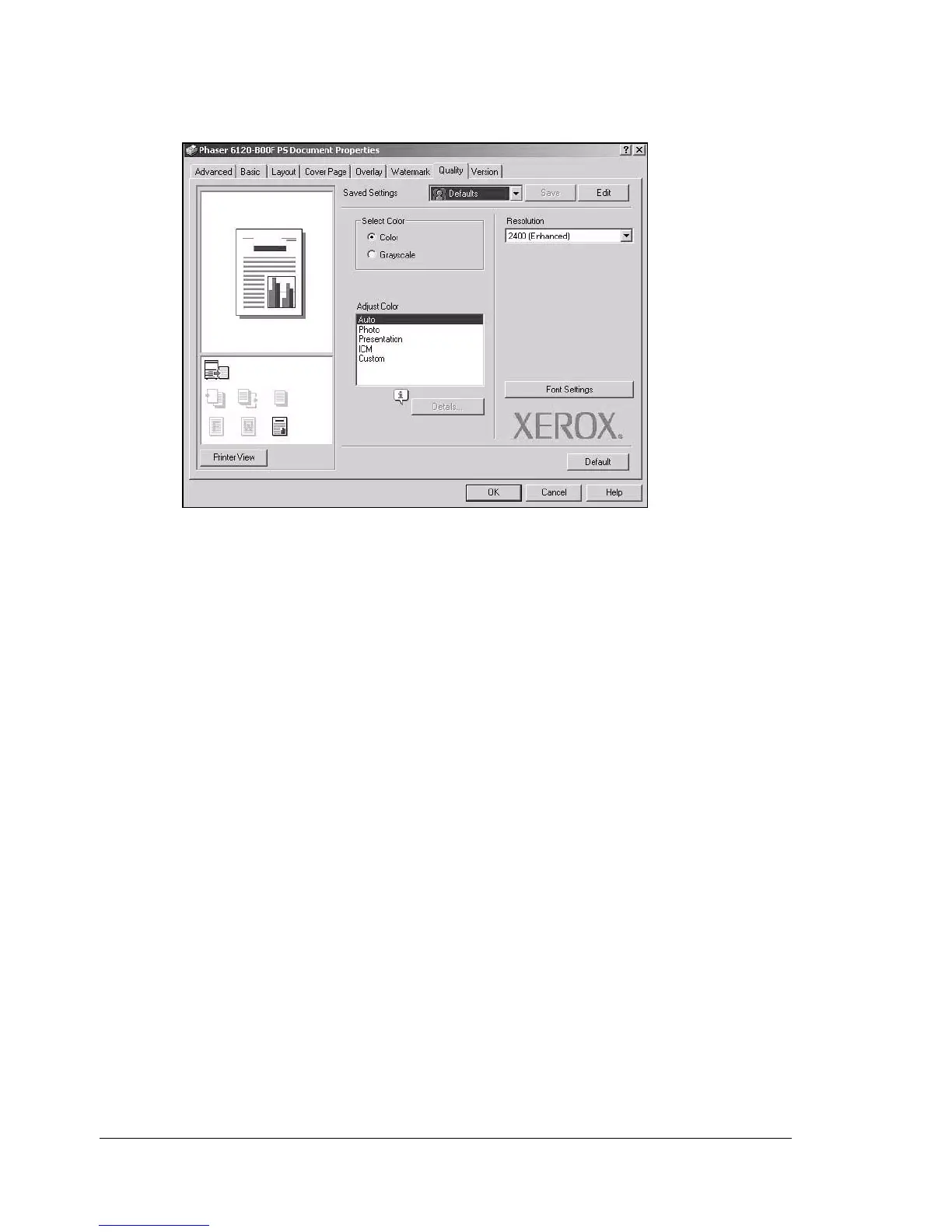
The Quality tab contains options for print quality settings.
Saved Settings
Enables you to create and edit customized driver settings. You can then
adjust the printer settings by selecting the desired name from the Saved
Settings list.
Select Color
Allows you to select color or grayscale.
Resolution
Allows you to select the resolution to be used when printing a document.
Adjust Color
Allows you to select the printer color settings.


 To Next Page
 Loading...













