Troubleshooting
240 WorkCentre 6605 Color Multifunction Printer
User Guide
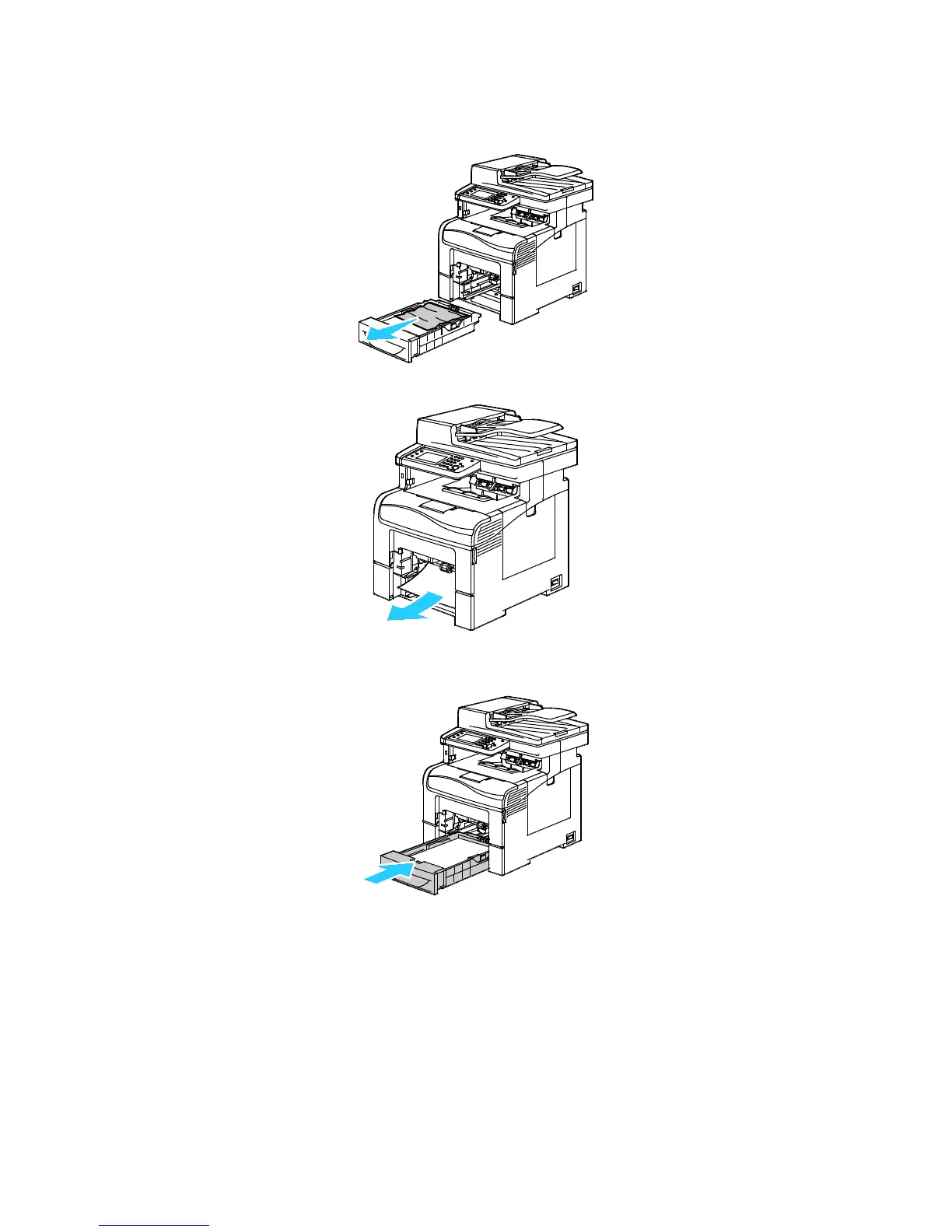
4. To remove the tray, lift the front of it slightly, then pull it out of the printer.
5. Remove the jammed paper.
6. At the back of the paper tray, press the paper lift tray down until it locks.
7. Insert Tray 1 into the printer, then push it all the way in.
Notes:
• If the tray does not go all the way in, ensure that the paper lift at the back of the tray is
locked down.
• If the tray is extended for legal size paper, the tray protrudes when it is inserted into the
printer.


 To Next Page
 Loading...