8-22 IM 760301-01E
Explanation
• Recalling the Data
You can recall and display the stored numeric data or waveform display data.
There is a one-to-one relationship between the store count number (see section 8.2)
and the Recall No. If you wish to recall the first stored data, for example, set Recall
No. to 1. The Recall No. and store count are also displayed at the upper left corner of
the screen. For example, the information is displayed as “Recall 3/100.” In this
example, the Recall No. is 3, and the store count is 100. If there is no stored data, the
store count is 0.
Note
Only the data stored in the internal memory can be recalled.
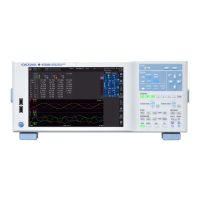
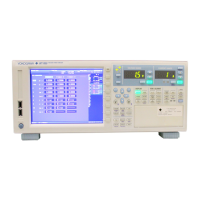
• Display Related to Recall
Recall No./store count
Date/time of storage
Normal Data
Data stored in normal
measurement mode
Wide-Band Hrm Data
Data stored in wide
bandwidth harmonic
measurement mode
• Initializing (Clearing) the Internal Memory
To start the storage operation again, you must clear the internal memory.
8.6 Recalling the Stored Data


 To Next Page
 Loading...