ZEISS 7 Troubleshooting | 7.2 Column
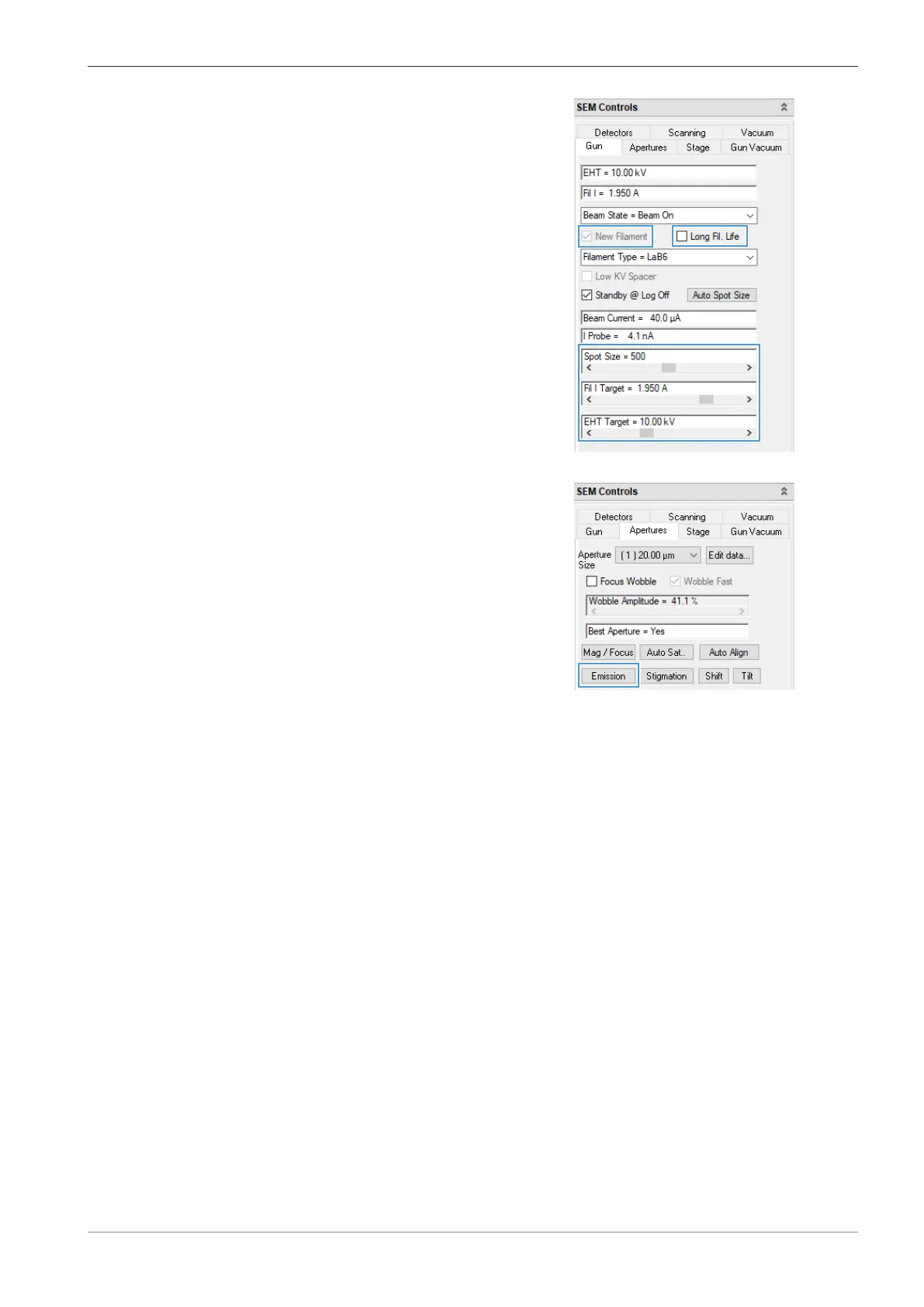
7. Check that New Filament is activated.
8. In the Apertures tab of the SEM Controls panel, click Emission.
à
The Emission button changes to Normal.
9 The filament starts running up.
INFO: If you start up a new filament for the first couple of times, then the start-up may take a
bit of time. This is intended and does minimize damage to the new filament due to thermal
shock.
7.2.2.5.2 Aligning the Emission Image
To achieve an optimal alignment of the beam, you need to align the emission image to the center
of the image area.
Prerequisite
ü
The filament is started up.
Procedure
1. Switch on the crosshairs via Menu Bar > View > Crosshairs.
2. In the SEM Controls panel, select the Gun tab.
Instruction Manual ZEISS EVO | en-US | Rev. 10 | 354706-0780-006 145



 To Next Page