Protected terminals | 160
Configuring the terminals for MHSB
It is recommended that you configure the local and remote A side first, then the local and remote B
side. Both the local A and B radios must be configured identically, and both the remote A and B radios
must be configured identically.
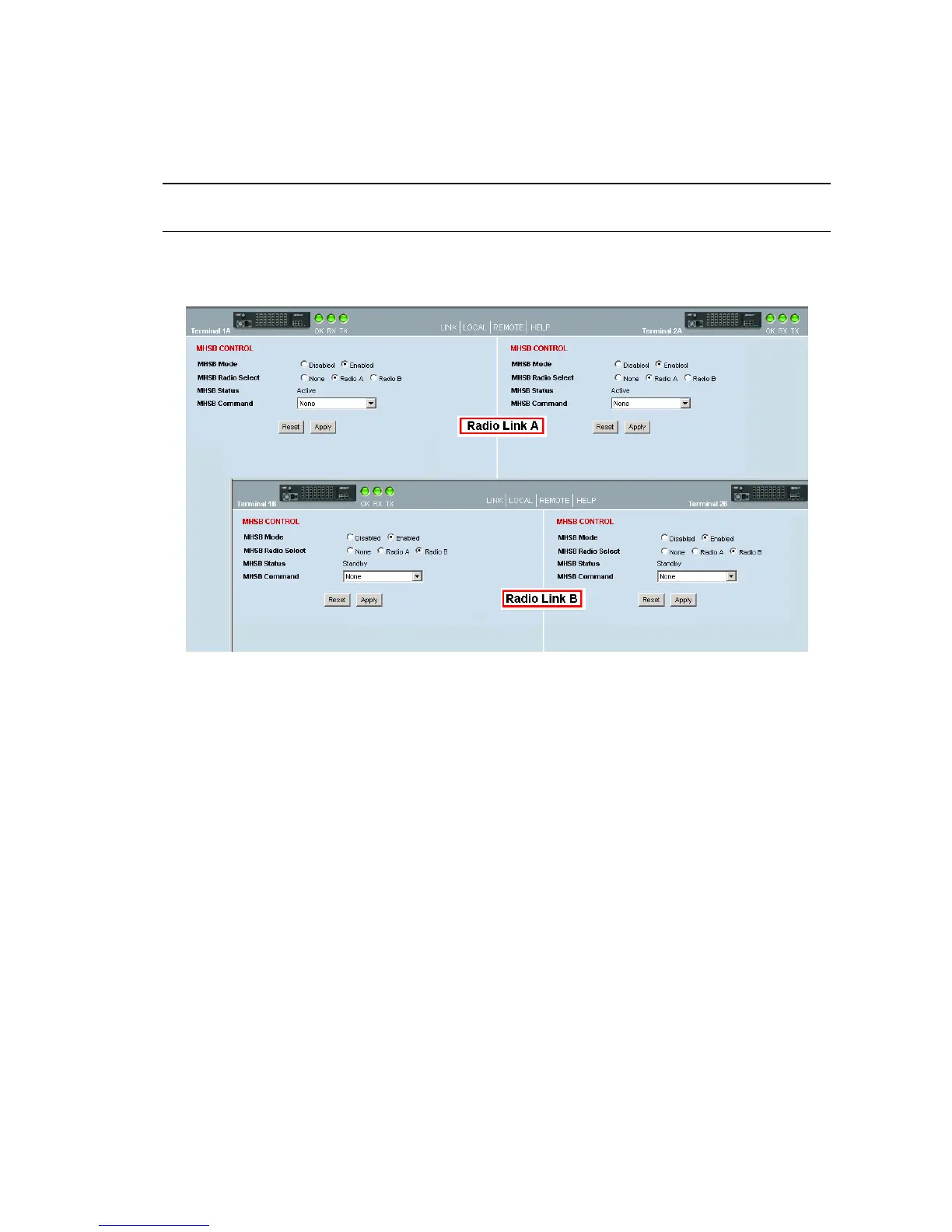
Tip: As illustrated below, you may find it helpful to have two browser sessions running simultaneously.
You can then easily see both the A and B sides of the protected link.
To configure MHSB operation:
1. Select Link > Maintenance > MHSB.
2. Enable MHSB mode.
3. Select whether the radio is A or B.
Ensure that the radio connected to the A side of the protection switch (normally above the MHSB
switch) is set to Radio A and the radio connected to the B side of the protection switch (normally
below the MHSB switch) is set to Radio B.
In the event of a power outage, the radios will switch over to the A side of the protection switch
when the power is restored. The A side is also the default active side.
4. When you have made your changes, click Apply to apply changes or Reset to restore the previous
configuration.
5. Repeat steps 2 to 4 for the other side of the protected link.



 To Next Page