Protected terminals | 161
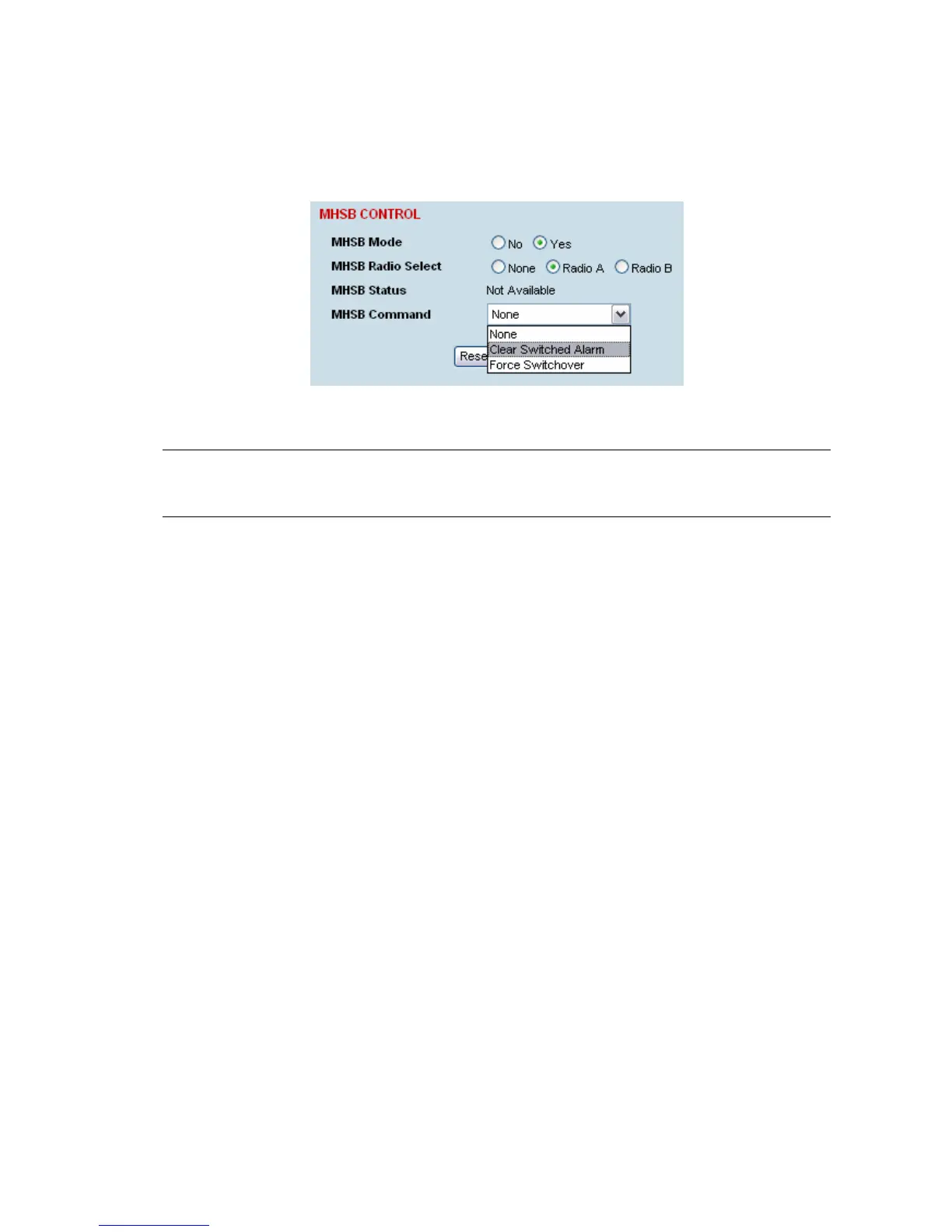
Clearing MHSB alarms
If a switchover event occurs, the OK LED on the front panel and on the Terminal status and menu bar
in SuperVisor changes to orange.
1. Select Clear Switched Alarm from the MHSB Command drop-down list.
2. Click Apply to apply changes or Reset to reset the page.
Note: When MHSB mode is enabled, external alarm input 2 is used by the protection system to carry
alarms from the protection switch to the radio. In MHSB mode, therefore, only external alarm input 1 is
available for user alarms.



 To Next Page