Connecting to the terminal | 40
Configure the PC COM port settings
Terminal emulation software e.g. HyperTerminal is used to setup the basic configuration of a terminal.
The PC's COM port settings must be setup as follows:
Bits per second 115200
Data bits 8
Parity None
Stop bits 1
Flow Control None
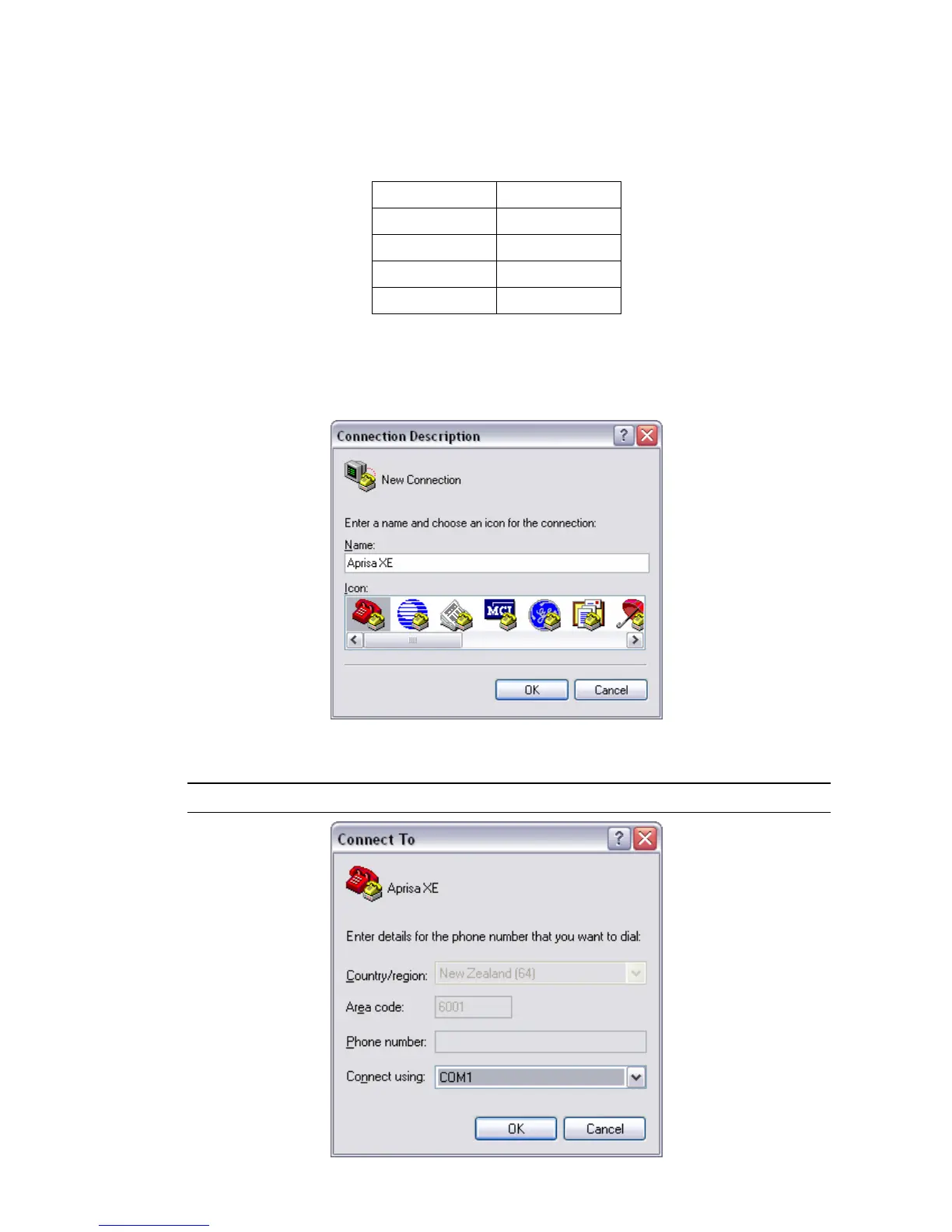
Start a HyperTerminal session
1. On the PC, select Start > Programs > Accessories > Communications > HyperTerminal.
2. Enter a name for the connection and click OK.
3. Select the designated COM Port from the Connect Using drop-down box. Ensure it is the same
COM port that you configured earlier on your PC. Click OK.
Note: The Country/region, Area code, and Phone number information will appear automatically.



 To Next Page