Connecting to the terminal | 45
To change the PC connection type:
If your PC has previously been used with Dial-up connections, you may need to change your PC
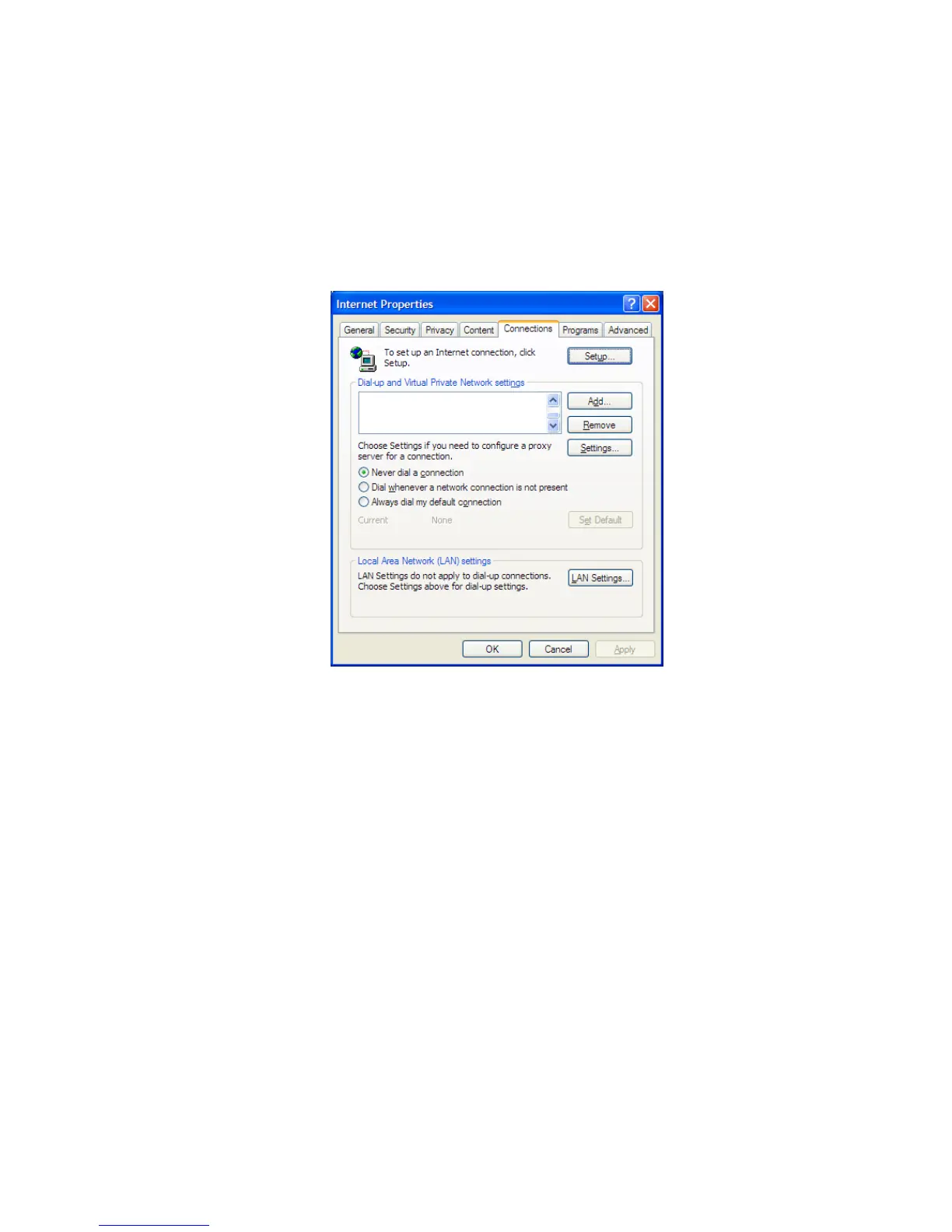
Internet Connection setting to 'Never dial a connection'.
Windows XP example: Configure Windows to Never Dial a Connection
1. Open the 'Control Panel'.
2. Open 'Internet Options' and click on the 'Connections' tab.
3. Click the 'Never dial a connection' option.
4. Click 'OK' then close the Control Panel.



 To Next Page