Connecting to the terminal | 46
To change the PC pop-up status:
Some functions within SuperVisor require Pop-ups enabled e.g. saving a MIB
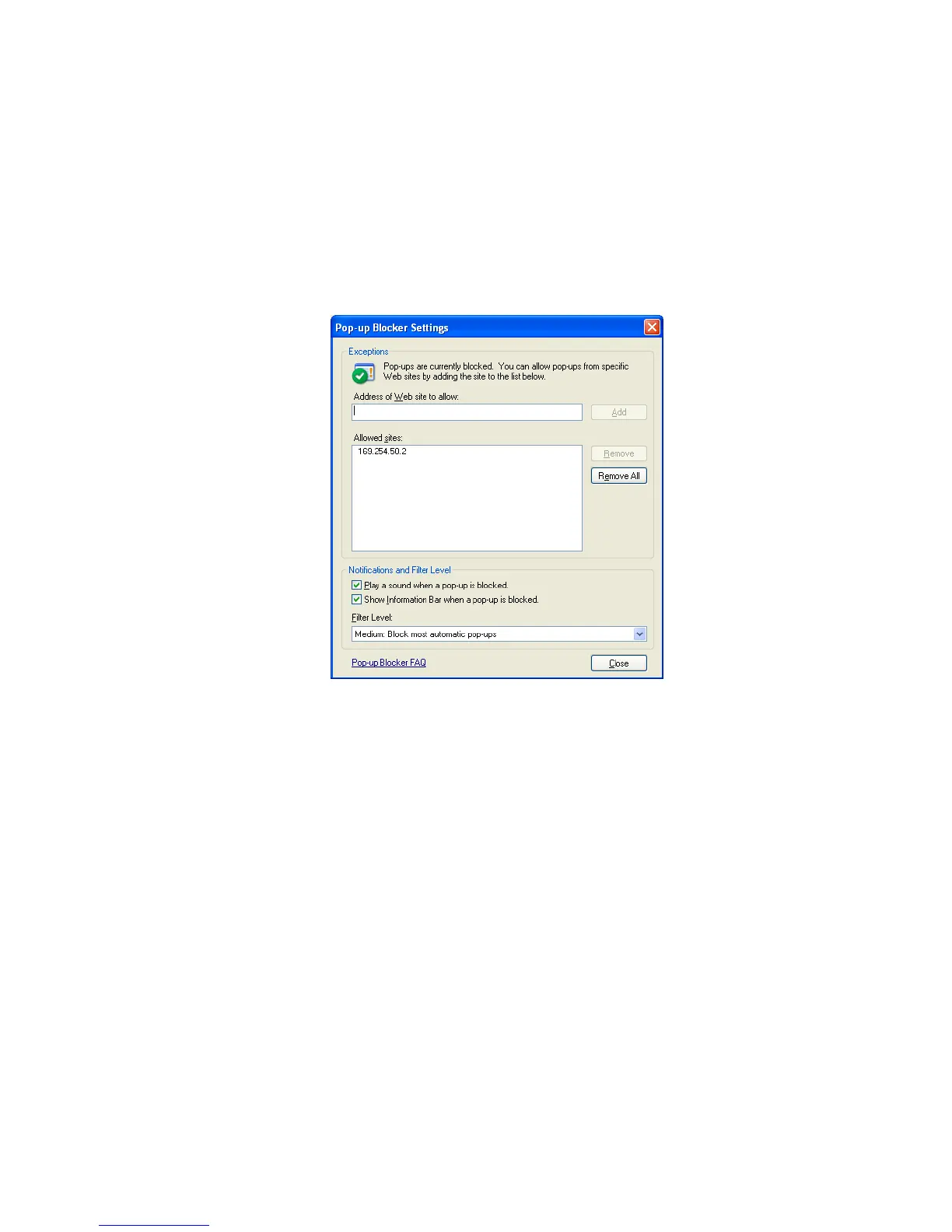
Windows XP example: Configure explorer to enable Pop-ups
1. Open the 'Control Panel'.
2. Open 'Internet Options' and click on the 'Privacy' tab.
3. Click on 'Settings'.
4. Set the 'Address of Web site to allow' to the terminal address or set the 'Filter Level' to 'Low: Allow
Pop-ups from secure sites' and close the window.
5. Click 'OK' then close the Control Panel.



 To Next Page